How to Track "Member Pay" Usage in the GRUBBRR Portal
Last updated: August 8, 2026
I use Member Pay for my employees; is there a way to see how people are using their accounts over time?

If you're using Member Pay at your locations, the GRUBBRR Portal can help you track how often your team is actively using their benefits. These transactions are recorded in a special "Member Sales" report, which you can access from the Company and Location levels of the portal.
In this guide, we'll show you how to pull up these reports at the location level.
Go to portal.grubbrr.com
1. Click "Reports"
Access the Reports section.

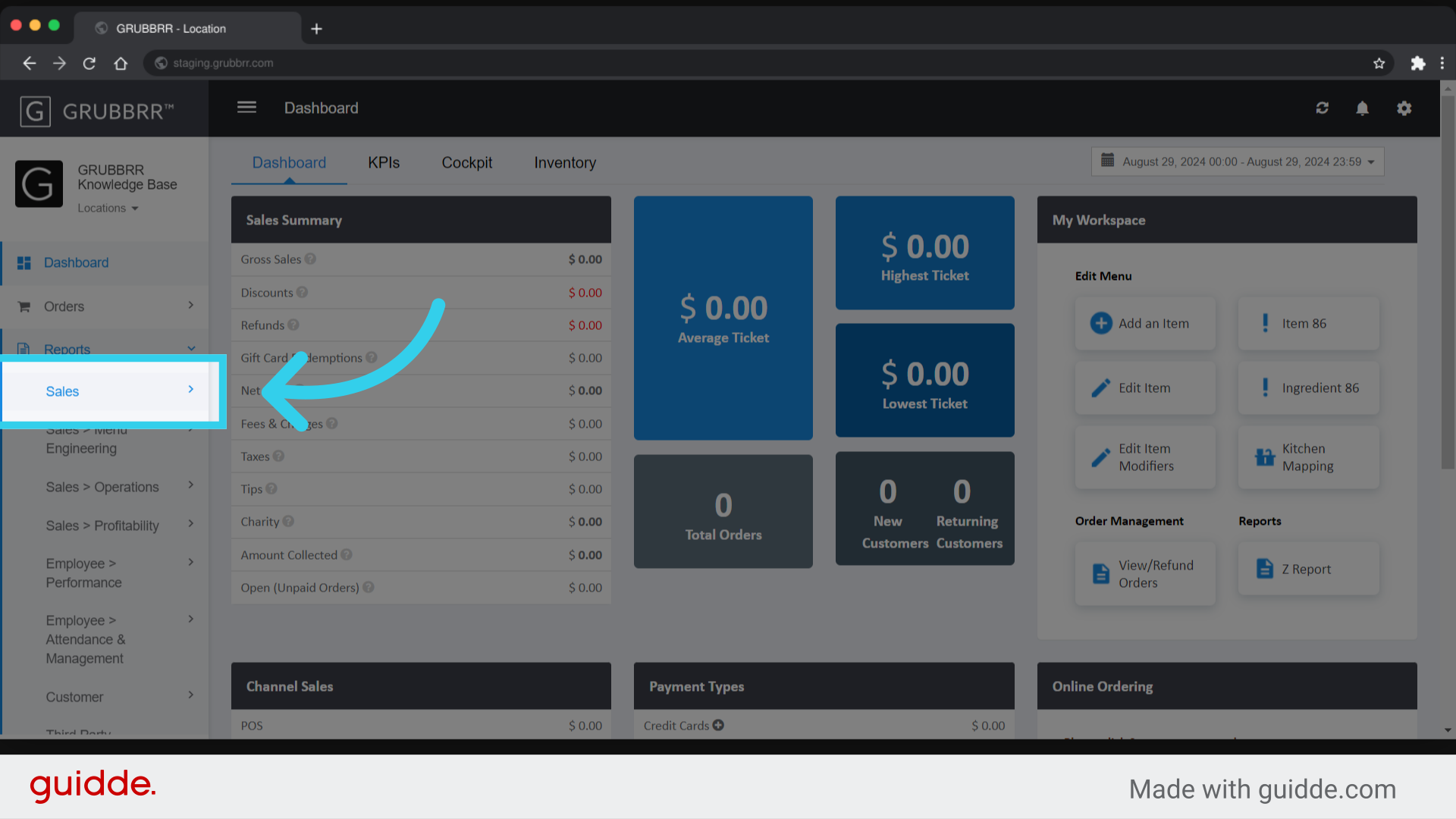
2. Click "Sales"
3. Click "Member Sales"

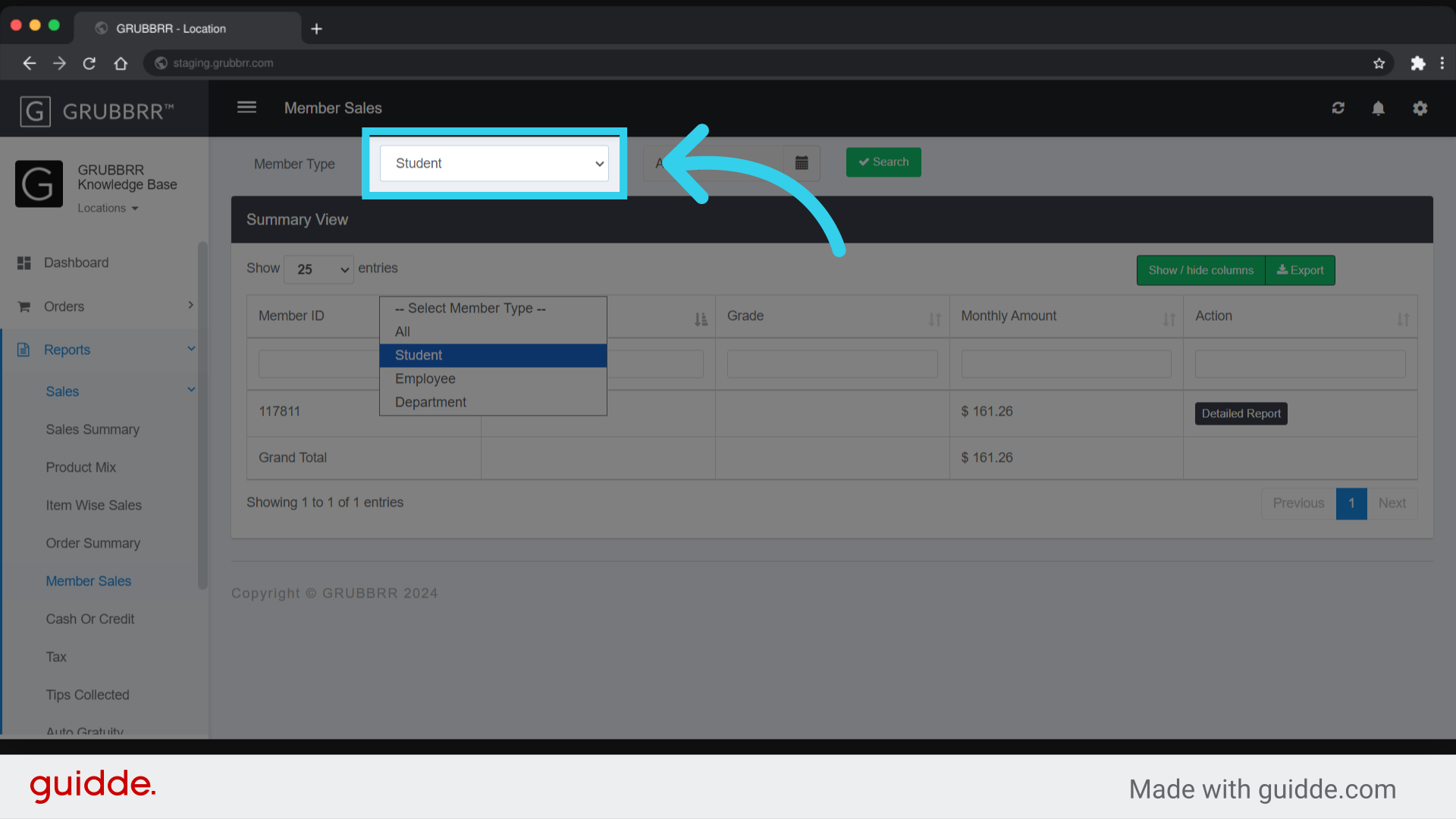
4. If desired, filter results by Member Type here
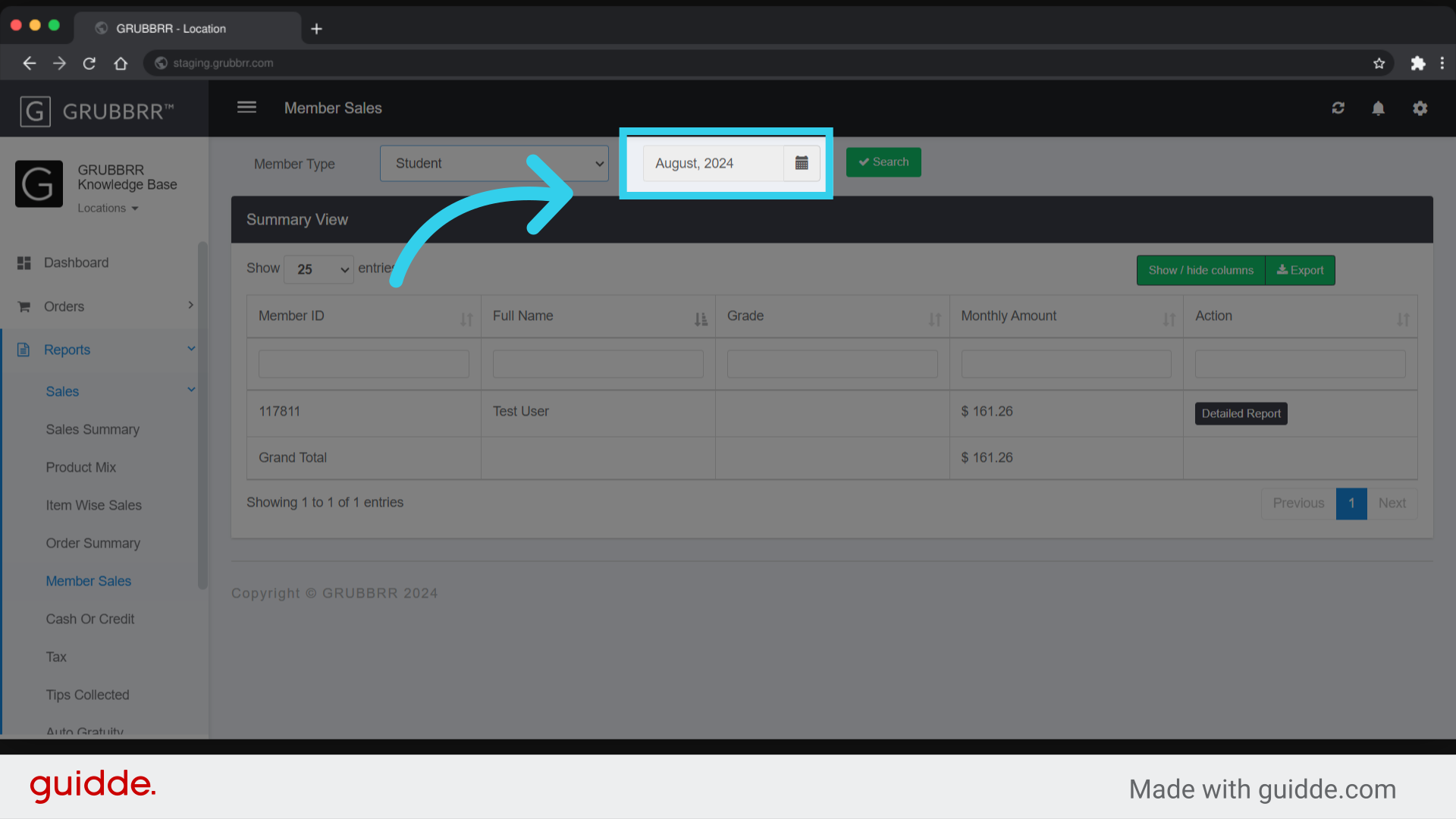
5. Click here to filter by date
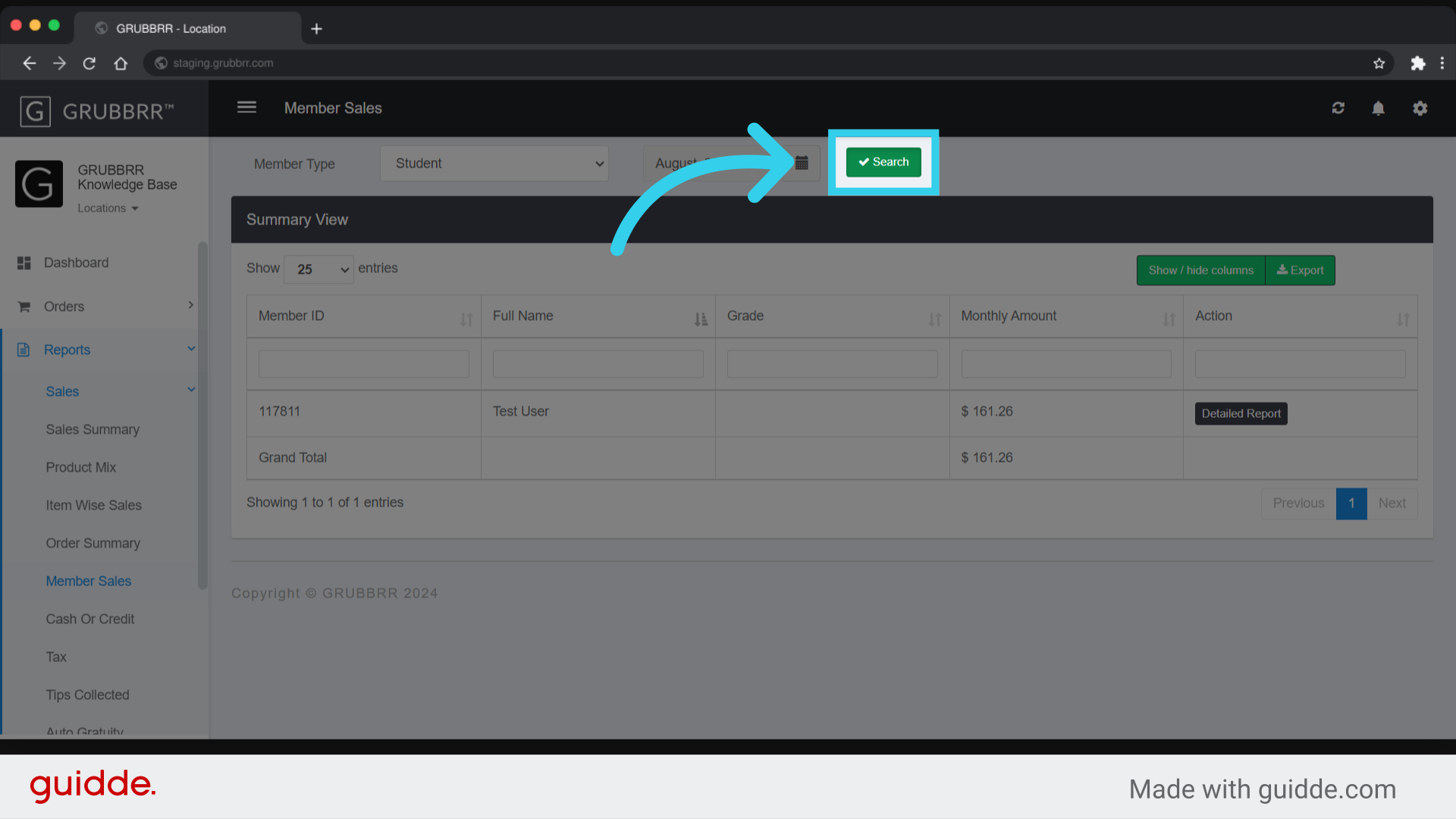
6. Click "Search" to view the results