How to Enable Loyalty Redemption on your Kiosks through the GRUBBRR Portal
Last updated: August 8, 2026
How do we allow customers to redeem Loyalty rewards on the Kiosk?
Before your customers can redeem loyalty rewards on your GRUBBRR Kiosk, we first need to enable the loyalty redemption features on your Kiosks at the location level. This feature should be set up for a location before go-live; however, you can verify that this flag is enabled or reactivate it by following the steps below.
Go to portal.grubbrr.com
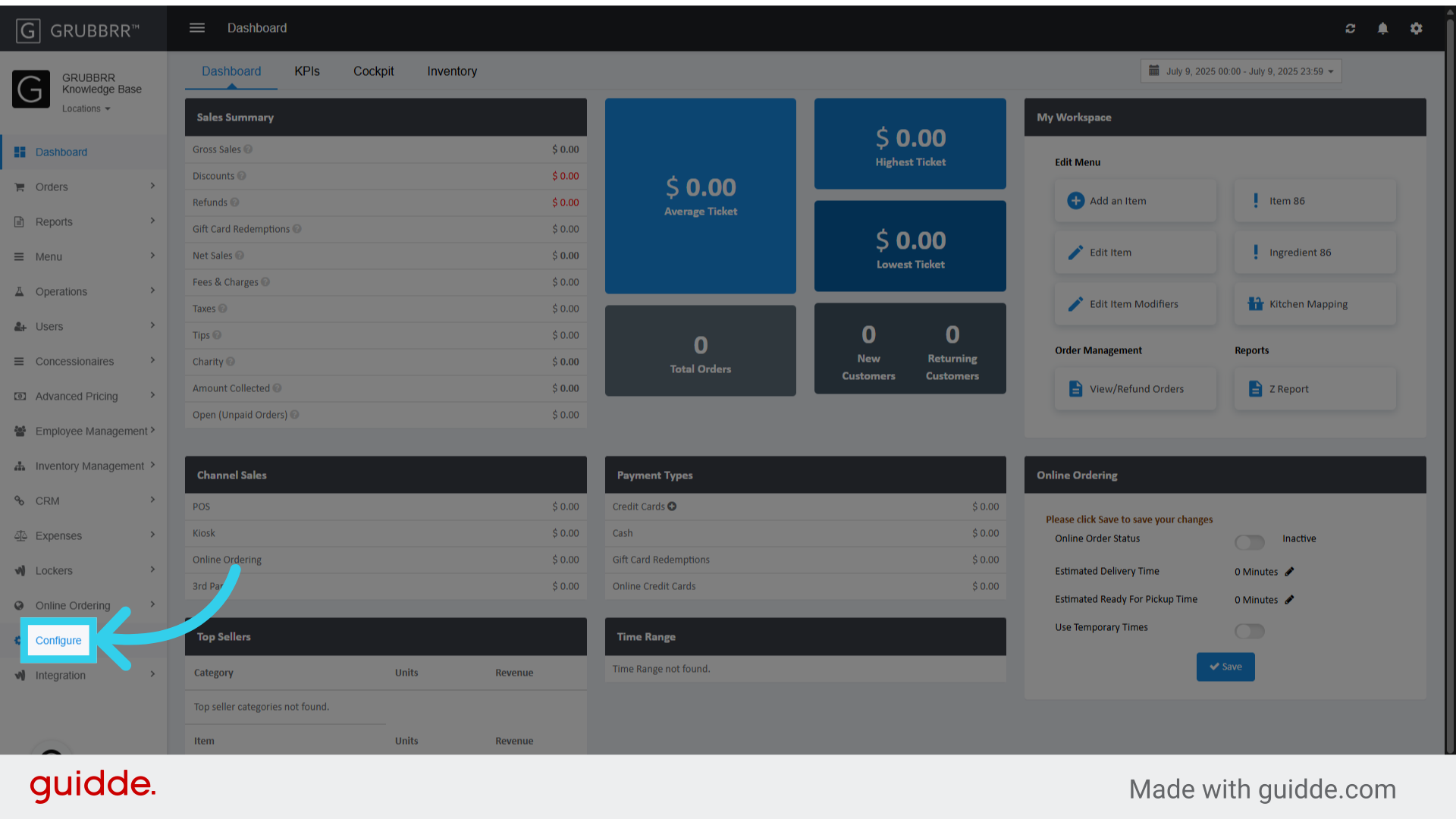
1. Click "Configure"
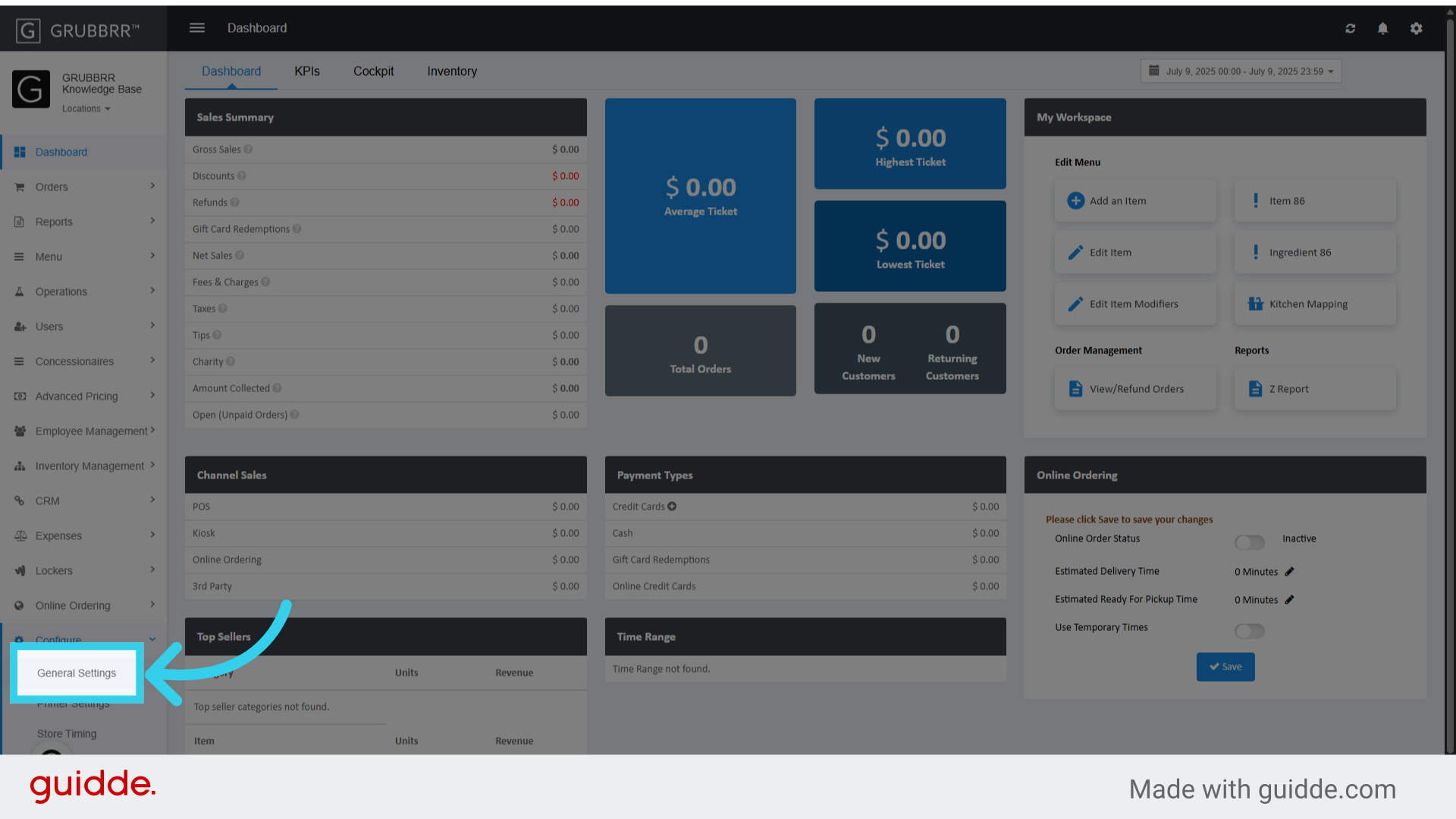
2. Click "General Settings"
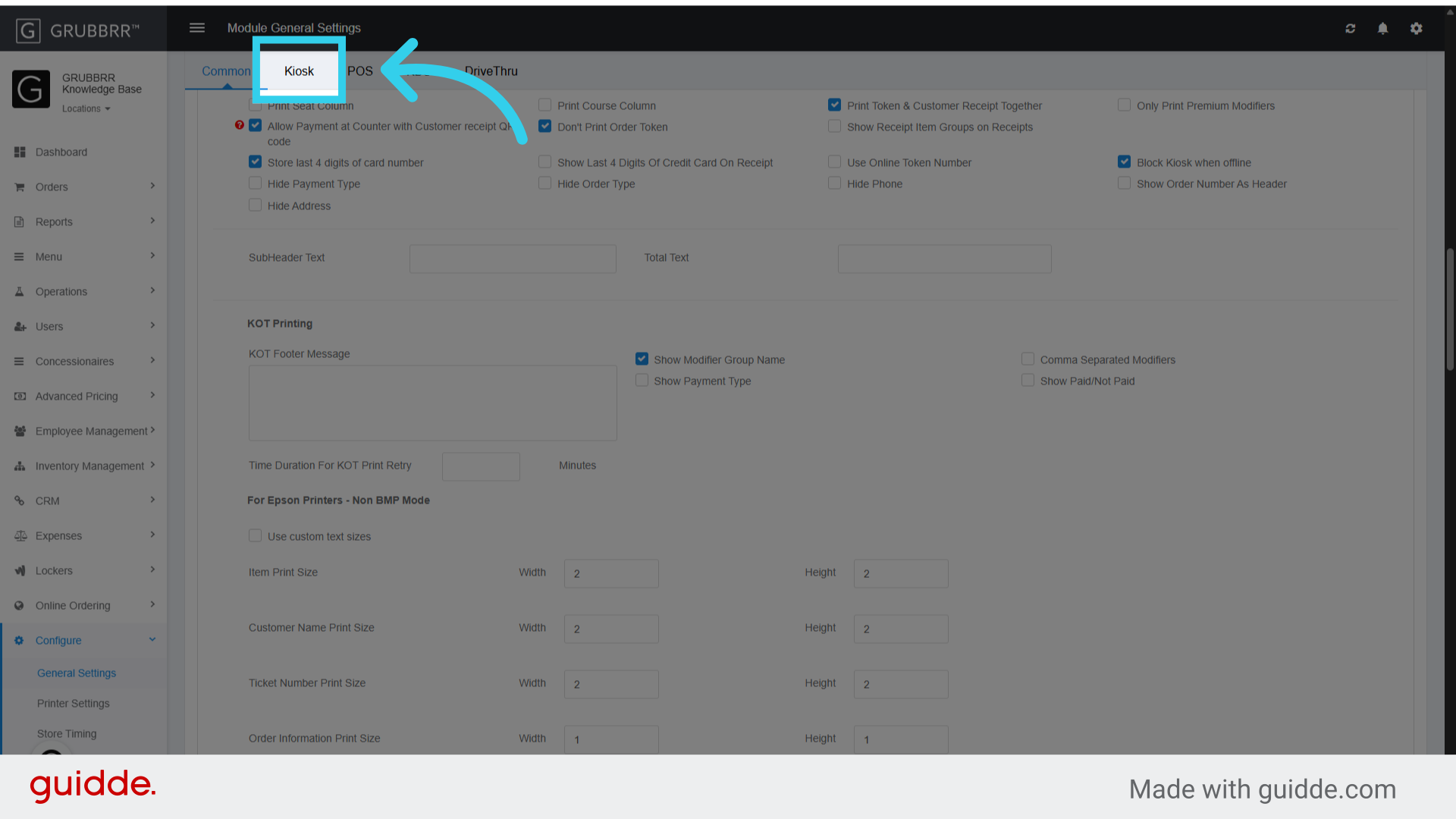
3. Click "Kiosk"
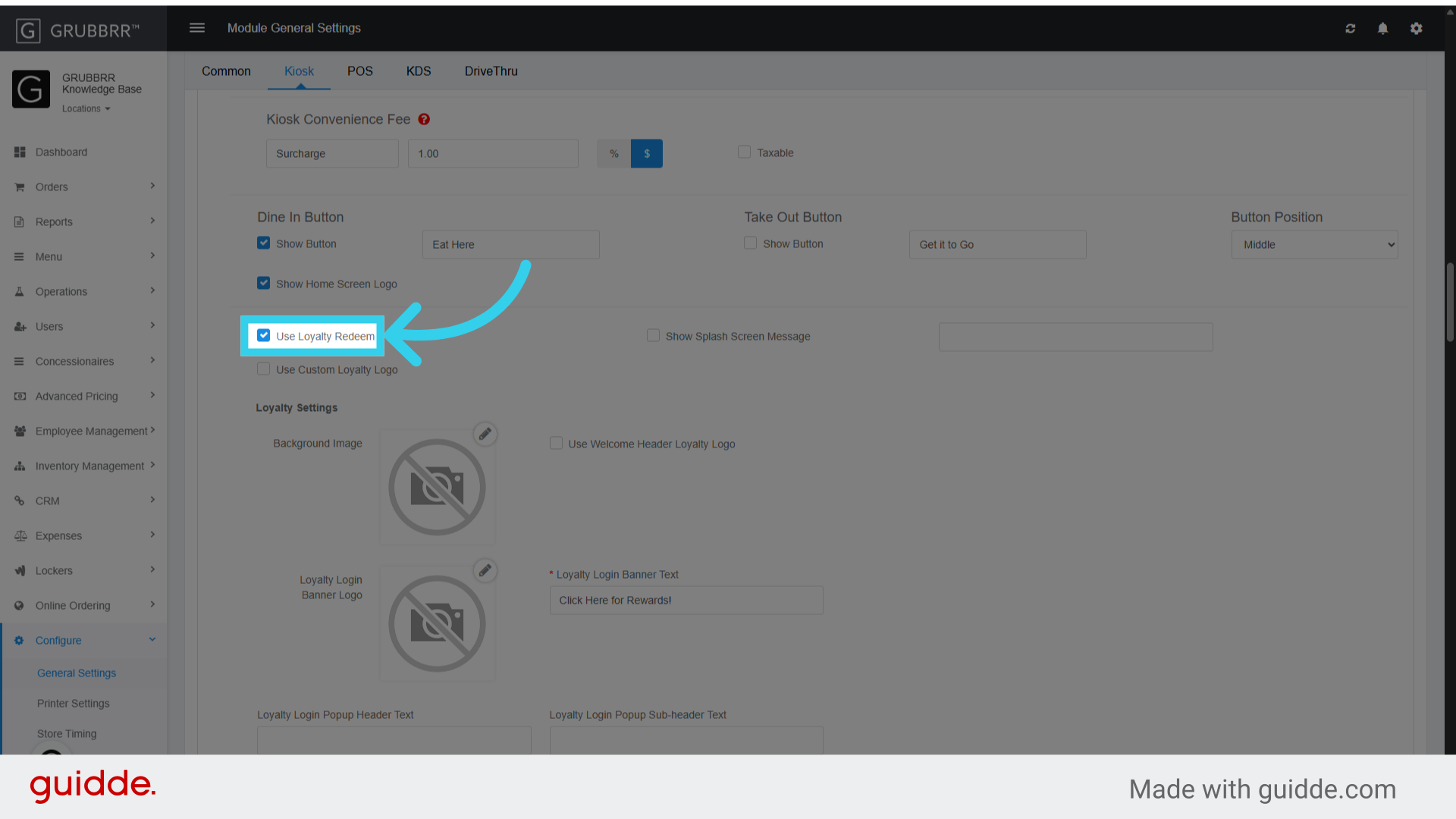
4. Make sure the "Use Loyalty Redeem" flag is turned on
5. Click "Save"

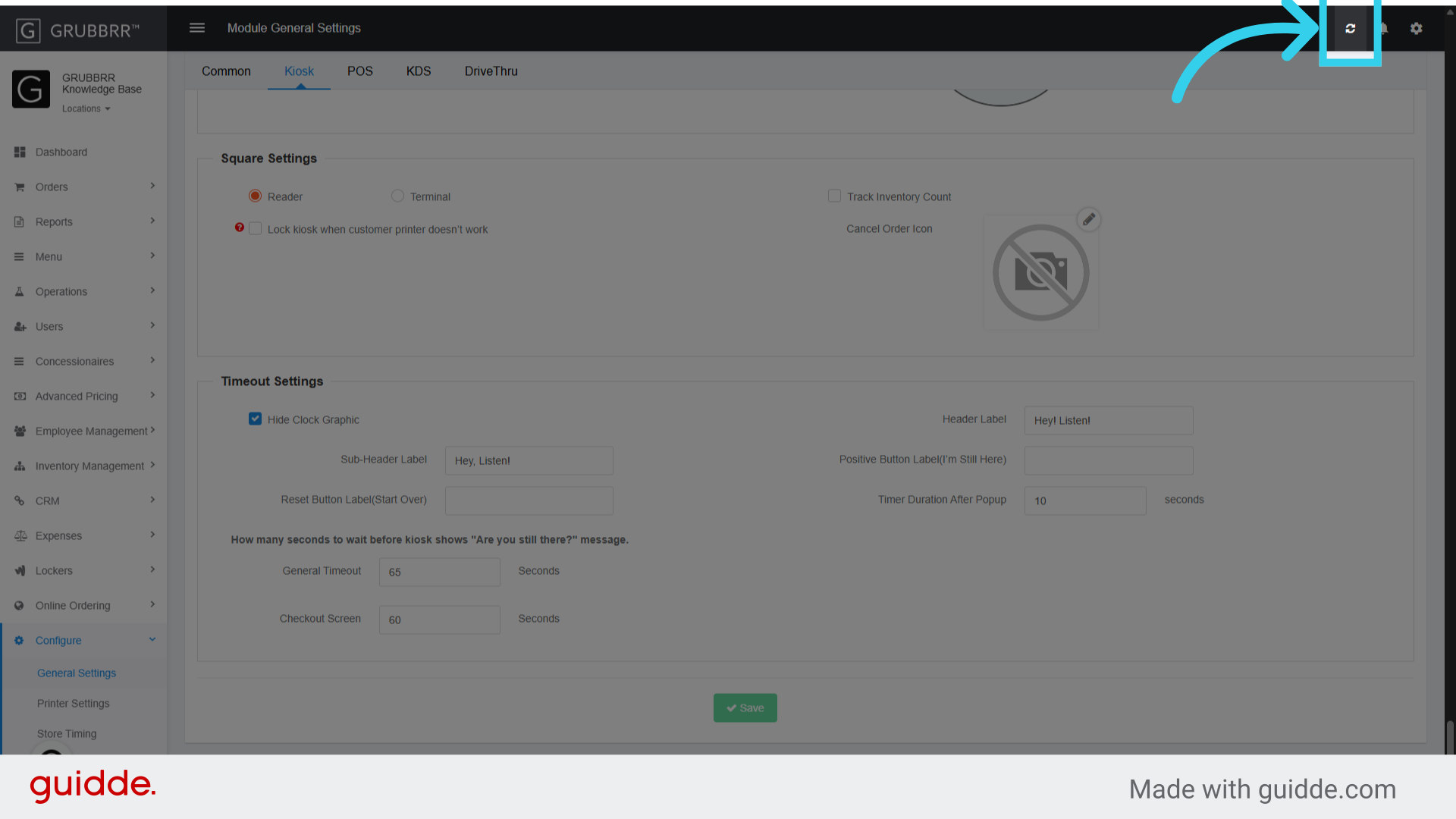
6. Click here