Printing Additional QR Table Codes in the GRUBBRR Portal
Last updated: August 8, 2026
How do I print extra QR Codes for my tables if they are damaged or lost?

GRUBBRR partners using our HMS Host middleware integration and QR-powered tabletop ordering can download additional QR codes for their location through the "Operations" section of the GRUBBRR Portal. Please remember, these QR codes are location and table specific, so it's very important to keep accurate track of where QR codes are assigned when printing additional materials for your location!
Go to portal.grubbrr.com
1. Click "Operations"
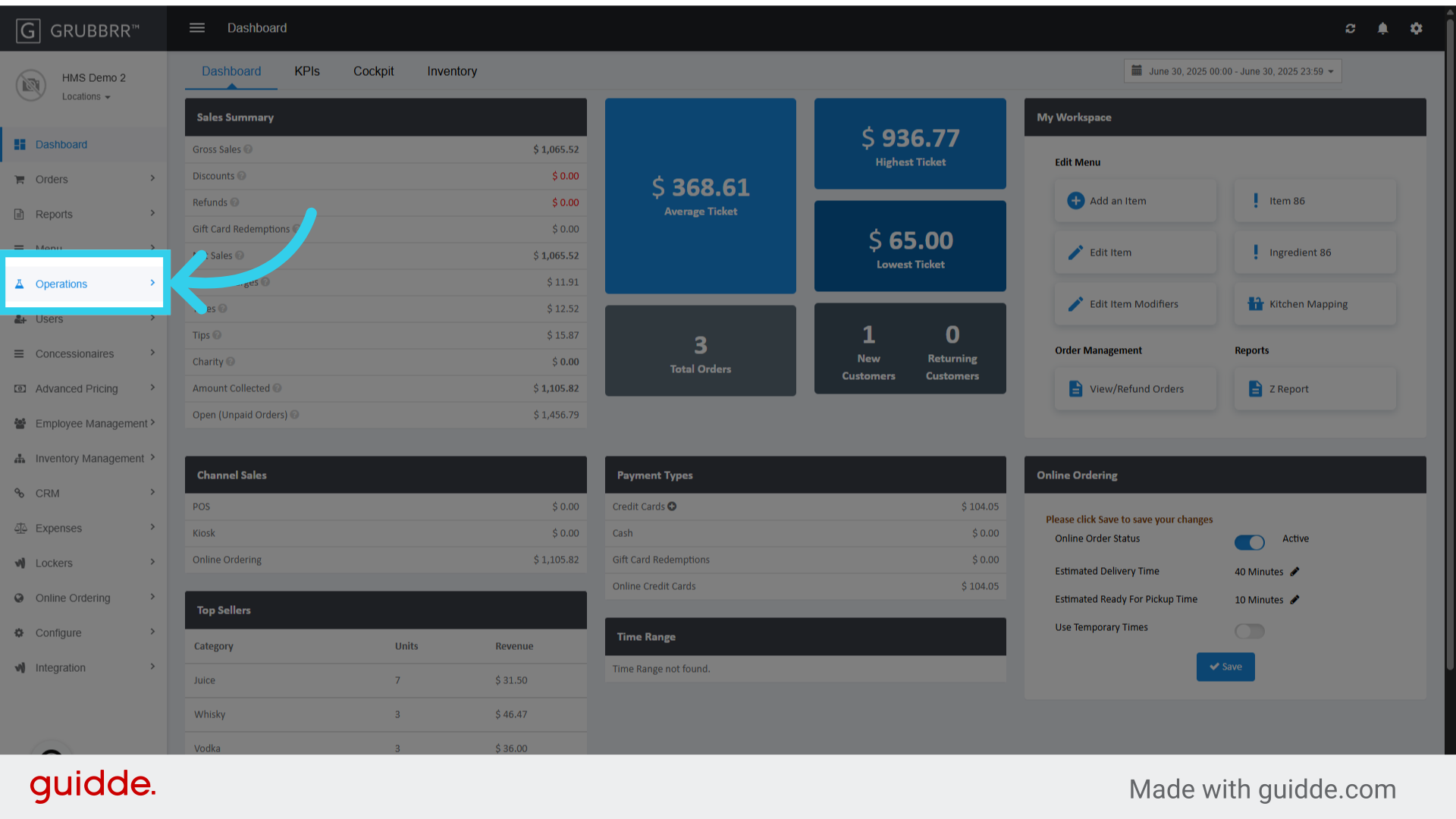
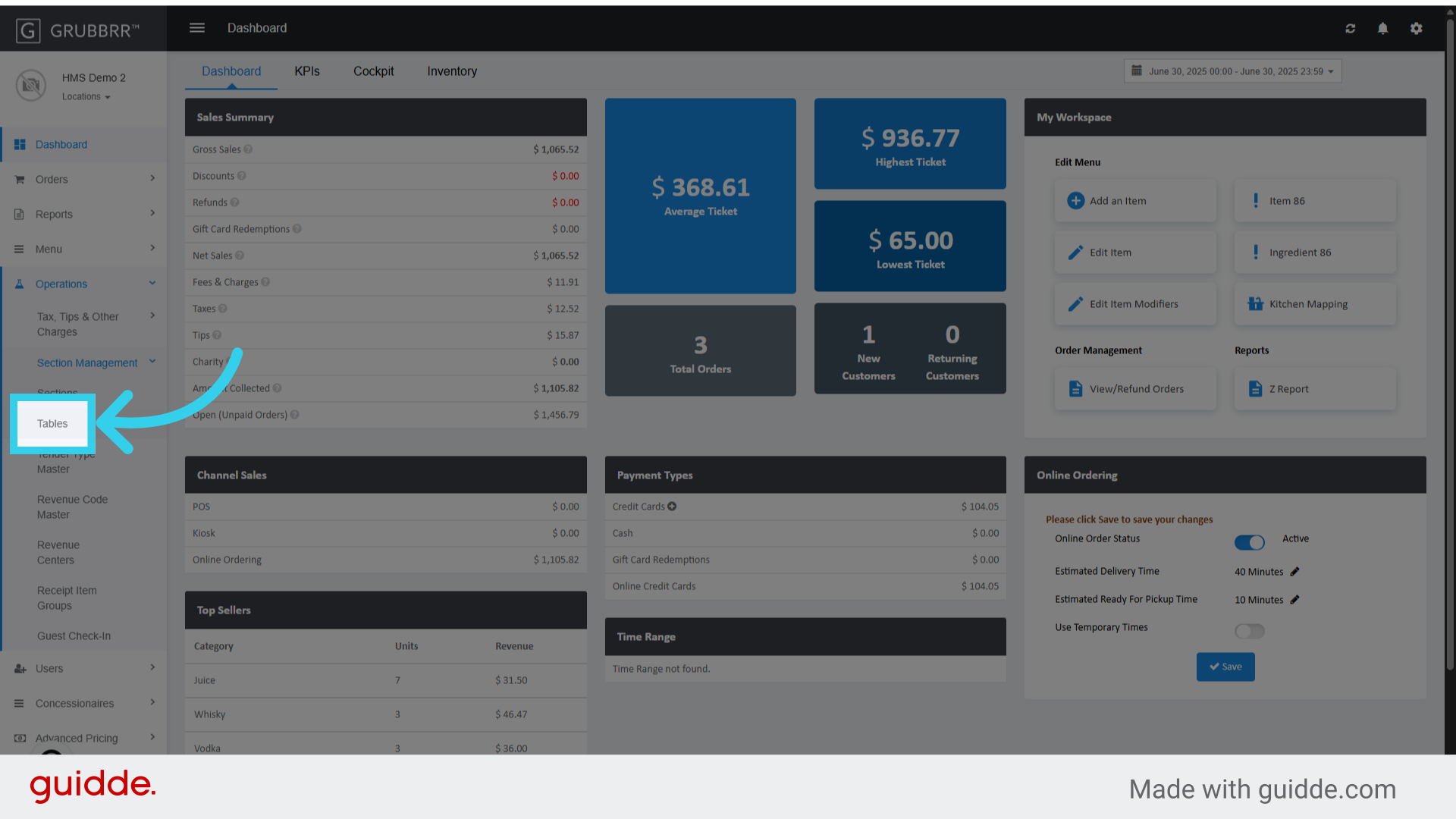
2. Click "Section Management"

3. Click "Tables"
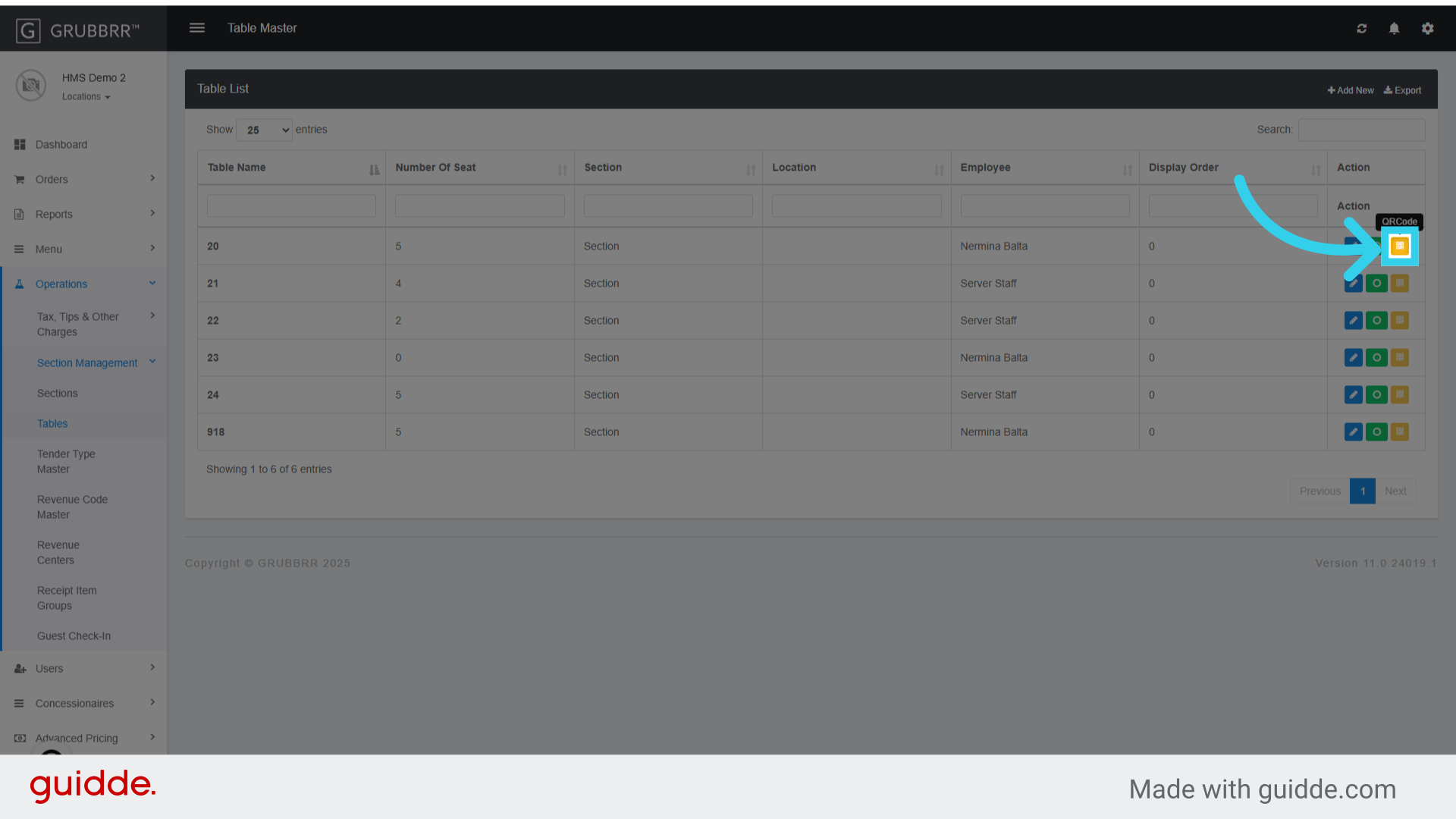
4. Click here
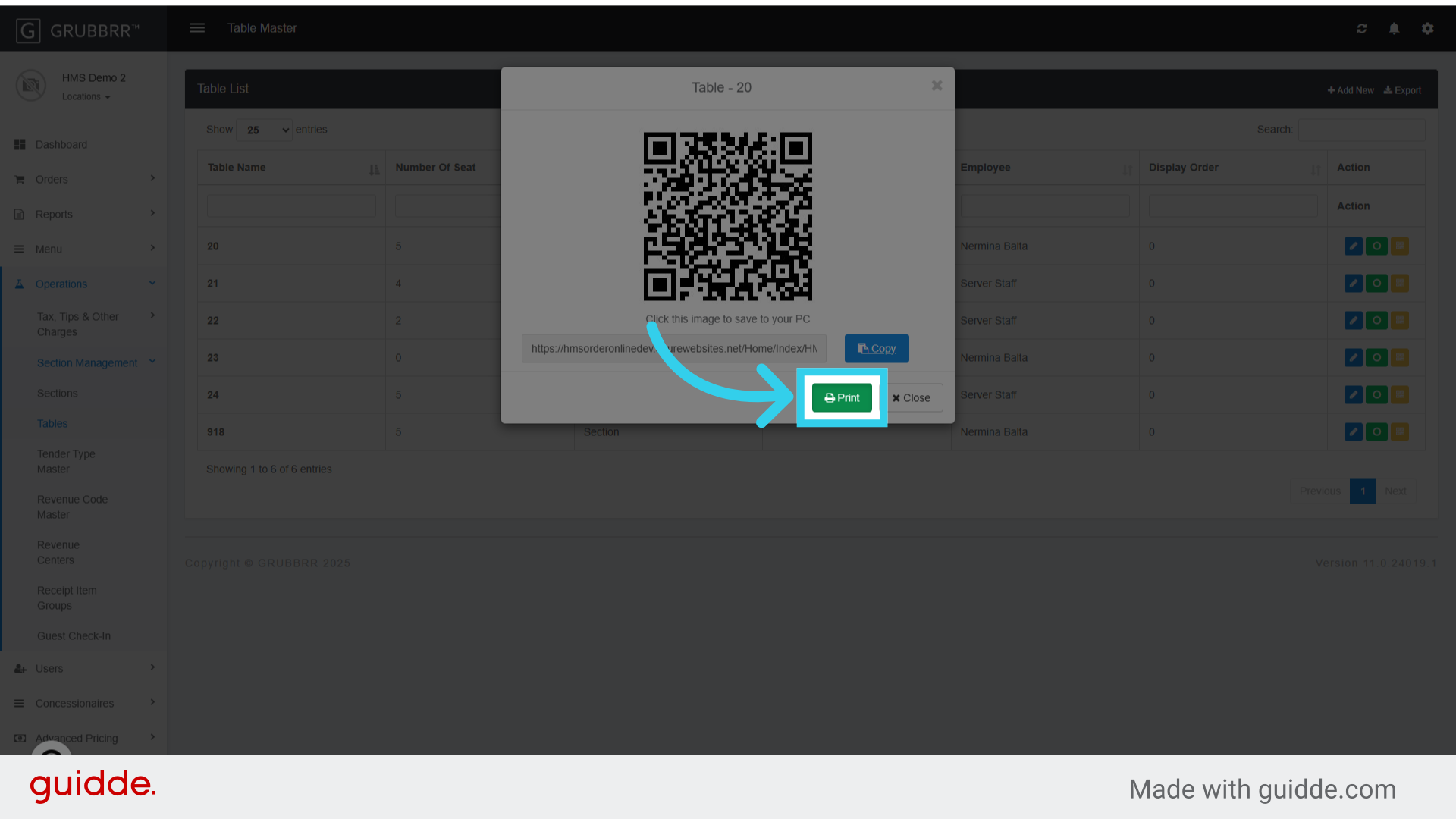
5. Click directly on the QR code to download it to your PC
Remember to update the file name to accurately reflect its assigned table!

6. Or send it directly to a printer by clicking here