How to Manage Kitchens in the GRUBBRR Portal
Last updated: August 8, 2026
Can my GRUBBRR Kiosk send different tickets to different stations in my restaurant?
A kitchen is a dedicated preparation area within a restaurant. Some businesses will use one kitchen, while others may use multiple. Kitchens are where orders are prepared, so order information is traditionally printed using a kitchen printer (this print is called a Kitchen Order Ticket / KOT); but in some cases, it will digitally populate on a Kitchen Display Screen (KDS). Businesses can decide only to print KOTs, show orders on a KDS, or print KOTs and use a KDS simultaneously.
In restaurants with multiple kitchens, we use kitchen mapping. Items can be sent to a specific kitchen for preparation or all kitchens. In kitchens with a printer, a KOT will be printed with the appropriate items and order information. In kitchens with a KDS, the appropriate items and order information will appear on the assigned screen.
1. Sign in to the GRUBBRR Portal at the Location level

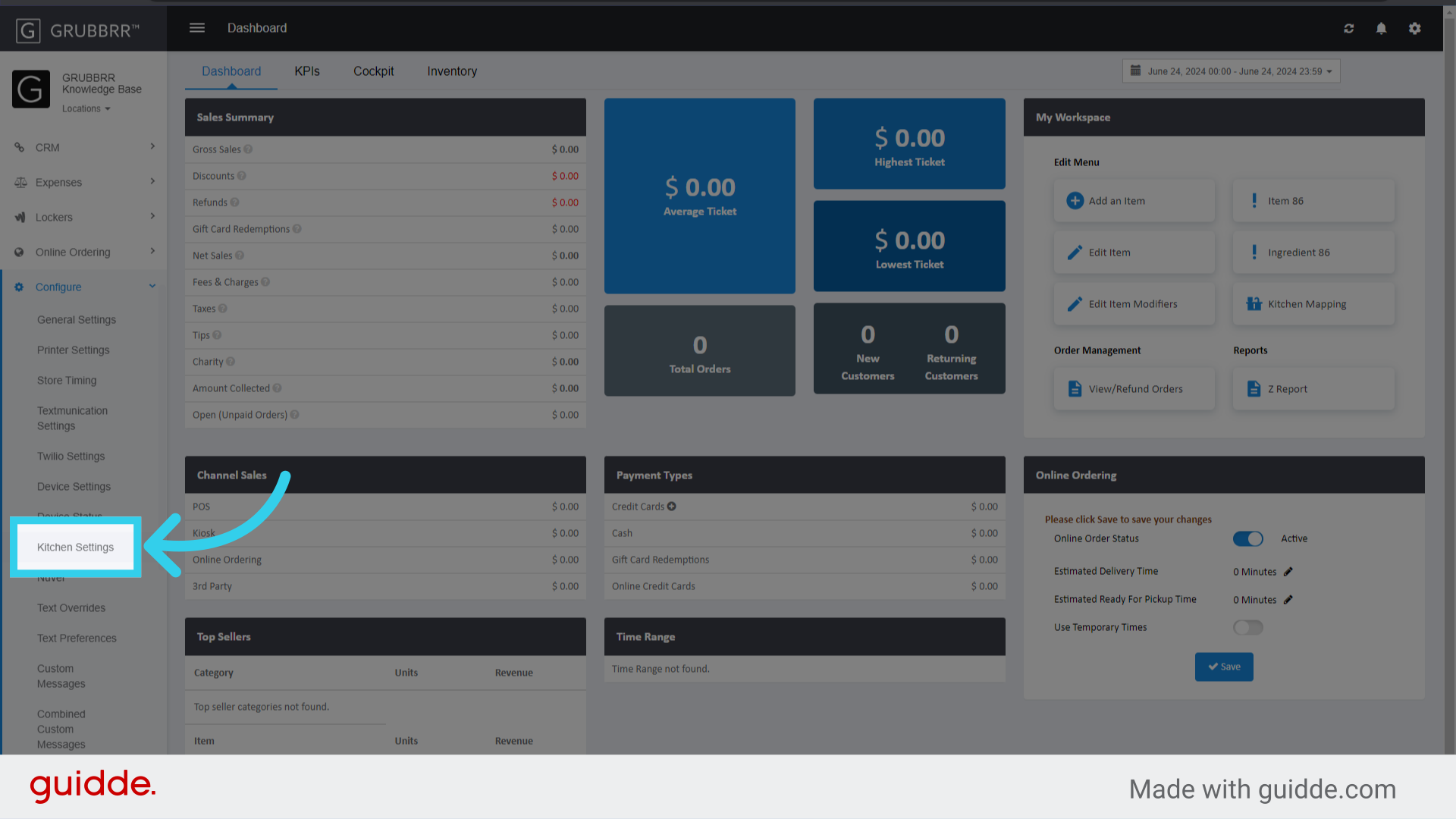
2. Click "Configure"

3. Click "Kitchen Settings"
4. Click "Add New"

5. Enter a name for the Kitchen

6. Assign an active printer to the Kitchen
Click here for more information about creating and assigning Kitchen printers.

7. Assign an active KDS device to the kitchen

8. Click "Save"

9. Once the Kitchen list reloads, click "Item Mapping"

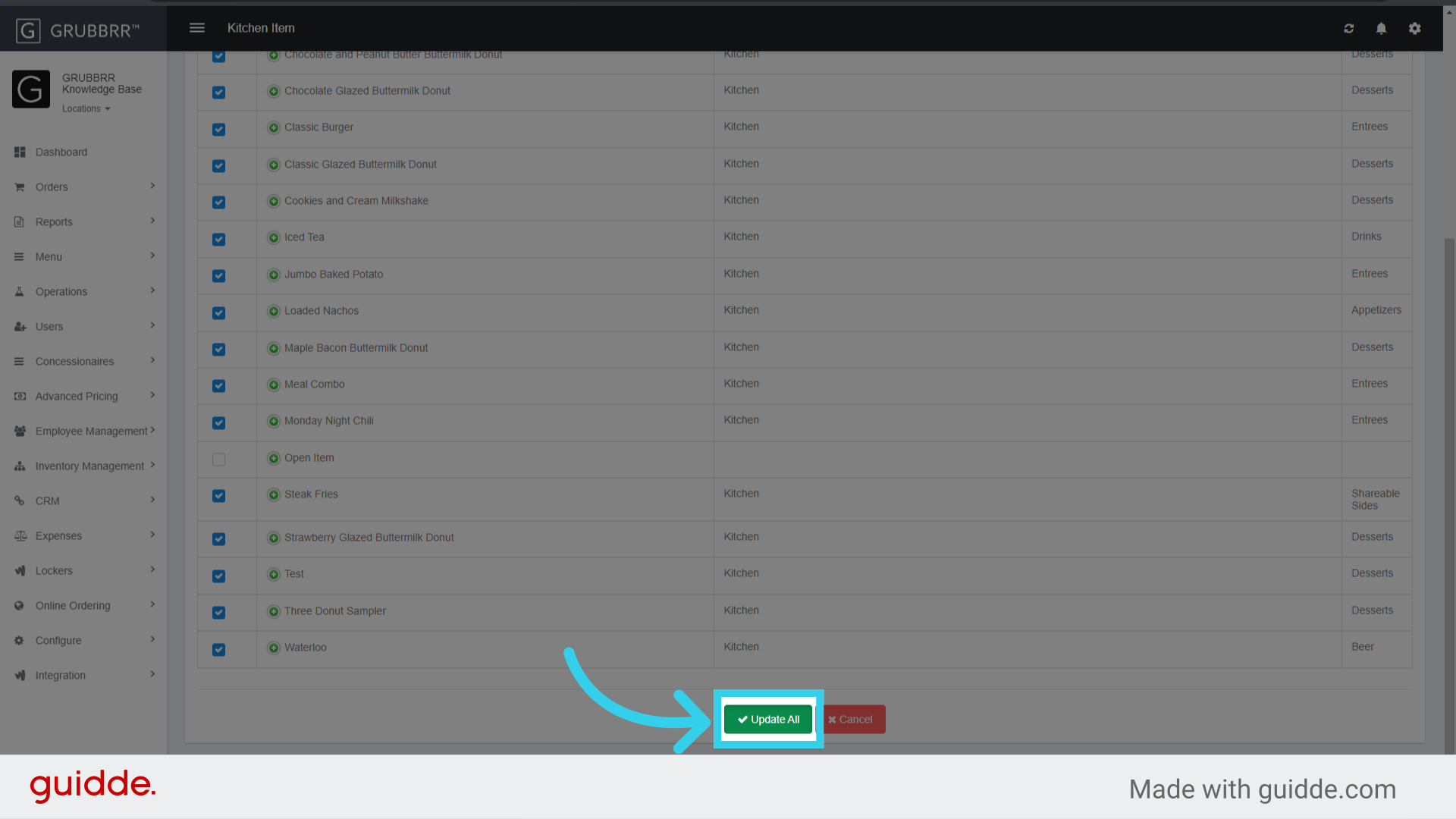
10. Assign any relevant items to the kitchen

11. Click "Update All" to apply your changes