How to Remove the Logo from your Kiosk's Home Screen in the GRUBBRR Portal
Last updated: August 8, 2026
Can I remove the Logo on my Kiosk's home screen so it doesn't block my video screensaver?
A video screensaver is a great way to catch the attention of your customers and highlight your brand's identity, or draw customer attention to specialty menu items. However, if you're using a branded screensaver, you might find that your Kiosk's built-in branding tools actually interfere with customers' ability to see the video. That's why we've made it possible to hide your logo from your Kiosk's home screen. When you use this feature, you can maximize the viewing area on your device's screen. You can remove your Kiosk's logo at the location level by following the steps outlined below.
1. Click "Configure"
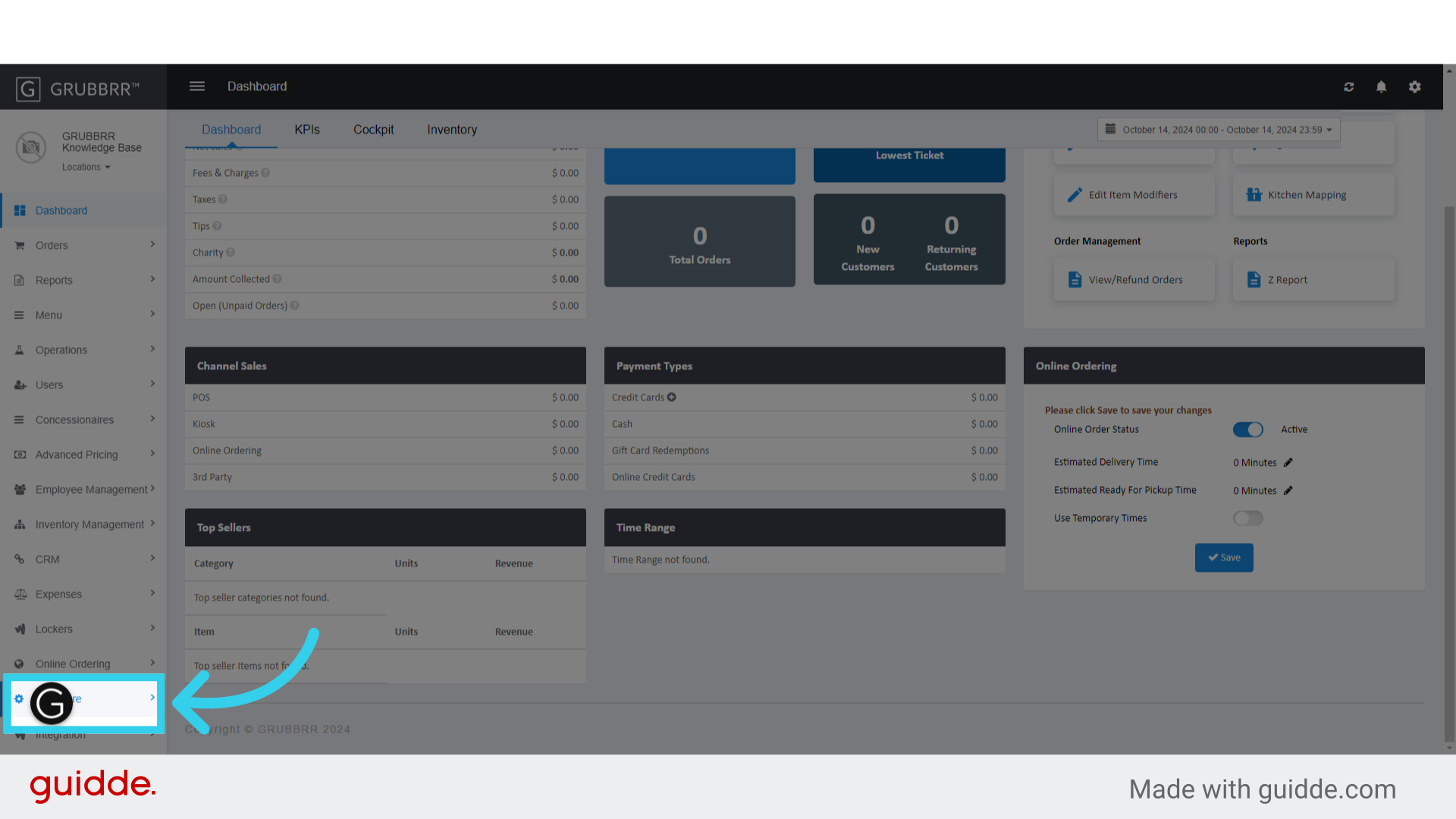
2. Click "General Settings"

3. Click "Kiosk"

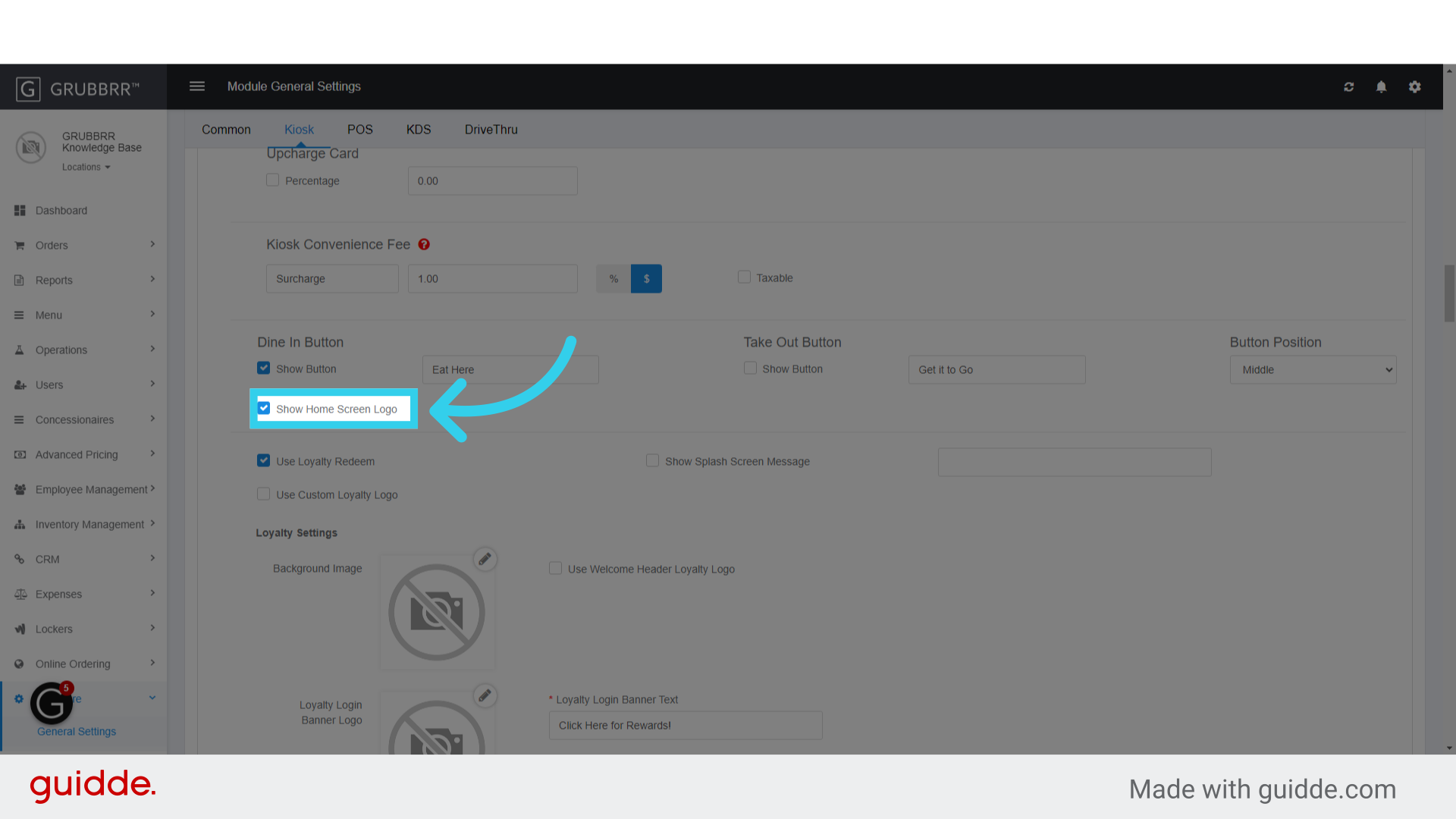
4. Turn "Show Home Screen Logo" Off
5. Click "Save"

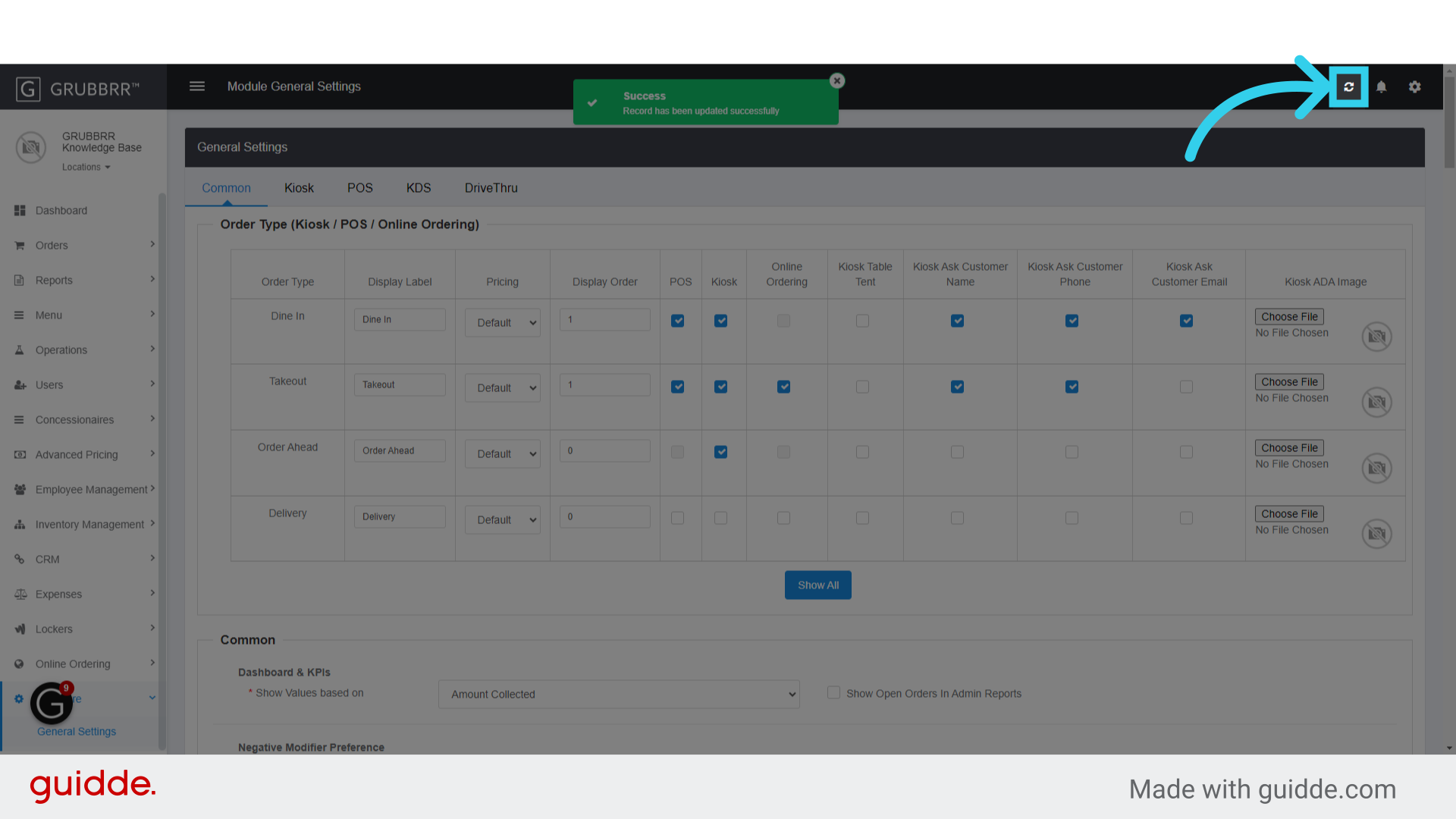
6. Click "Sync" to push changes to your Kiosk