How to configure order types in the GRUBBRR Portal
Last updated: August 8, 2026
How do I change what customer information my Kiosk asks for during an order?
"Order Types" settings in the GRUBBRR Portal allow you to customize elements of your Kiosk that your customers will interact with when ordering. We can customize Dine In, Take Out, and other order types directly through the GRUBBRR Portal by following the steps below.
1. Sign in to the Portal at the Location level

2. Click "Configure"
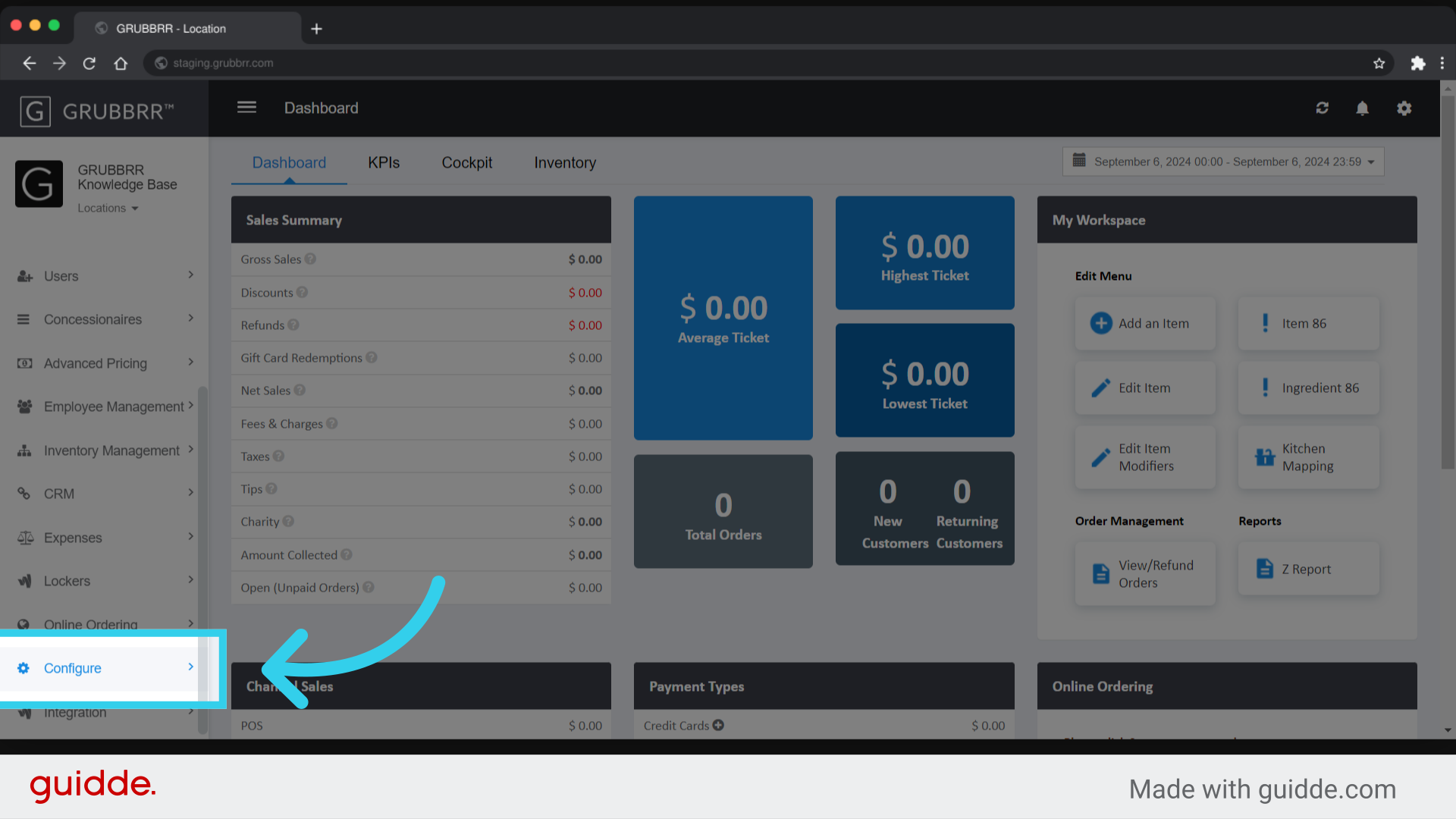
3. Click "General Settings"

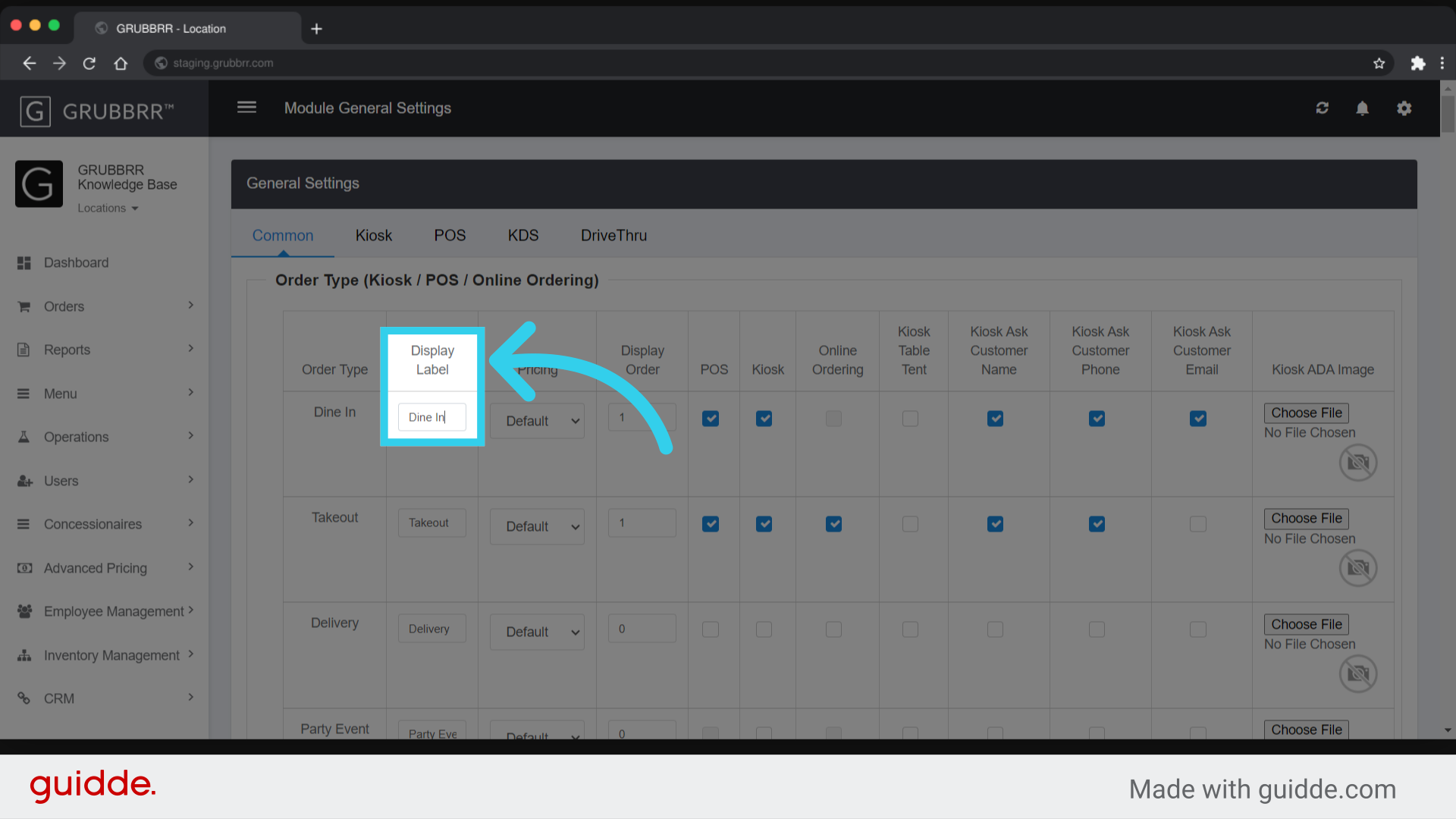
4. The "Display Label" is the text that displays on your Kiosk's on-screen buttons
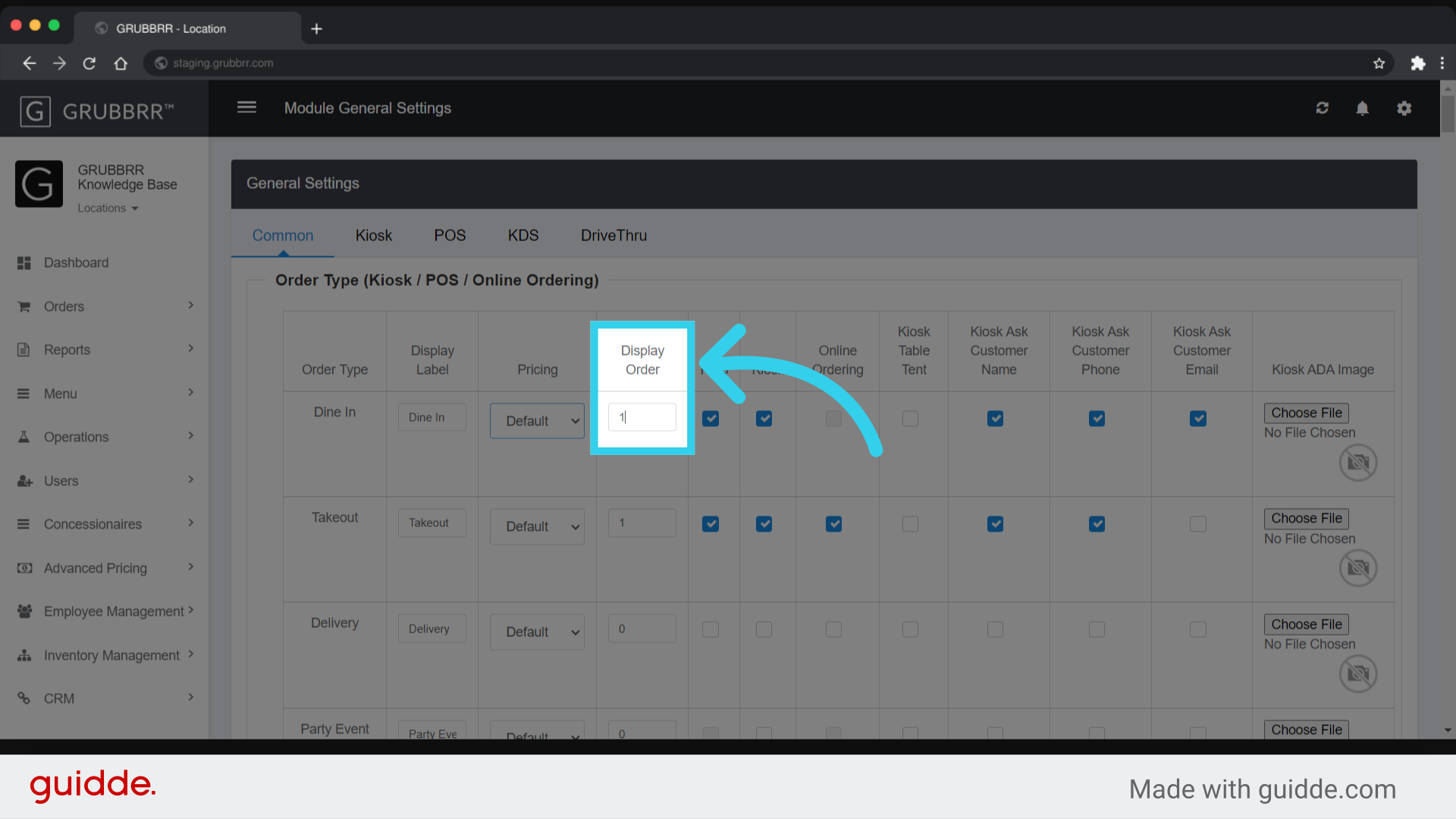
5. "Display Order" controls which button comes first in the menu
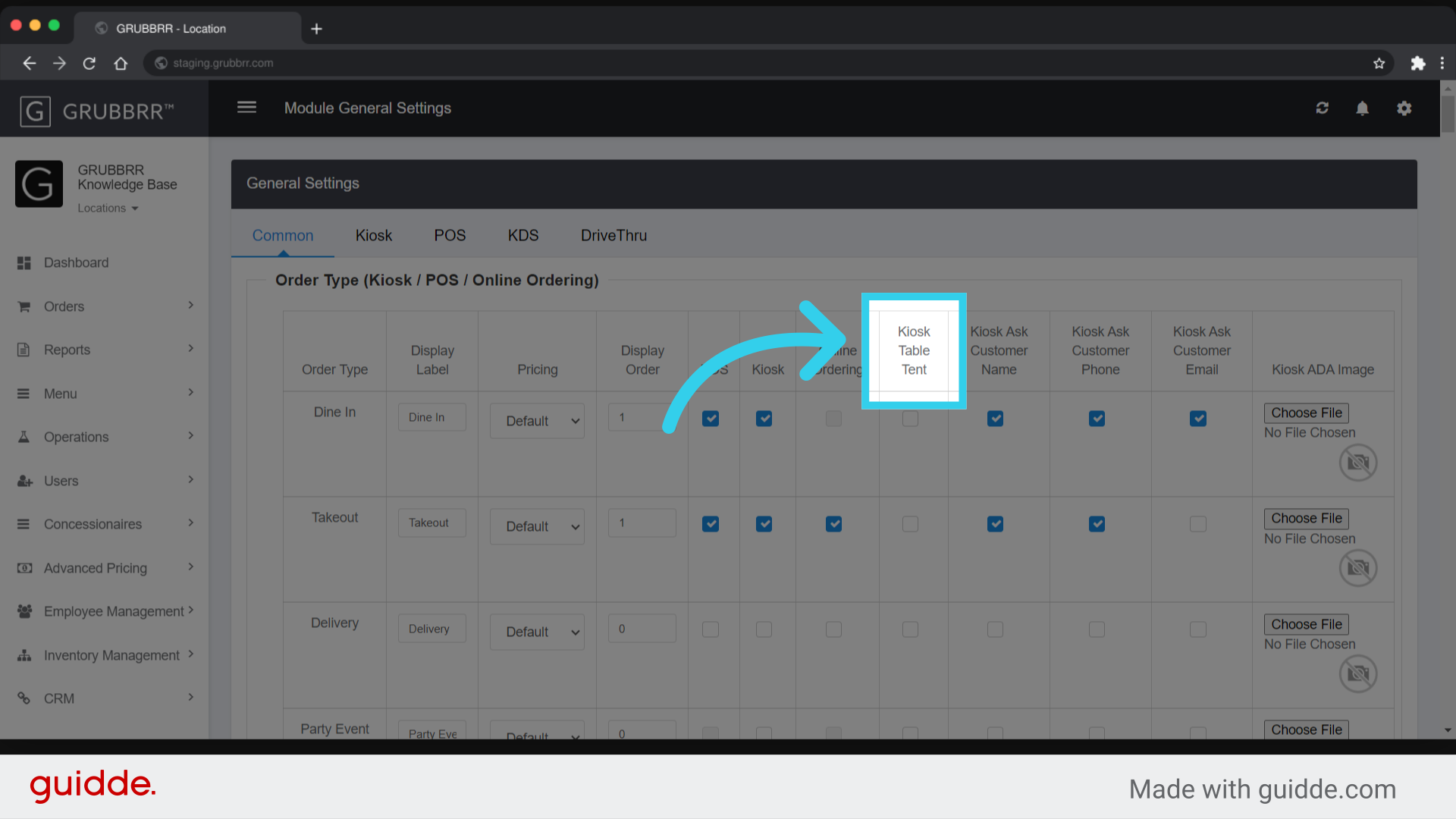
6. "Kiosk Table Tent" requires guests to enter a table tent number when submitting their order
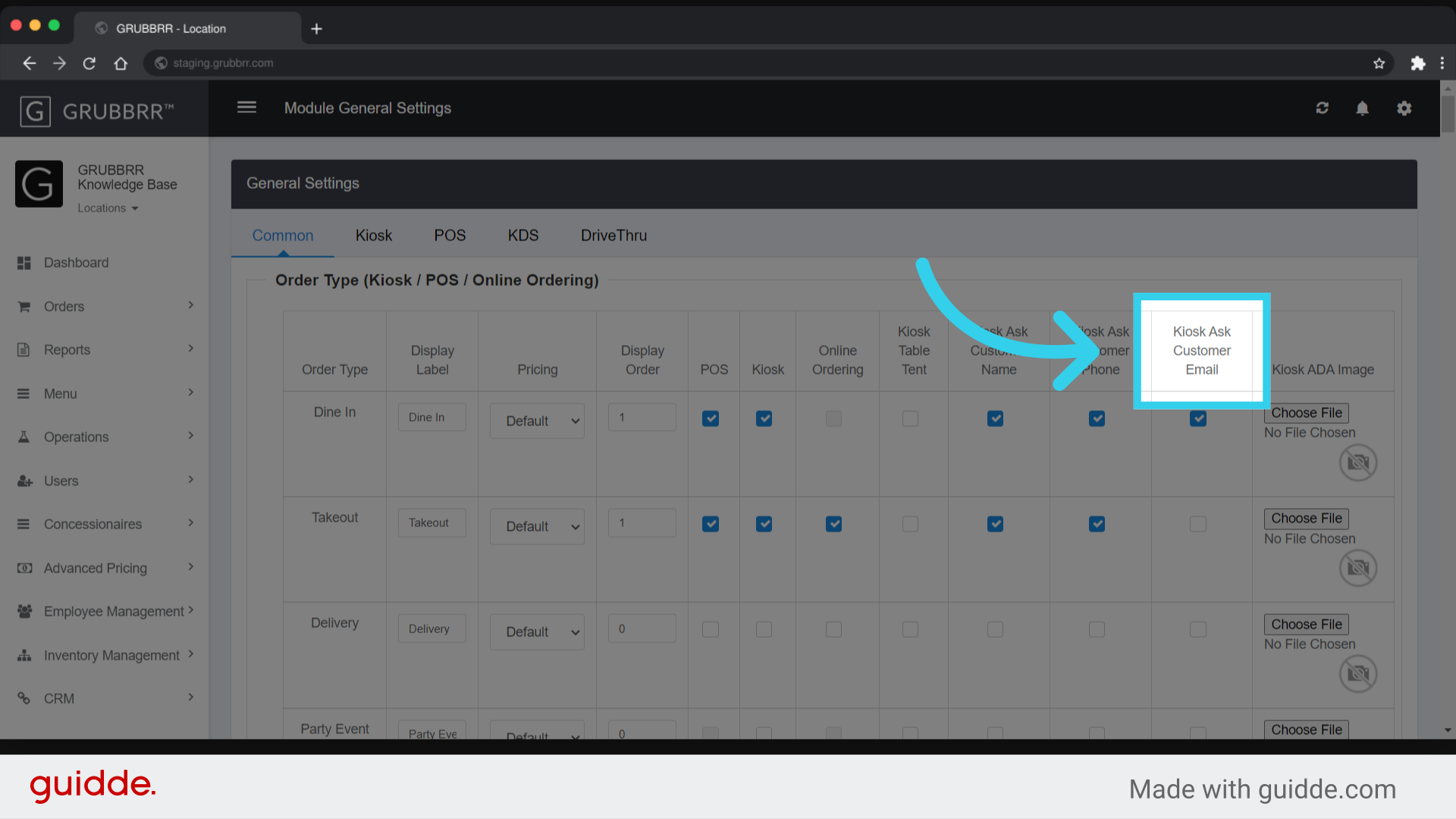
7. You can also choose to require customers to enter their name...

8. Phone Number...

9. ... or email address when submitting their order
10. Click "Save" to apply your configurations

11. Click "Sync" to push the changes to your Kiosk
