How to simplify Kiosk receipts through the GRUBBRR Portal
Last updated: August 8, 2026
Can I control how much information is printed on Kiosk receipts?
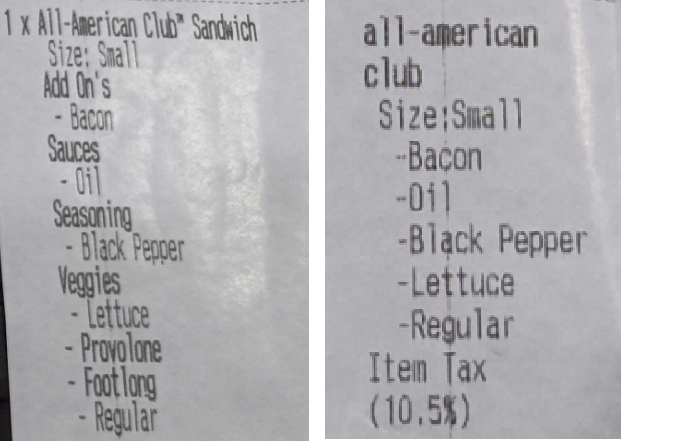
By default, your GRUBBRR system includes a detailed printout with modifier names as a part of kiosk receipts and order reports in the GRUBBRR Portal. This is a customizable setting- if you'd like to simplify these printouts, you can customize them through the General Settings section of your GRUBBRR portal. An example of a receipt without (left) and with (right) this setting enabled has been included below:
You can configure this setting through the GRUBBRR portal by following the steps outlined below:
1. Sign in to the Portal at the Location level

2. Click "Configure"

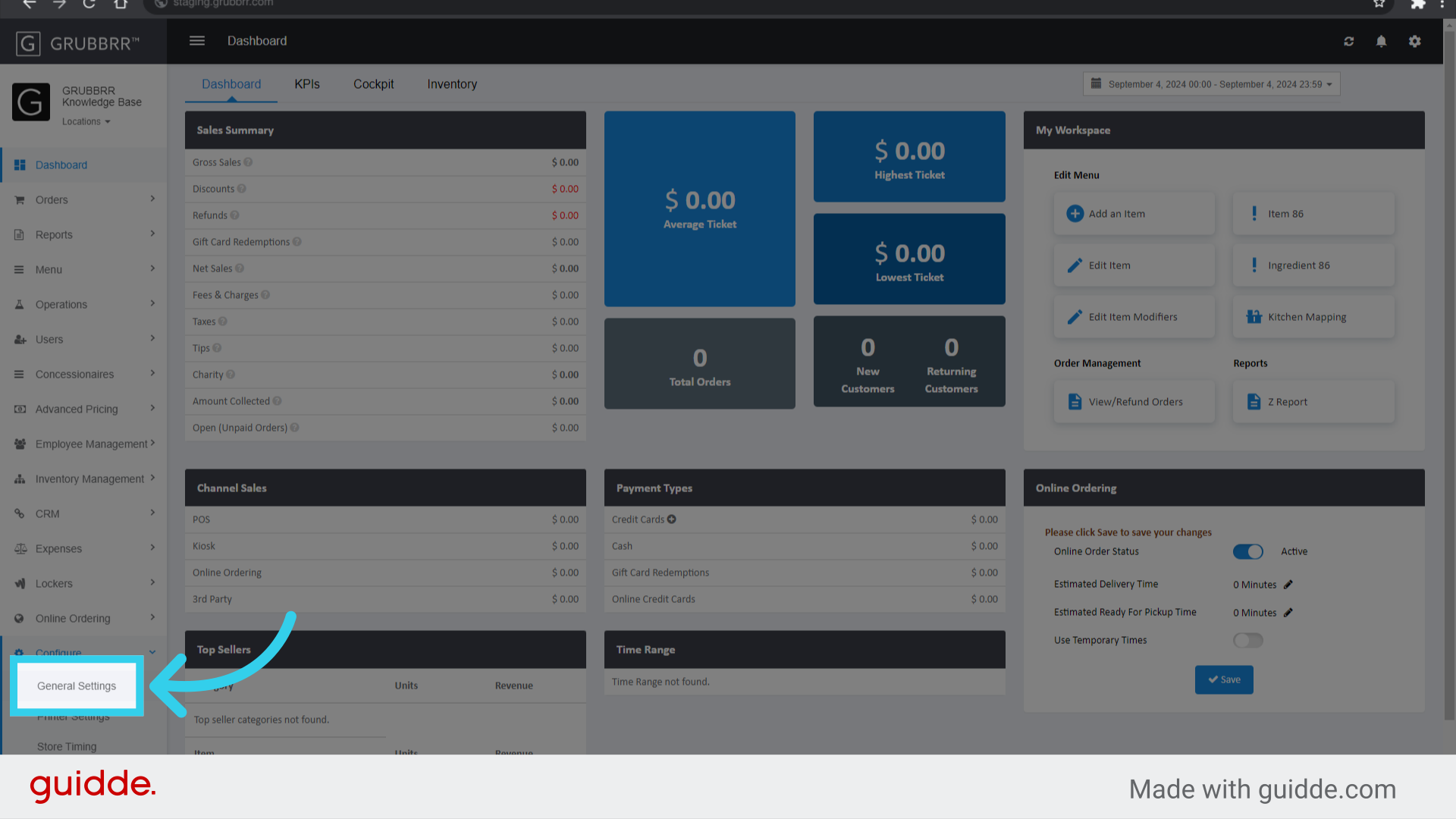
3. Click "General Settings"
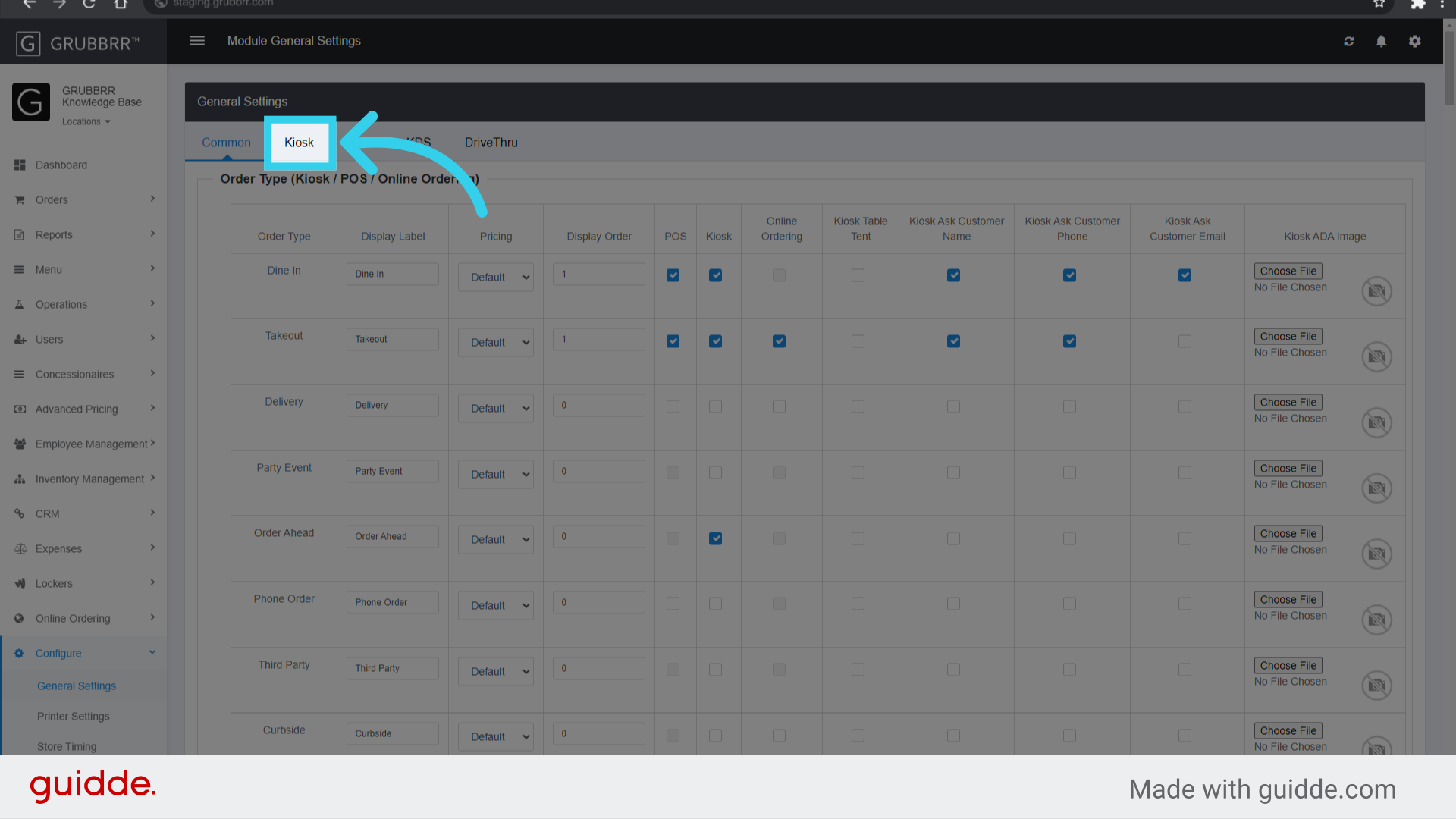
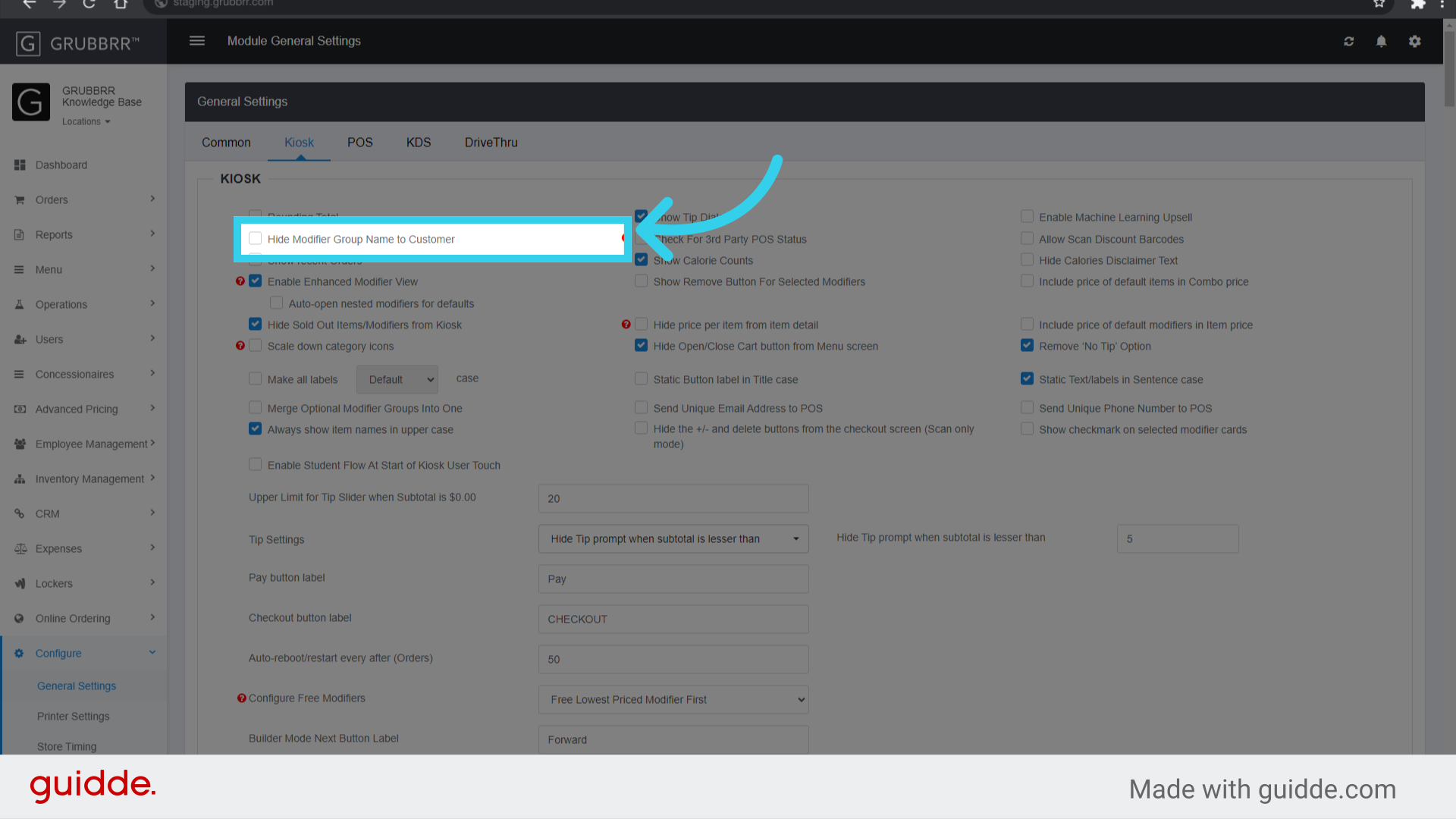
4. Click "Kiosk"
5. Click "Hide Modifier Group Name to Customer"
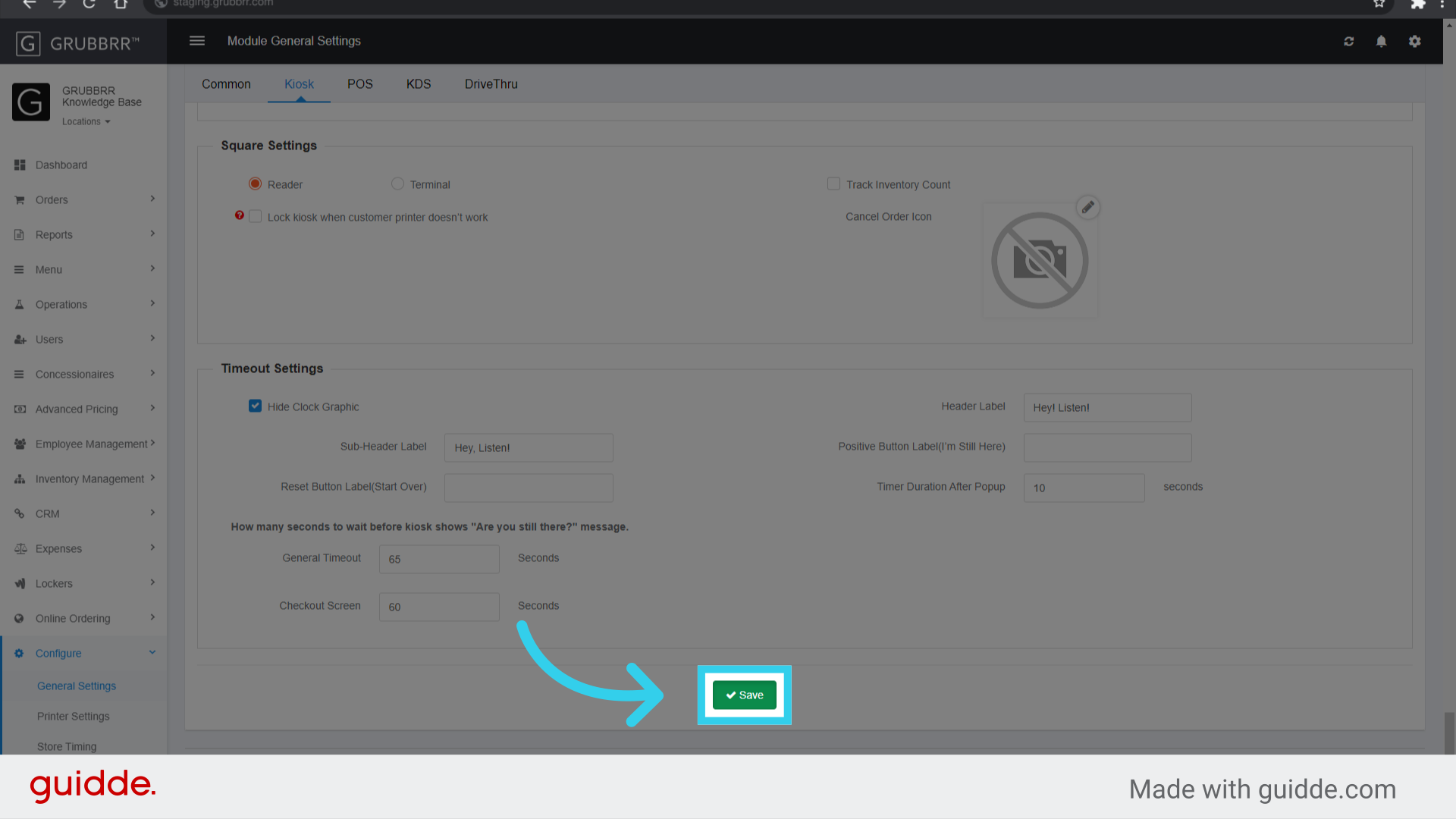
6. Click "Save"
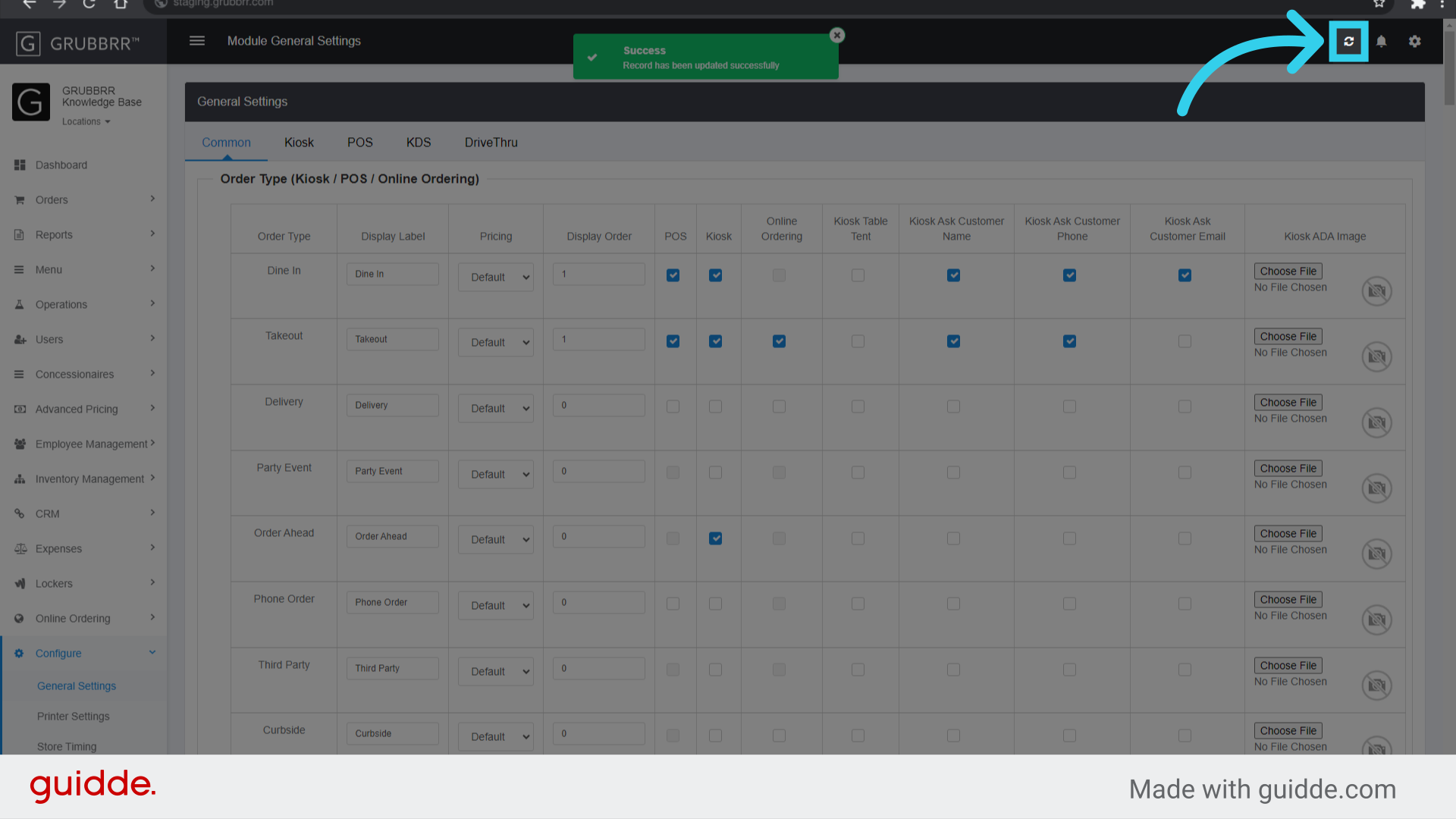
7. Click "Sync" to push the configuration to your Kiosks