How to Configure Basic Settings in the GRUBBRR Portal
Last updated: August 5, 2026
1. Sign in to the GRUBBRR Portal at the Location level

2. Click "Configure"
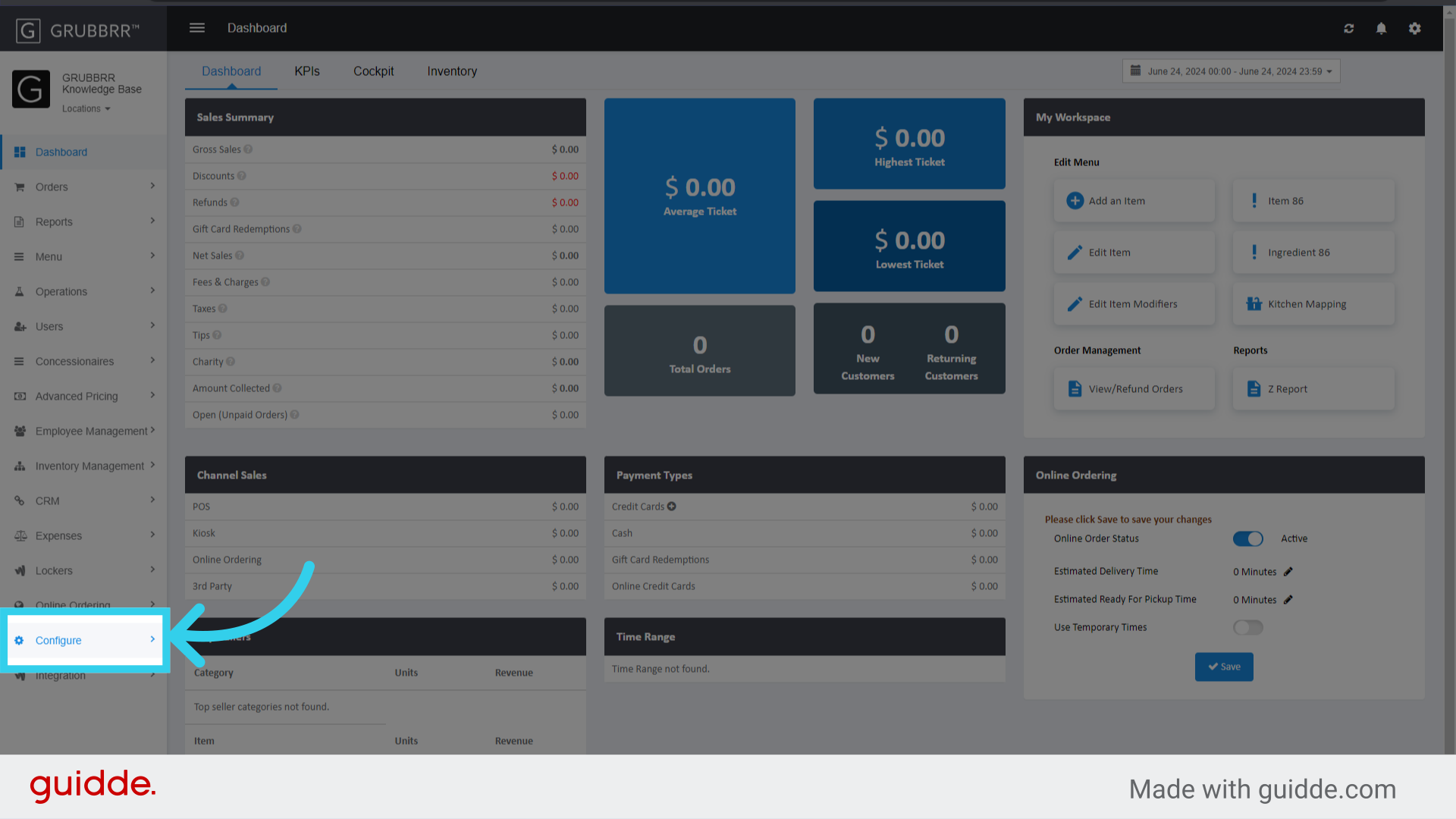
3. Click "General Settings"

4. Configure settings for the Order Types available on your Kiosks
Here, you can change the text that displays on order type buttons, determine what information the Kiosk collects as part of the ordering process, and enable/disable Table Tents for guest orders

5. If desired, configure how the Kiosk will manage or track Negative Modifiers
Negative Modifiers are used when a guest wants to remove a default modifier from a menu item (i.e., ordering a cheeseburger but removing the cheese).

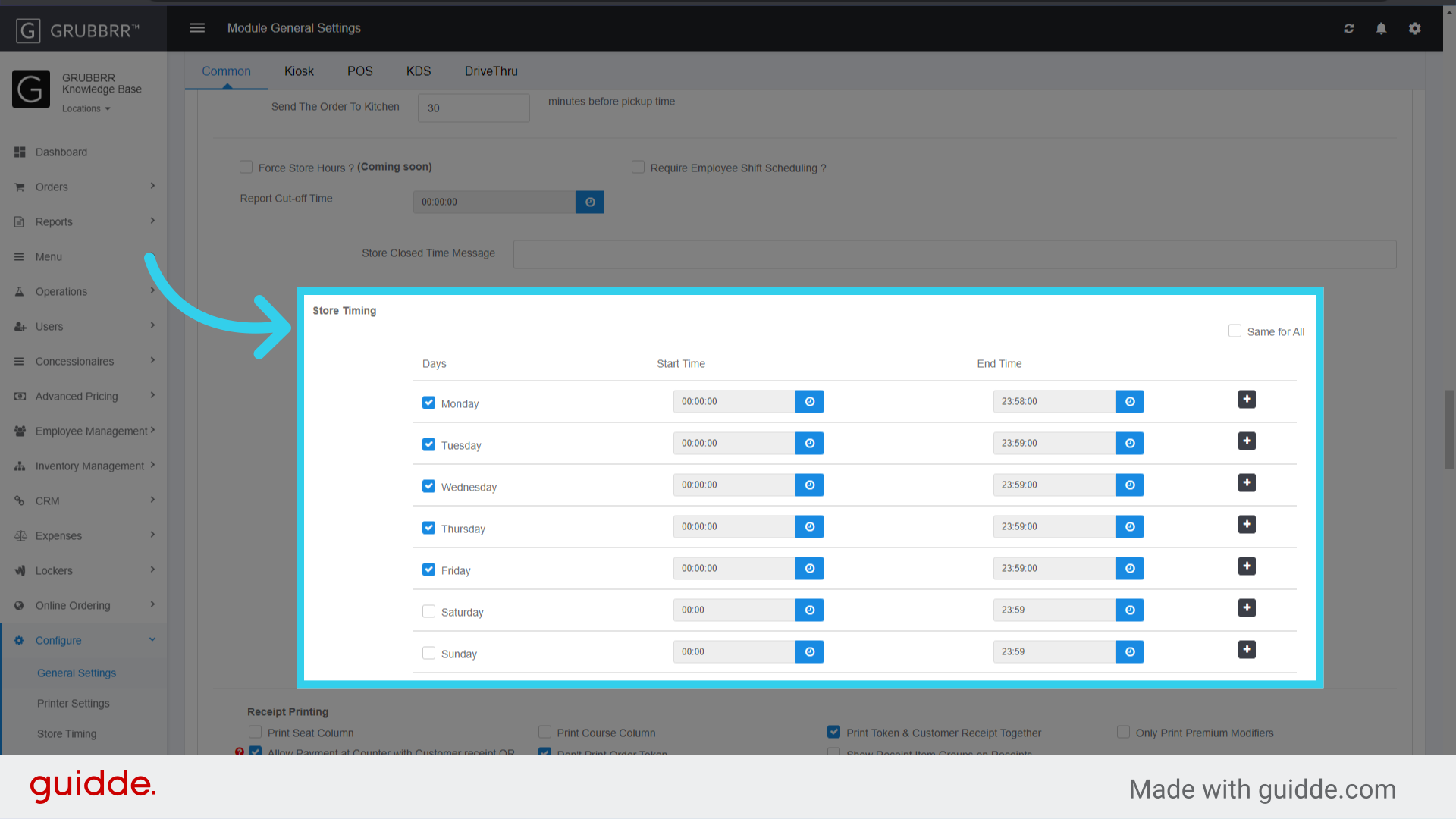
6. Click here to update the Kiosks' "Store Hours"
Outside store hours, the Kiosk will display a "Store Closed" banner over your screensaver to dissuade Guests from placing orders. Alternatively, you can have Samsung Kiosks show a blank screen instead.
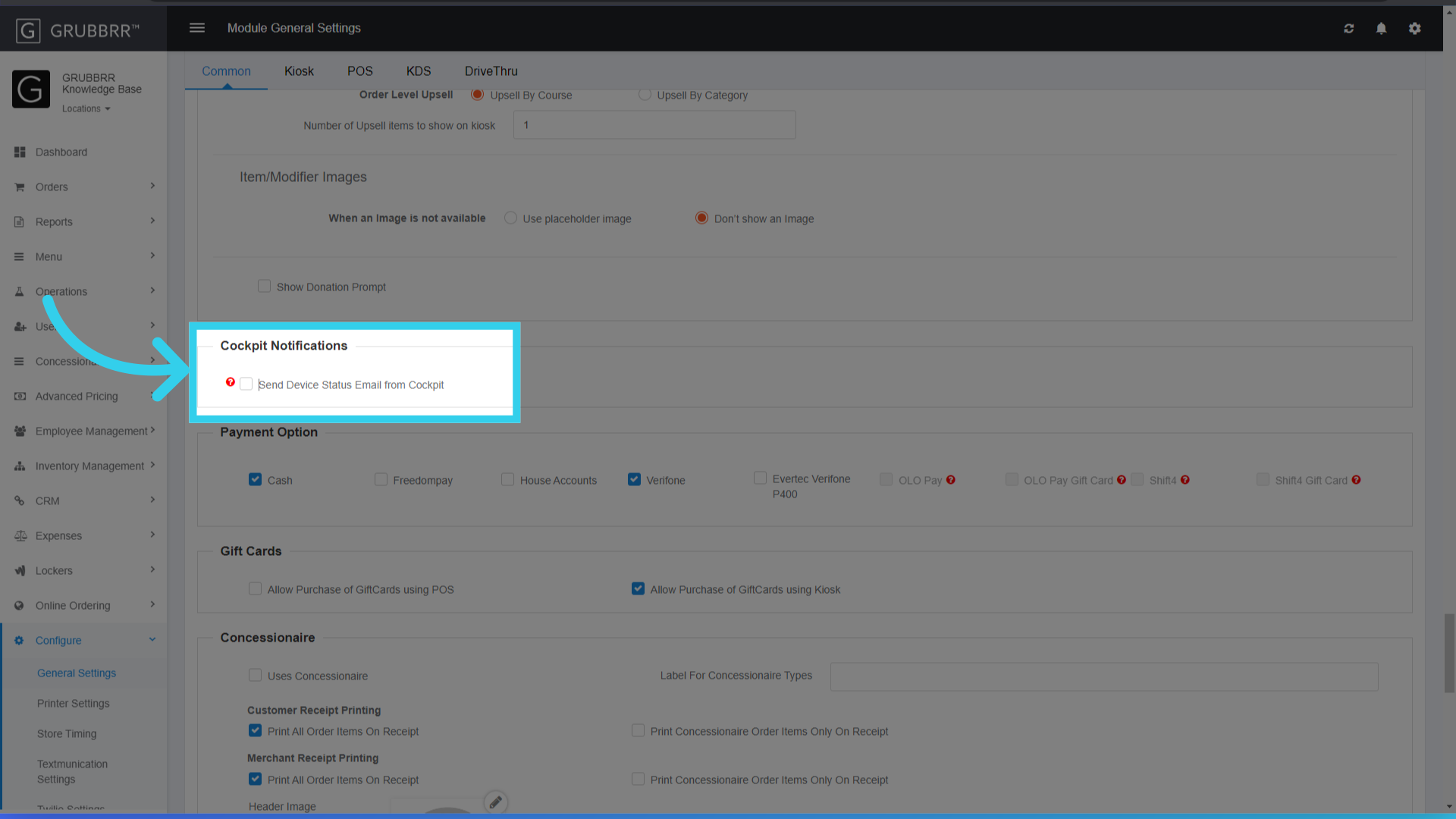
7. If desired, enable email updates from the GRUBBRR Cockpit
These updates notify you if the Kiosk, Payment Device, or any associated printers go offline or encounter other errors.
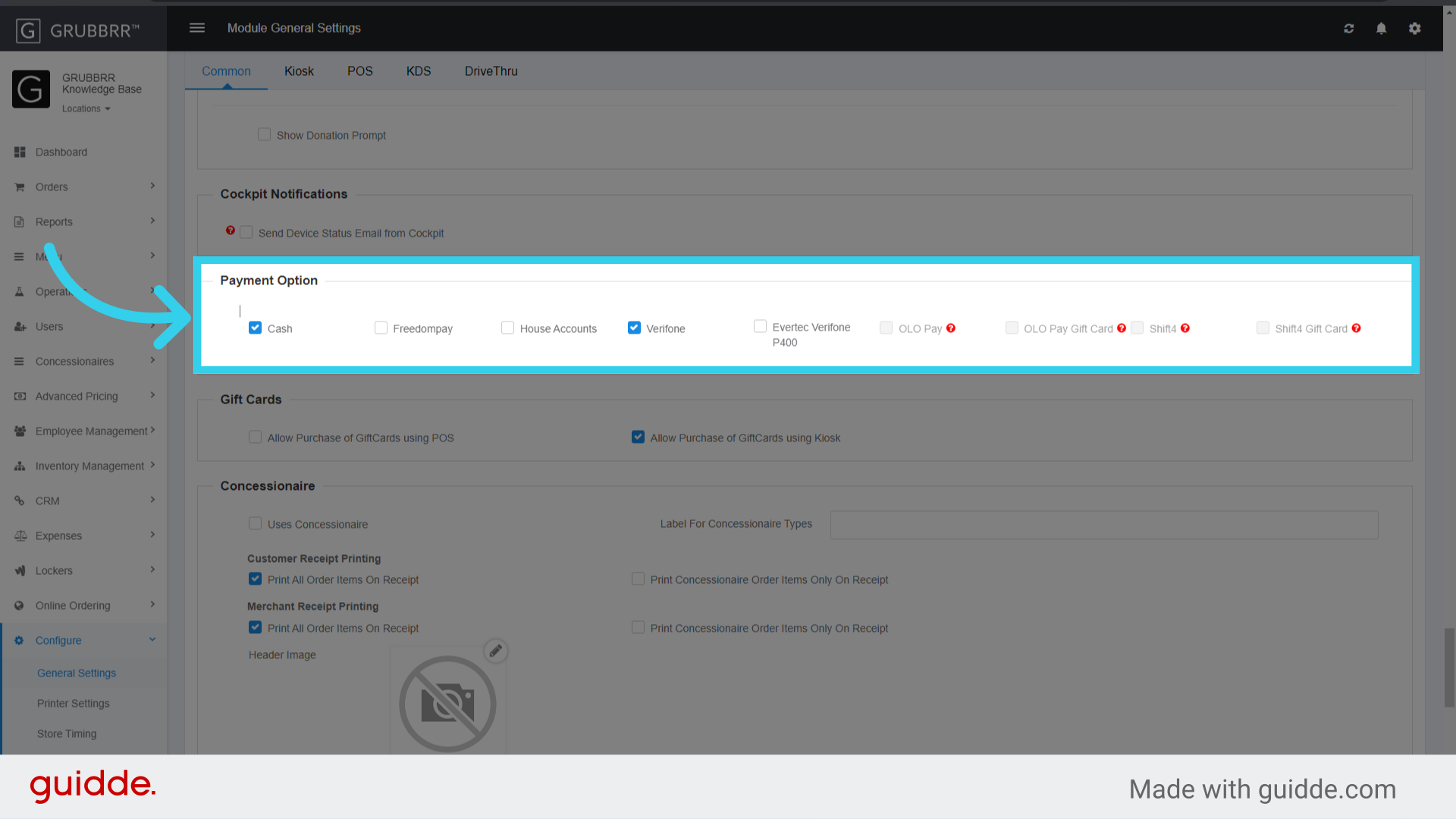
8. Enable any Payment Options that the Kiosk will accept
Actual payment methods and tender types are managed separately but can be shown or hidden on the Kiosk by clicking here.
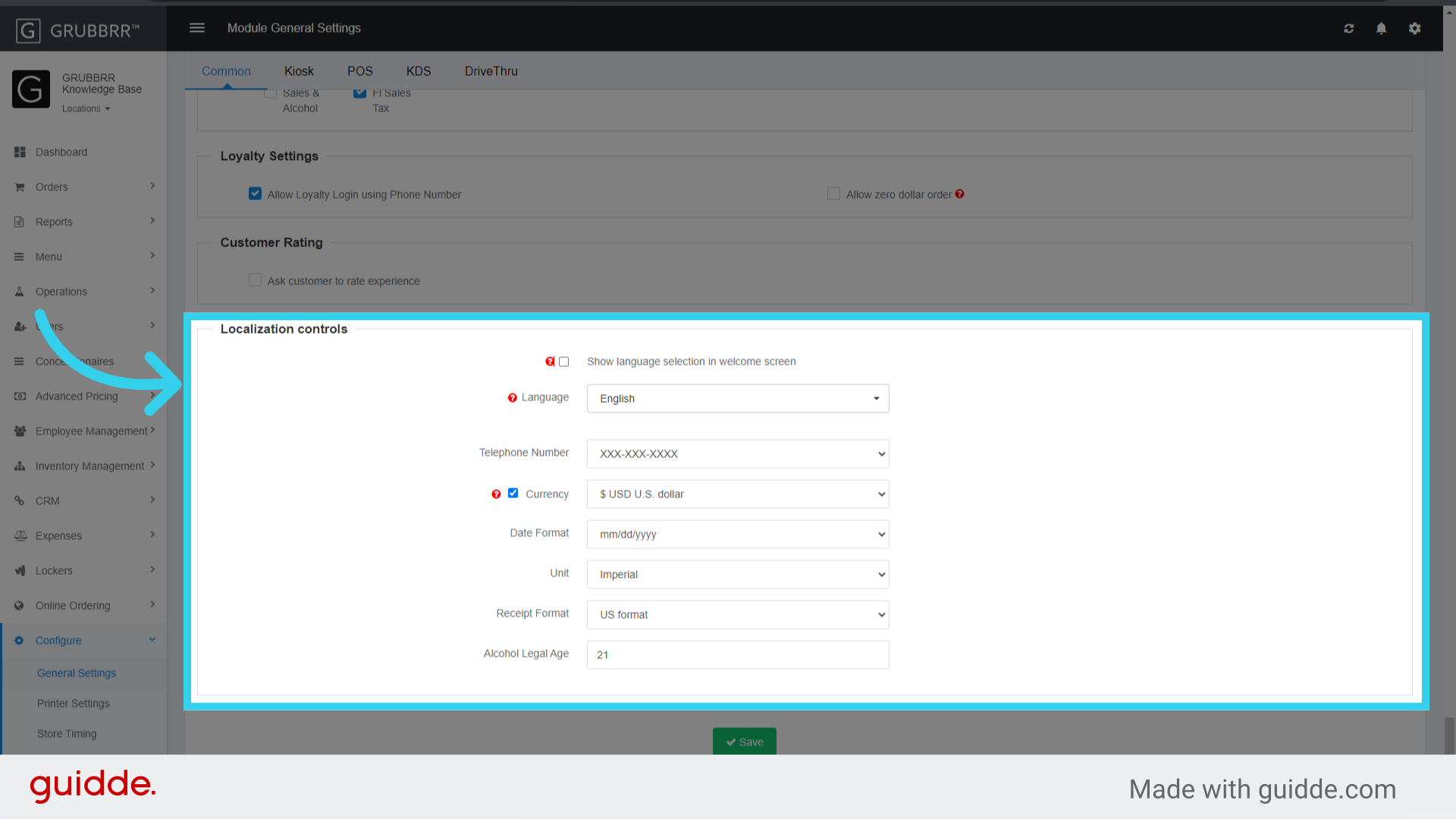
9. If desired, configure localization settings for the Kiosk
Localization Settings change how static text elements are shown on the Kiosk.
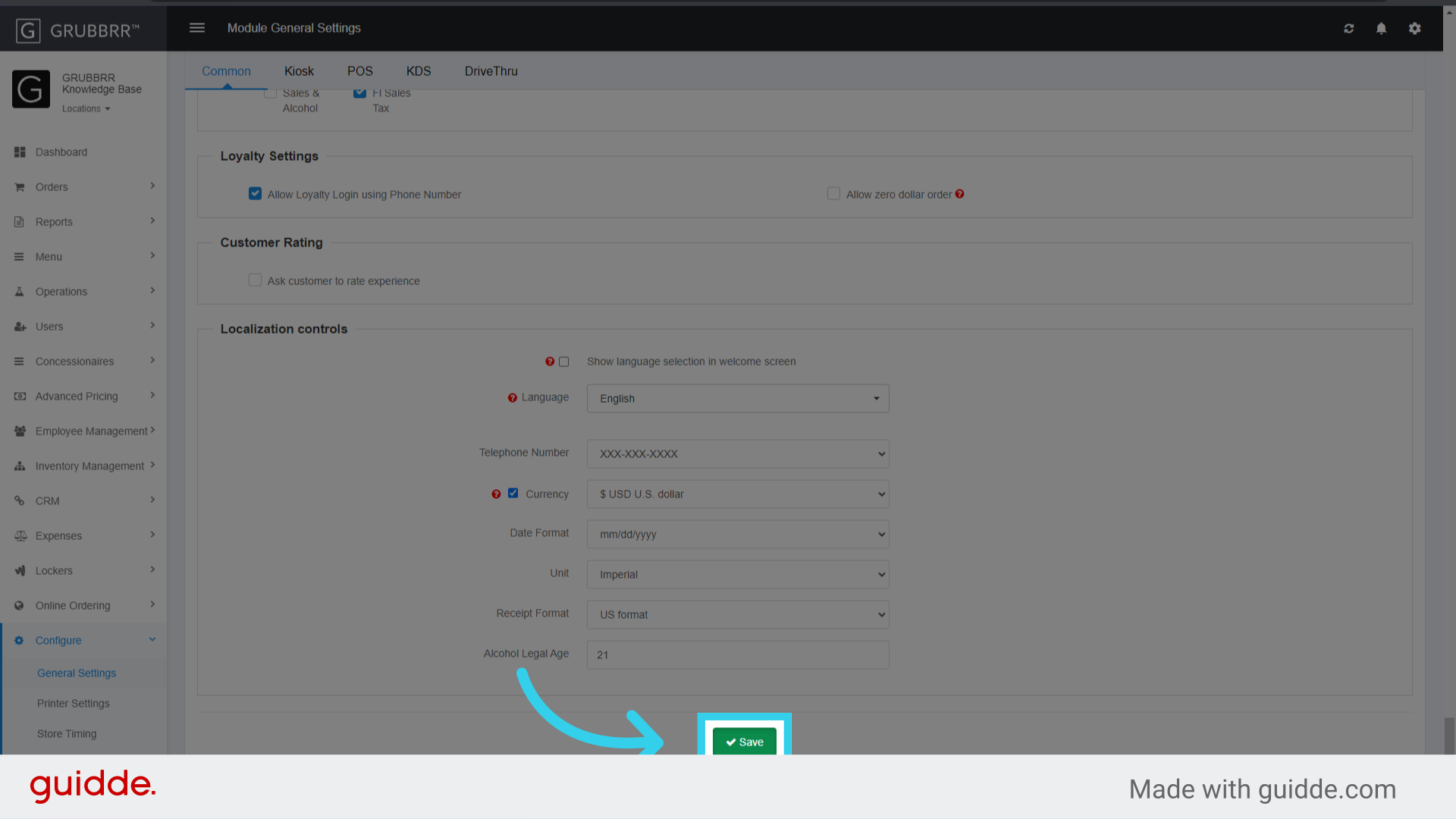
10. Click "Save"
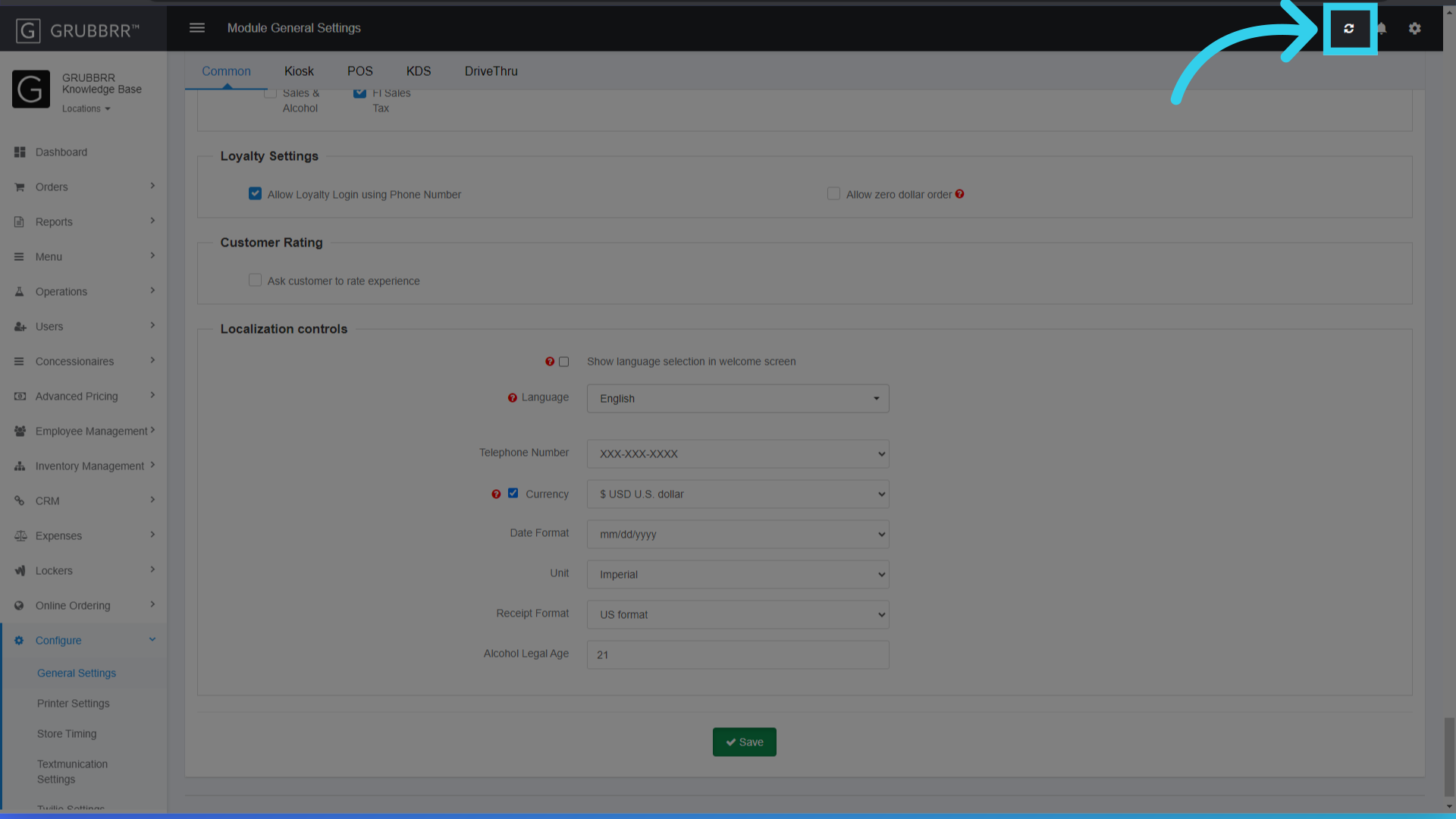
11. Click "Sync" to apply the changes to all kiosks at your location
Procedure Warnings:
Make sure to keep records of any configurations you make, in case you want or need to revert your changes!