How to Create Temporary Users for the GRUBBRR Portal
Last updated: August 8, 2026
Can I give a support user temporary access to my Company or Location in the GRUBBRR Portal?
We can create users with temporary access to a Company or Location in the GRUBBRR Portal. This can be useful if you want to give someone access to complete a specific project- e.g., updating your Kiosk menu flow- without giving them permanent access to your system. You can create a temporary user at the Company or Location level by following the steps outlined below.
1. Click "Users"

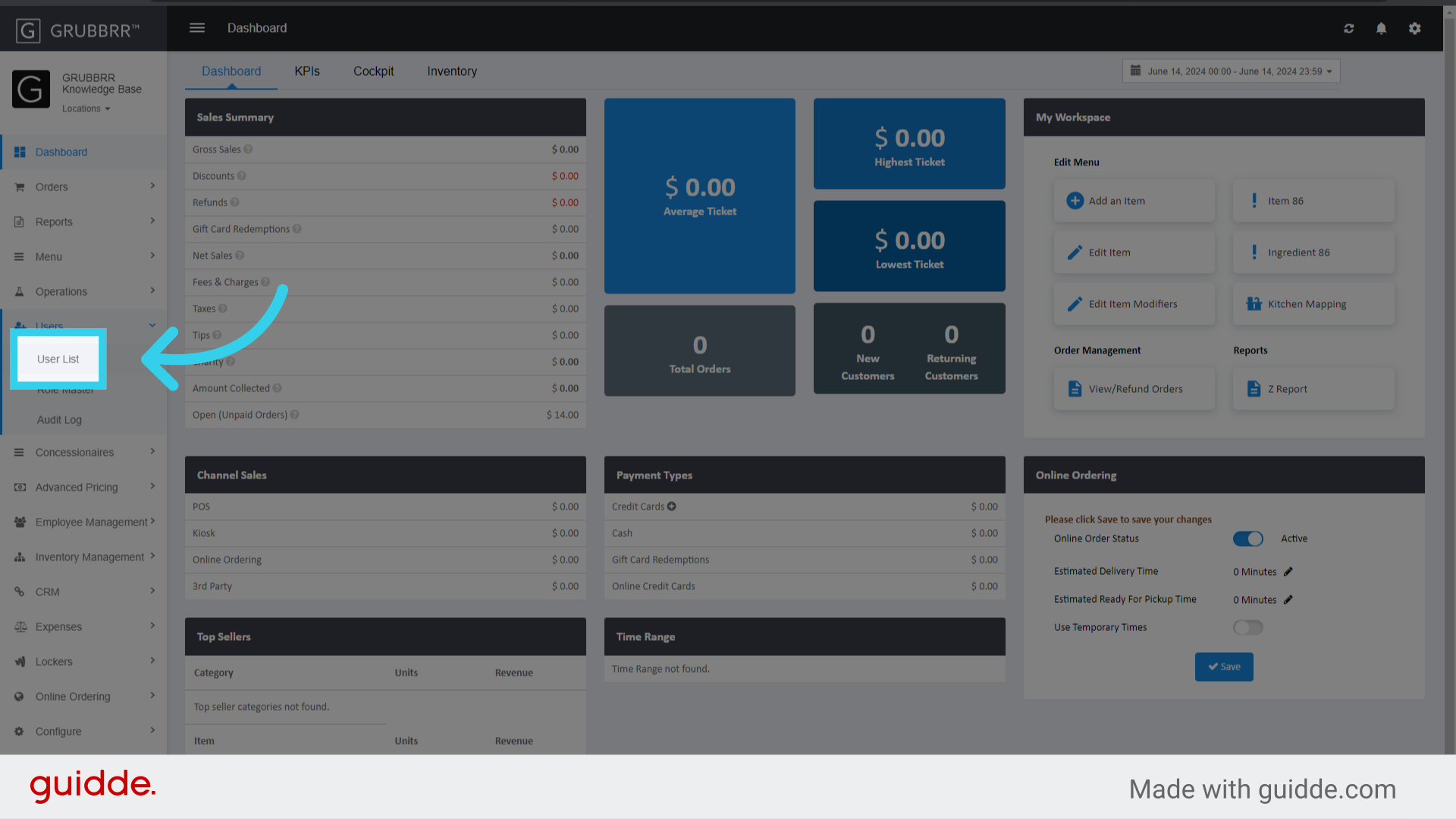
2. Click "User List"
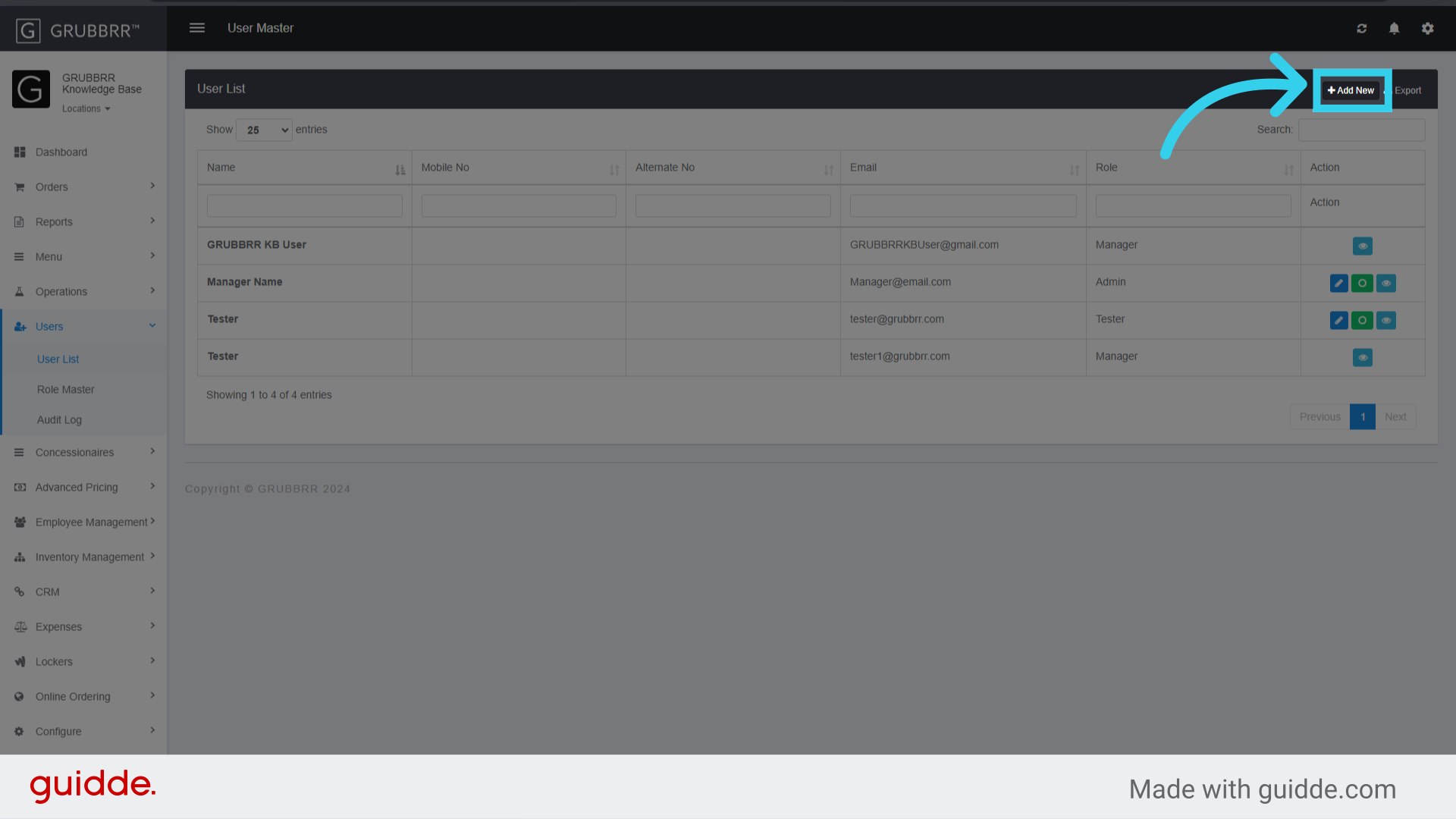
3. Click "Add New"
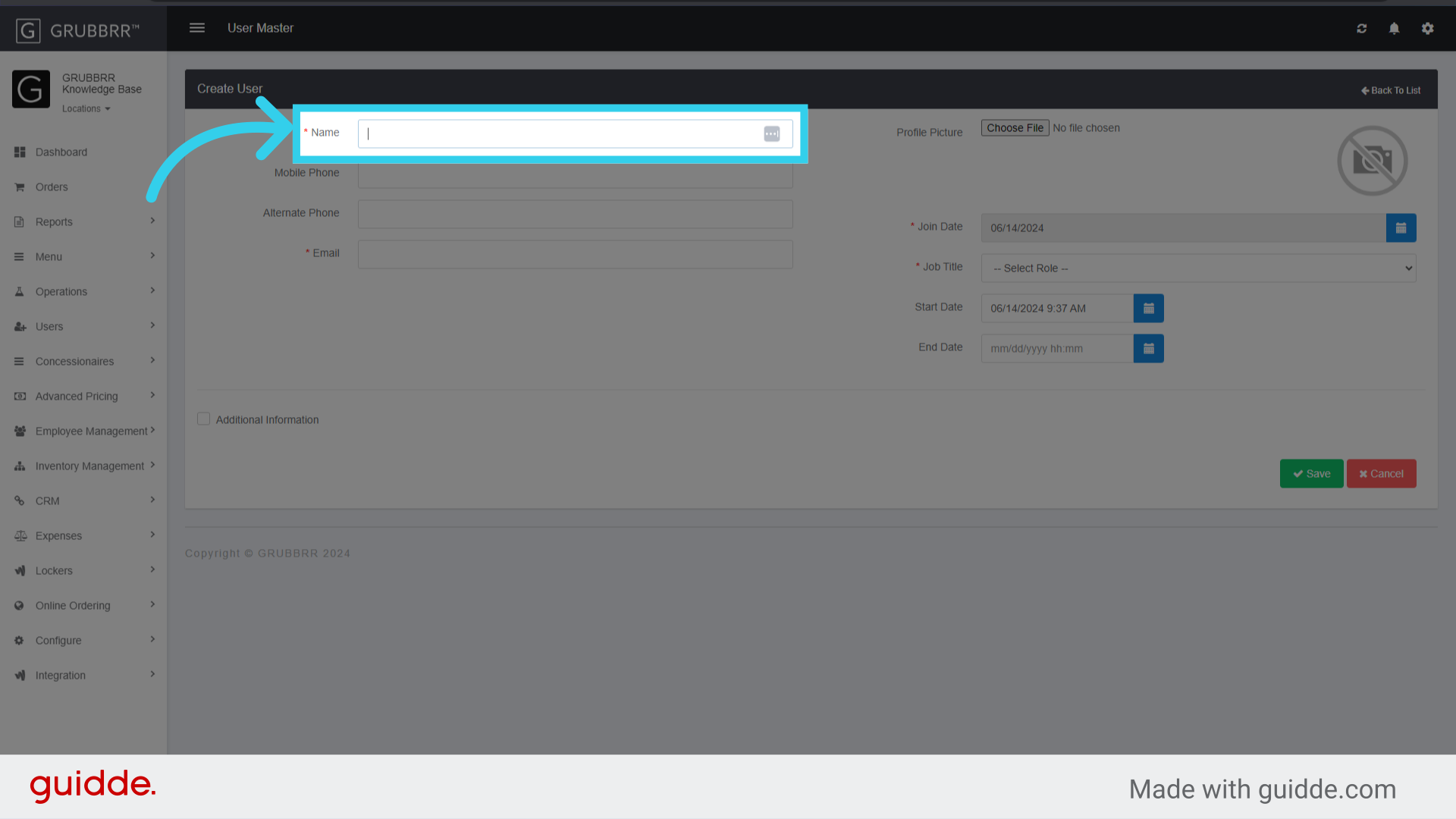
4. Enter a name for the User
5. Enter the User's email
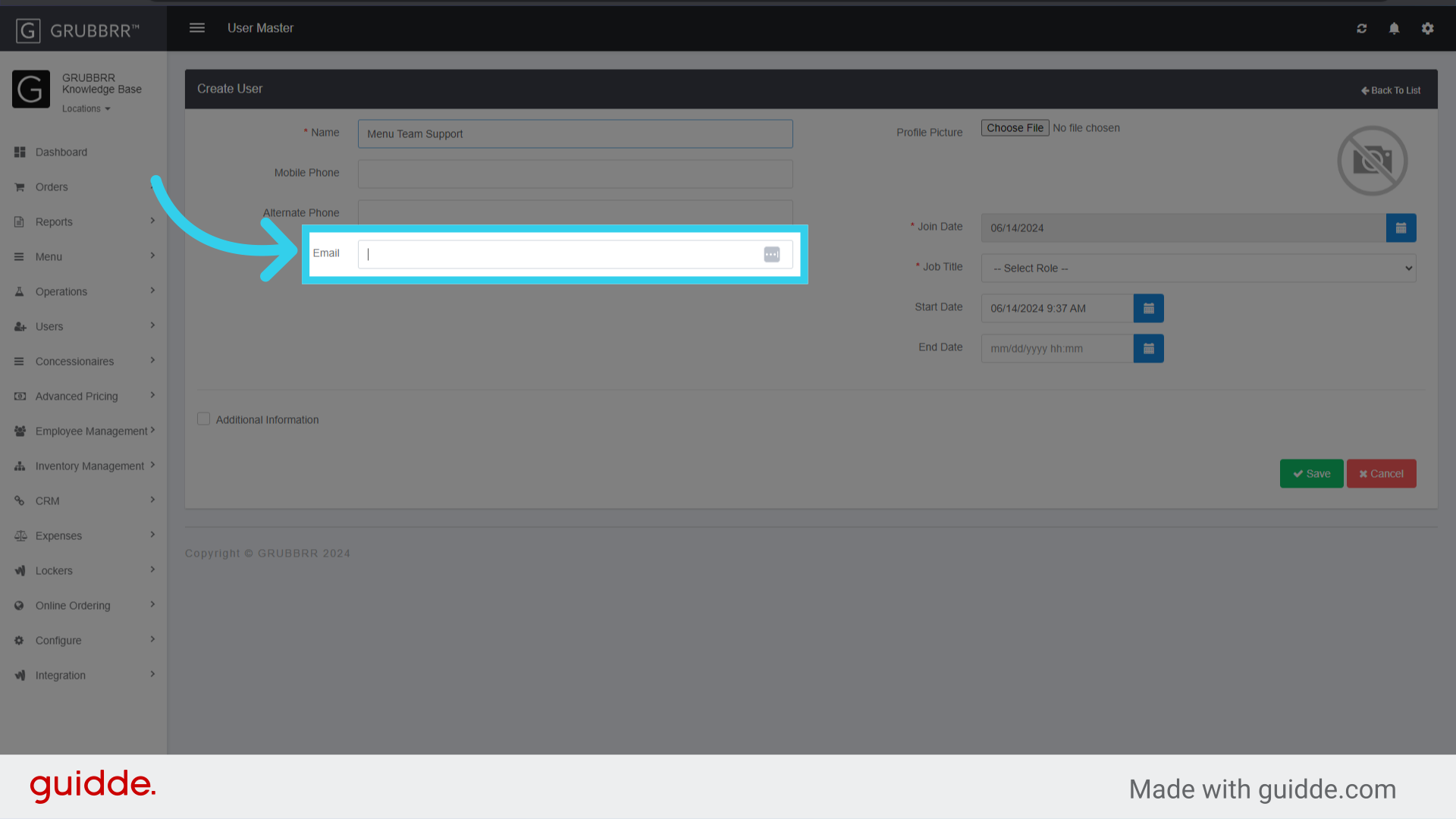
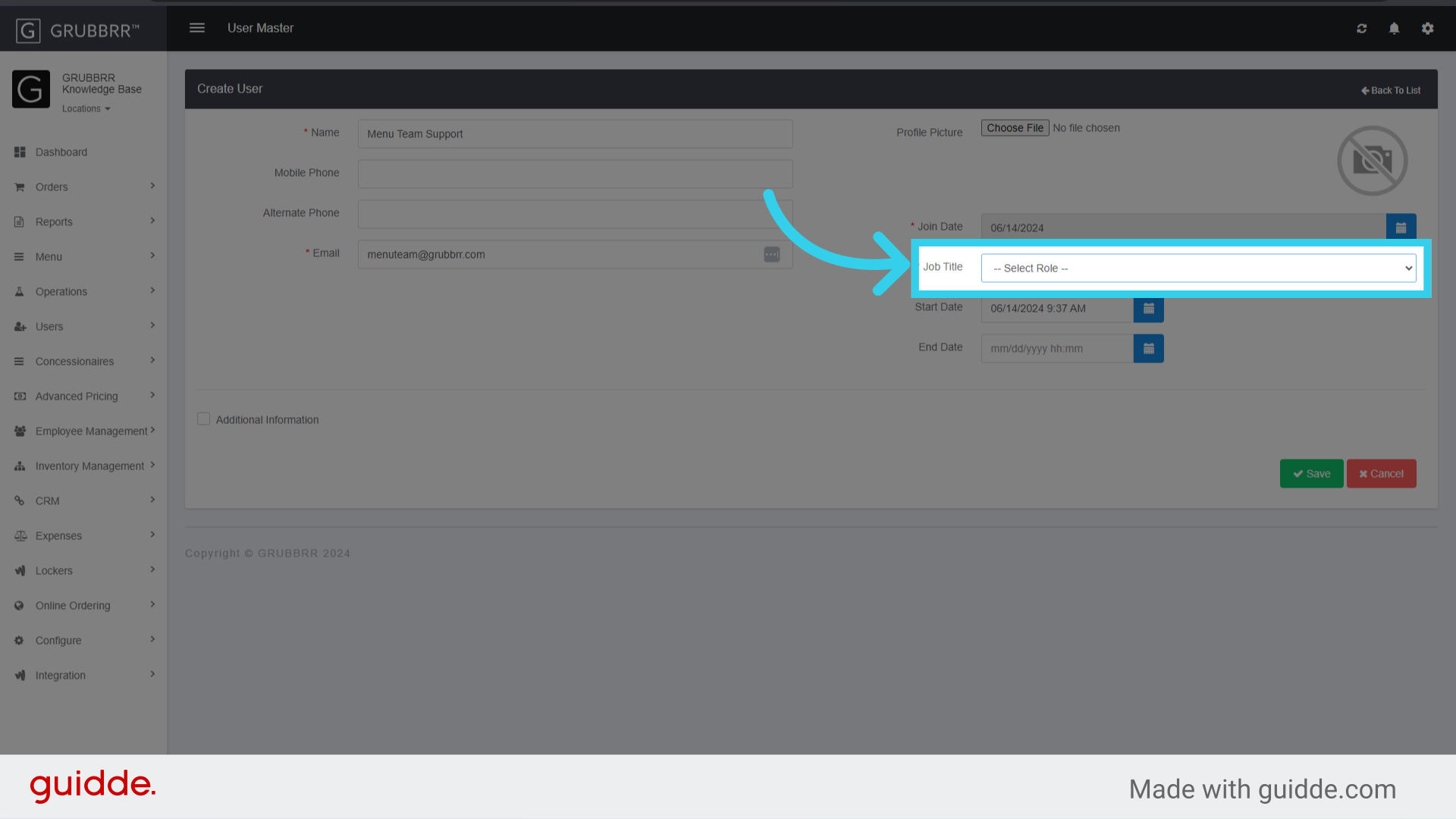
6. Select the user's role from the "Job Title" dropdown
A user's role determines their access to your Portal; these can be configured separately through the role master.
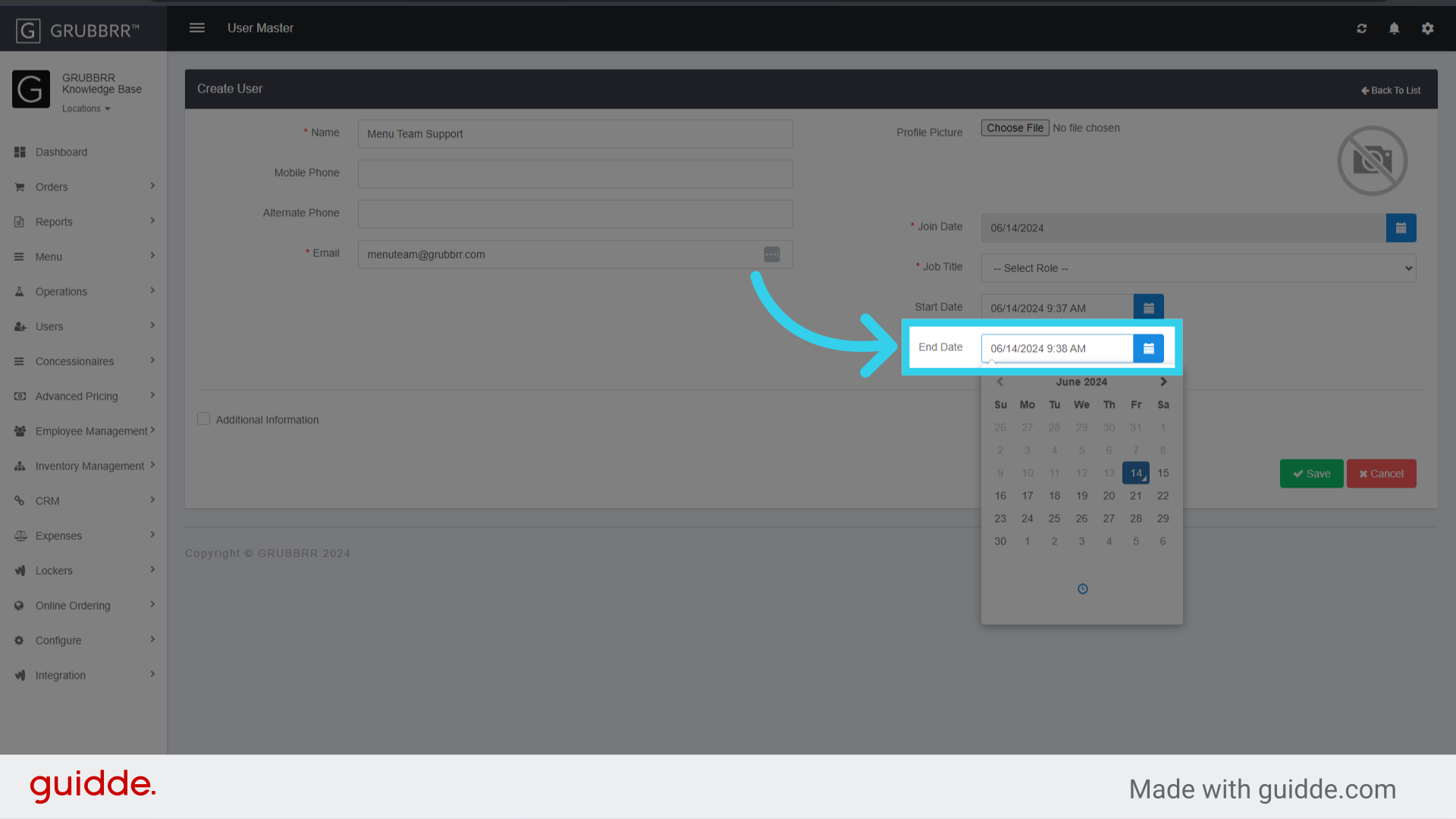
7. Assign a start date when the user will gain access to the GRUBBRR Portal

8. Assign an end date when the user will lose access to the GRUBBRR Portal
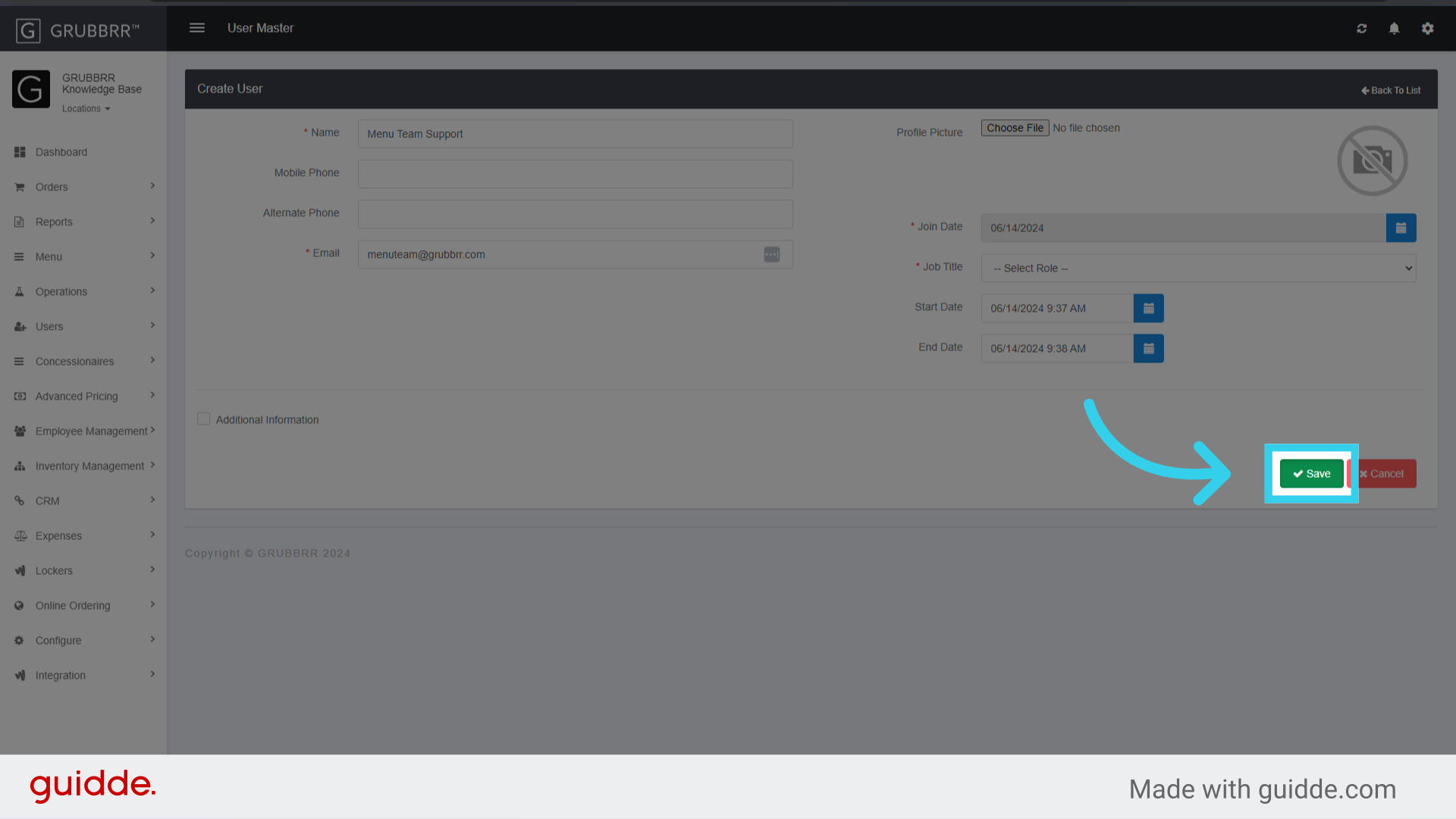
9. Click "Save"