How to Remove the "No Tip" option from Suggested Tips in the GRUBBRR Portal
Last updated: August 8, 2026
Can I remove "No Tip" as a preset tipping option on my Kiosk?
GRUBBRR's Tipping features allow guests to add tips to their kiosk orders using a slider, or by selecting from pre-set Suggested Tip Buttons. By default, all Kiosks include a "No Tip" option in these buttons; however, if you'd like, you can remove that as a suggestion. Please note that this doesn't require guests to leave a tip, it only removes the "No Tip" button from the pop-up.
To remove the "No Tip" suggestion from your kiosks:
1. Sign in to the GRUBBRR Portal at the Location level

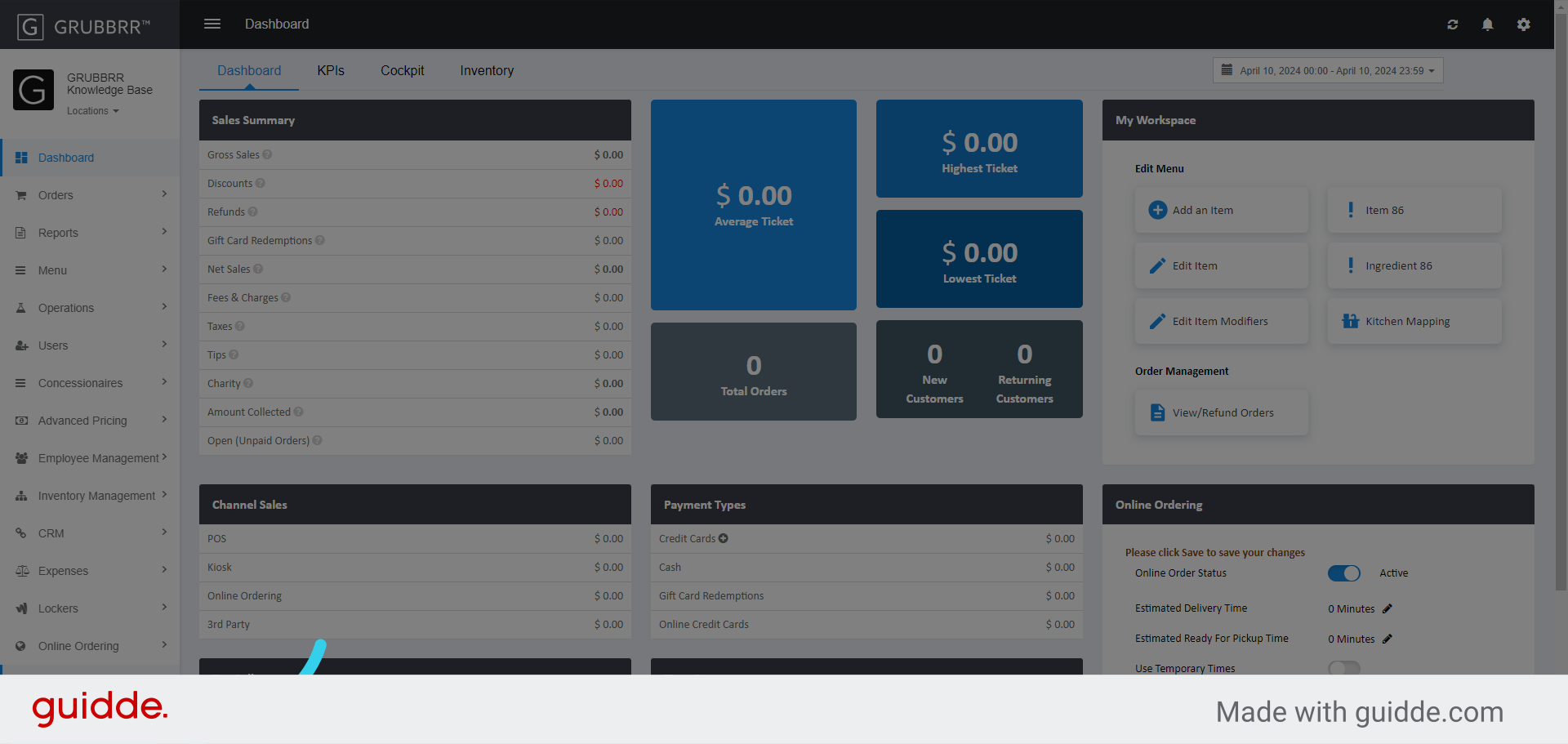
2. Click "Configure" in the left sidebar

3. Select "General Settings"
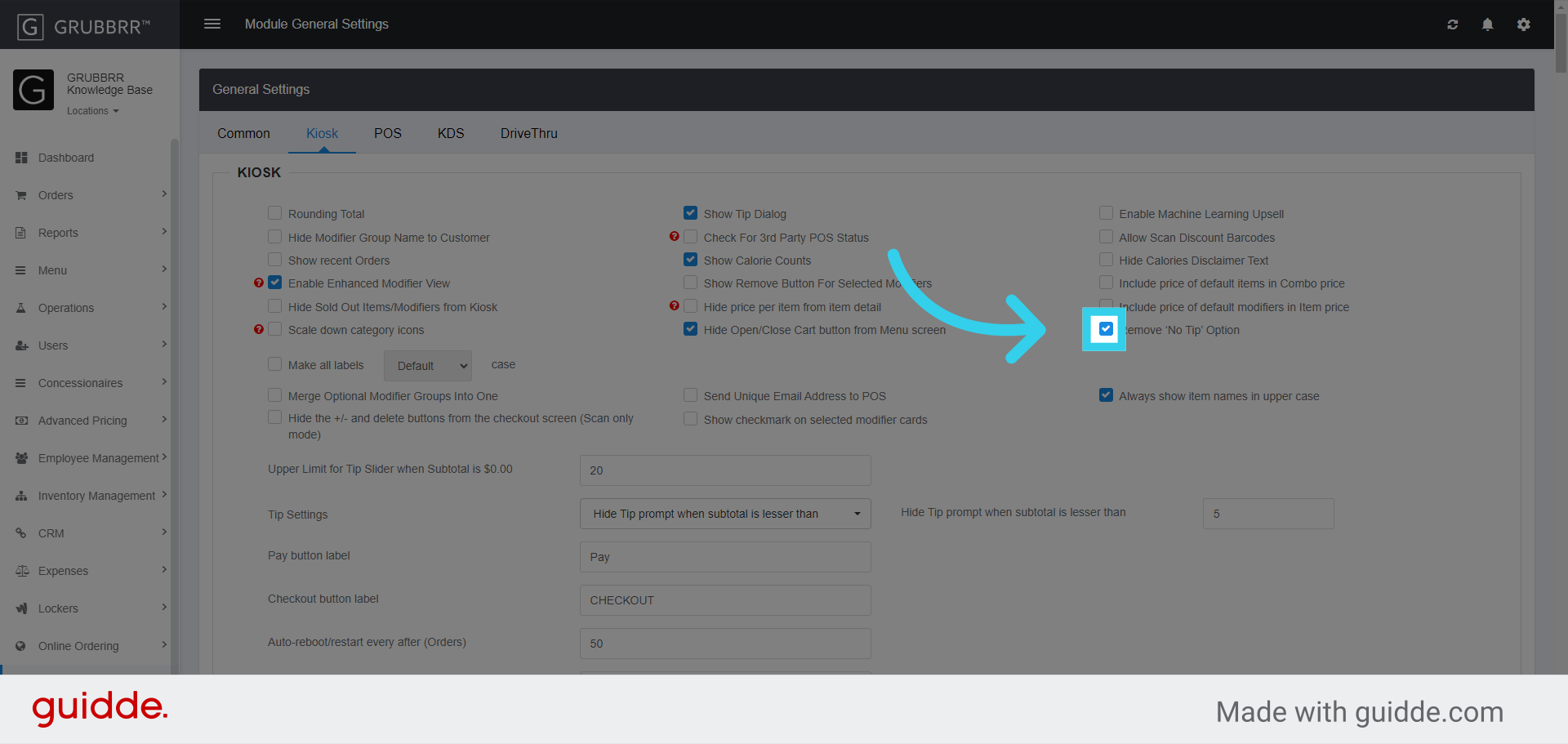
4. Navigate to the "Kiosk" tab

5. Enable "Remove 'No Tip' Option" flag
6. Click "Save" to apply your changes

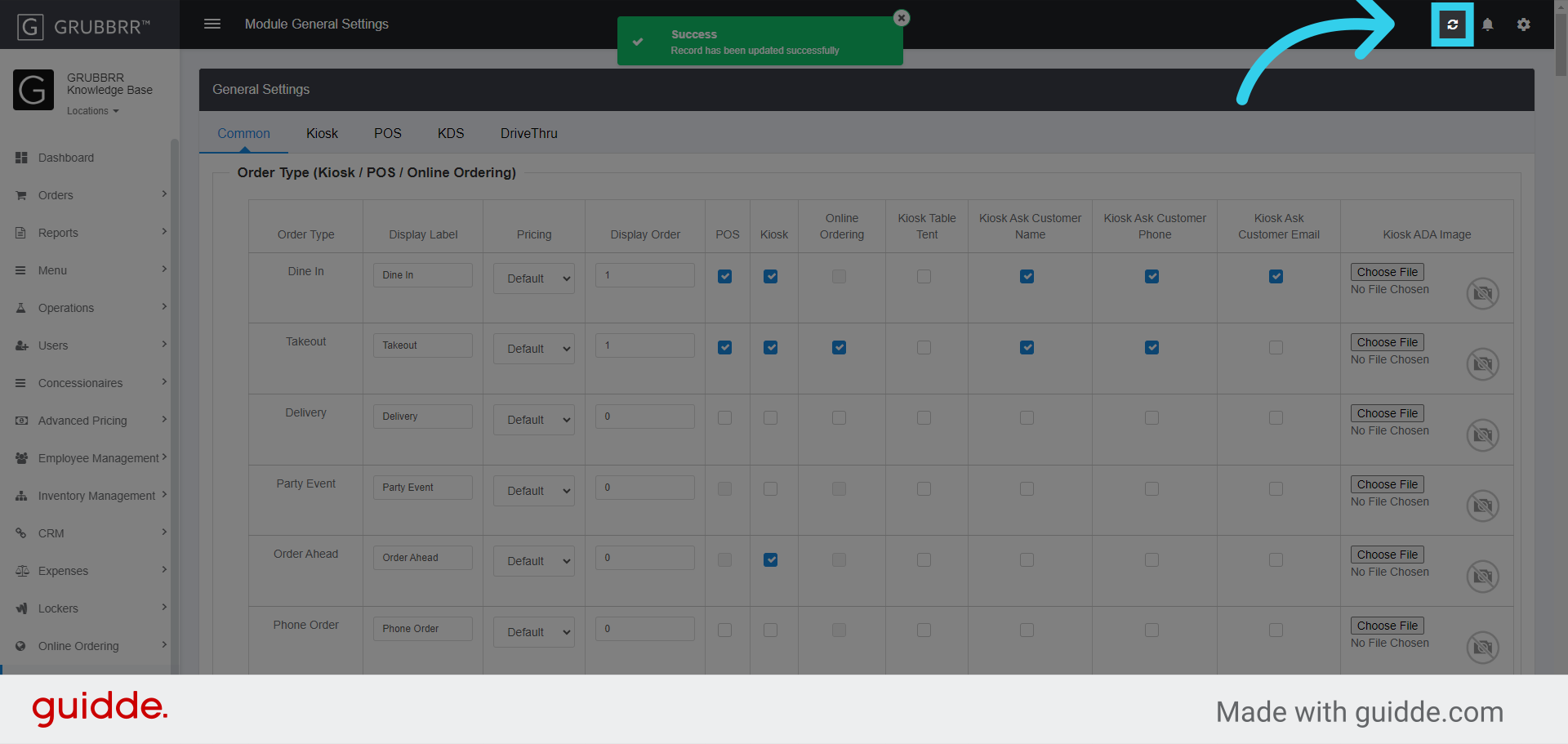
7. Click "Sync" to push the new configuration to your Kiosk