How to upload Custom Fonts to the GRUBBRR Enterprise Console
Last updated: August 8, 2026
Can I change the font of my GRUBBRR Kiosk Menu?
If a client wants to use a custom/brand-specific font on their GRUBBRR Kiosk, we can upload it to the GRUBBRR Console and apply it to all kiosks in a location (or Organization, if the client is using ECM controls). Any fonts we upload must be in WOFF, WOFF2, OTF, or TTF format. To upload a custom font:
1. Click "Kiosk Settings"

2. Click "Appearance"

3. Click "Fonts"

4. For best results, we should upload separate Regular...
Upload your custom font file.
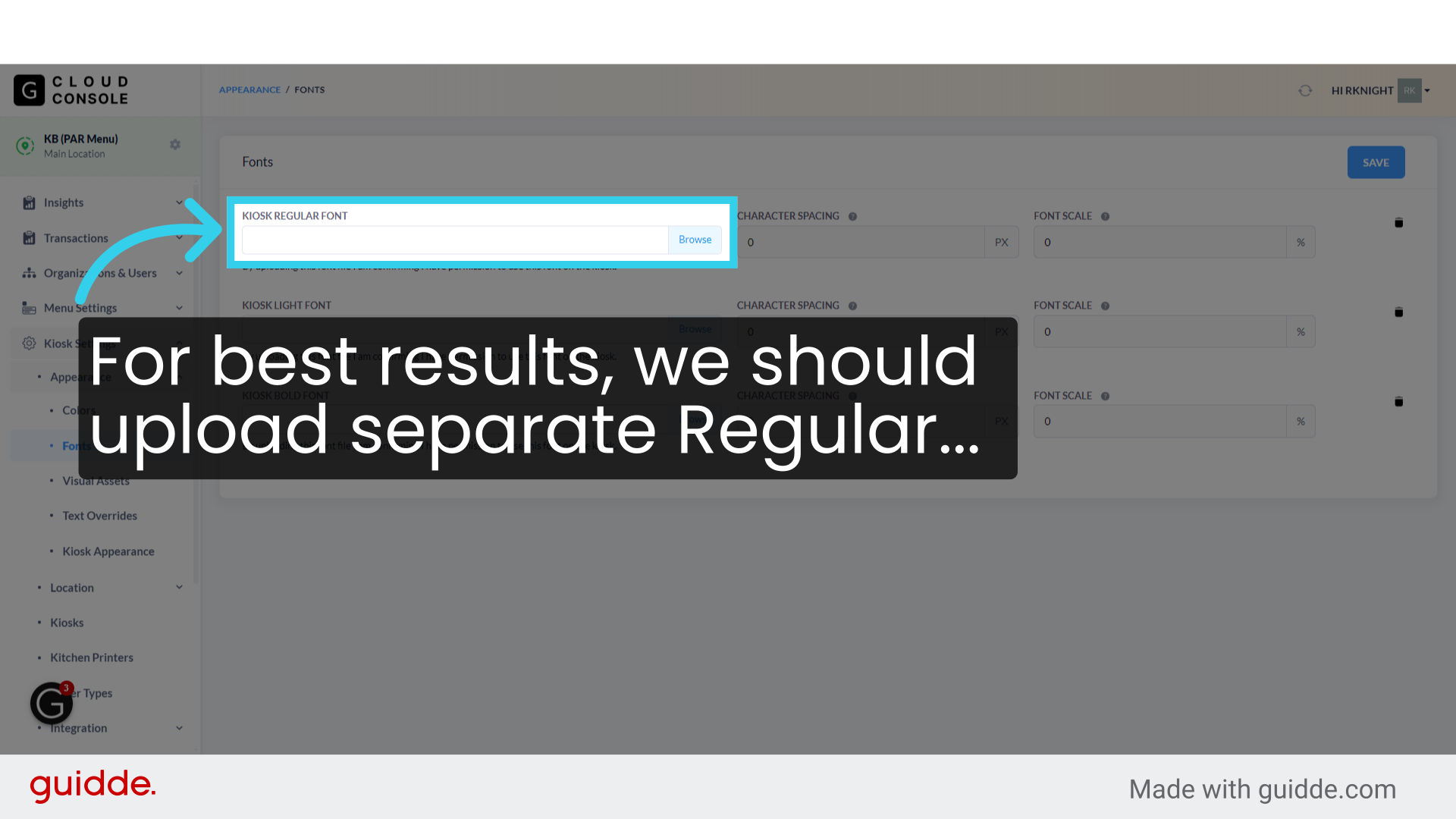
5. ... Light...

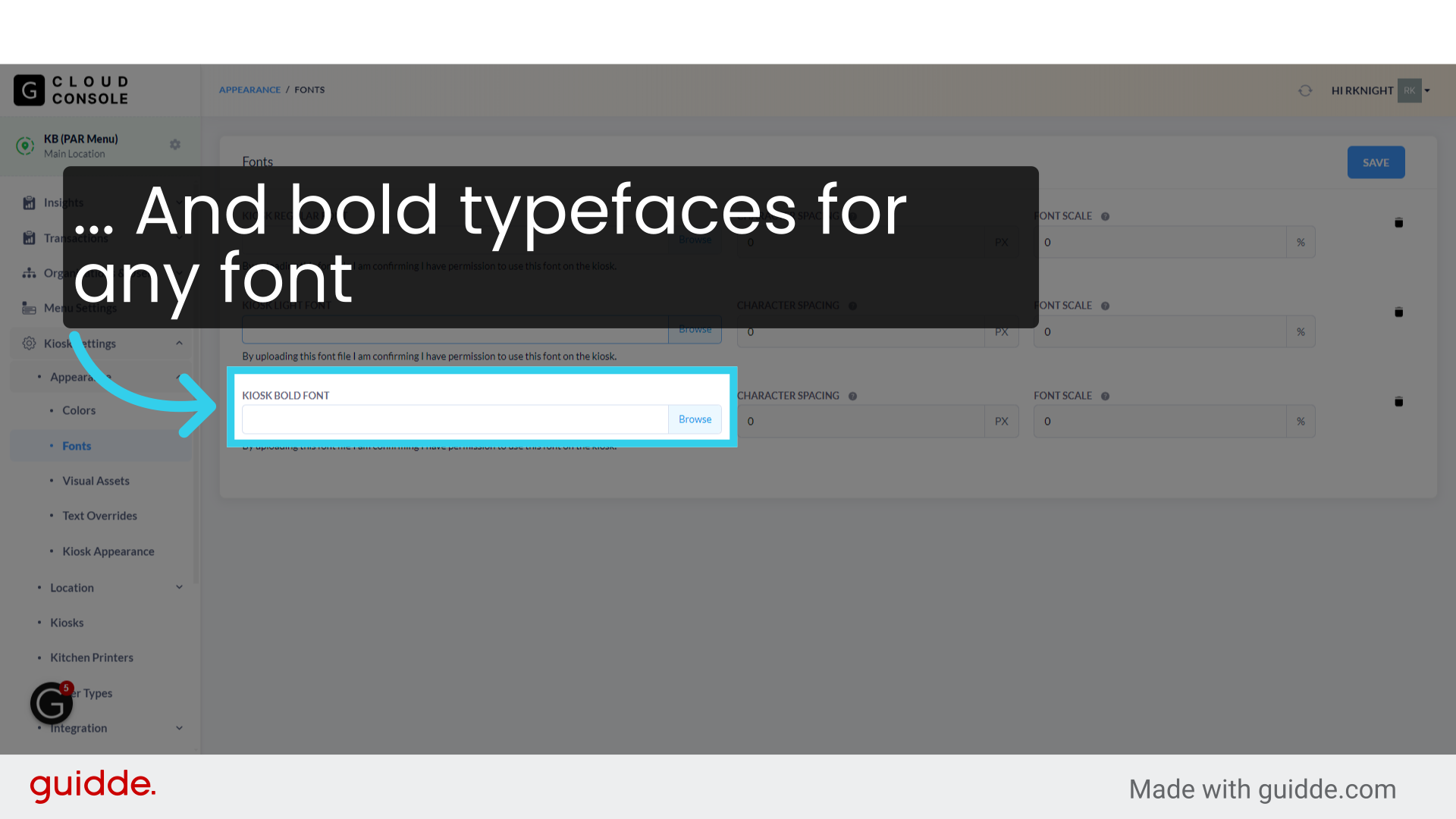
6. ... And bold typefaces for any font we want to use
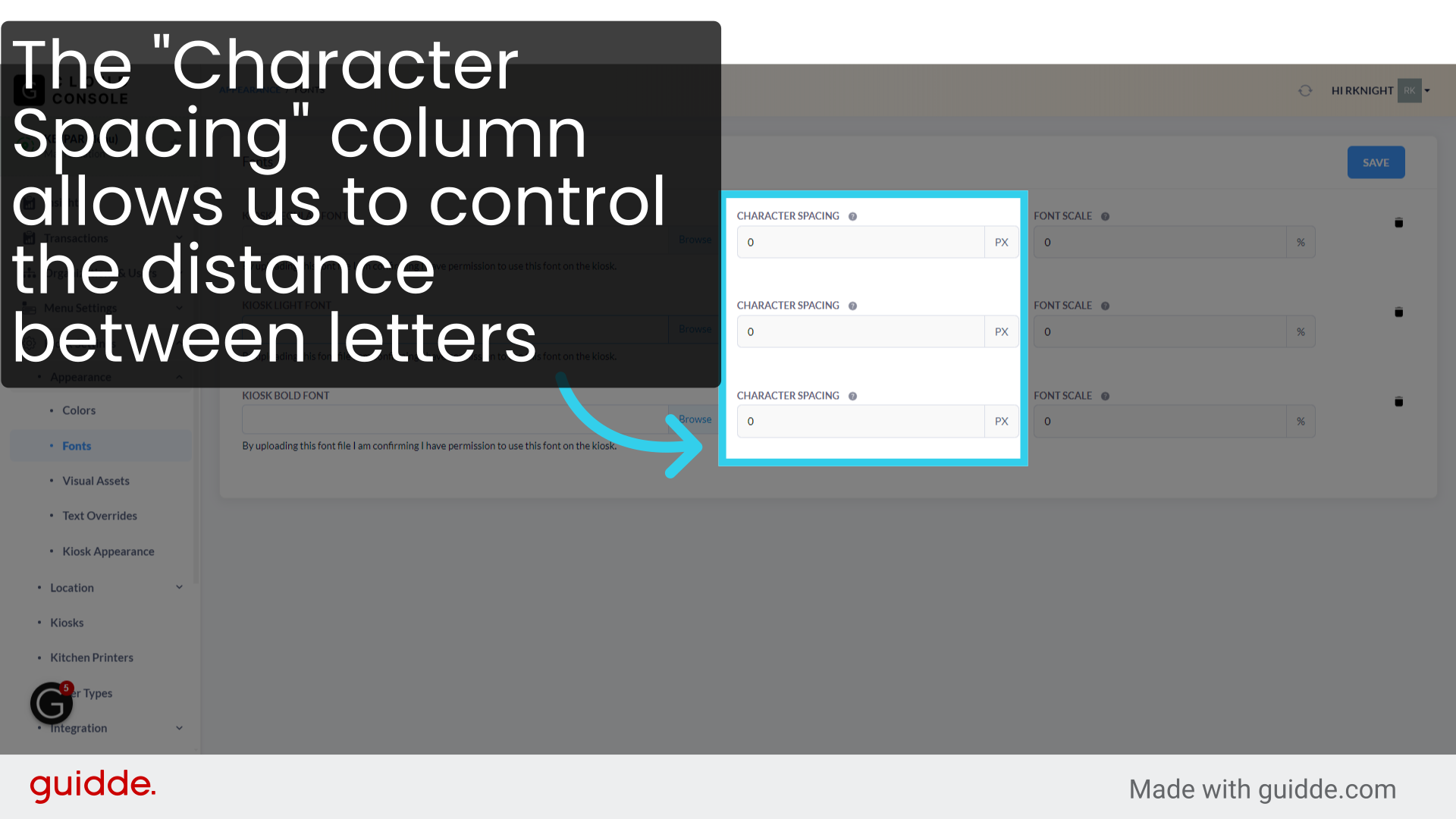
7. The "Character Spacing" column allows us to control the distance between letters
Character spacing is measured in pixels
8. And "Font Scale" lets us increase or decrease the font's size
For this field, we need to values relative to the default of "100%"- i.e., 75 or 125- to decrease or increase the size

9. Click here to remove any uploaded font from the system

10. Once you've finished configuring the system, click "Save" to apply your changes
