How to Upload a Placeholder Image for your Kiosk Menu in the GRUBBRR Console
Last updated: August 8, 2026
Can I upload a single image as a "placeholder" for new menu items or modifiers on my Kiosk menu?
Some brands want to use a single placeholder image- such as a brand logo- for items and modifiers that don't have a unique image in the GRUBBRR Console. This helps create a consistent ordering experience aligned with each brand's unique identity at all times. For example, the menu below has a single placeholder image that's being applied for multiple modifier choices:

You can upload a placeholder image for all Kiosks at a location by following the steps outlined below.
Go to console.grubbrr.com
1. Click "Kiosk Settings"

2. Click "Visual Assets"

3. Scroll or search for "Default Item Image"
You can click on this field to upload a locally saved image from your PC.

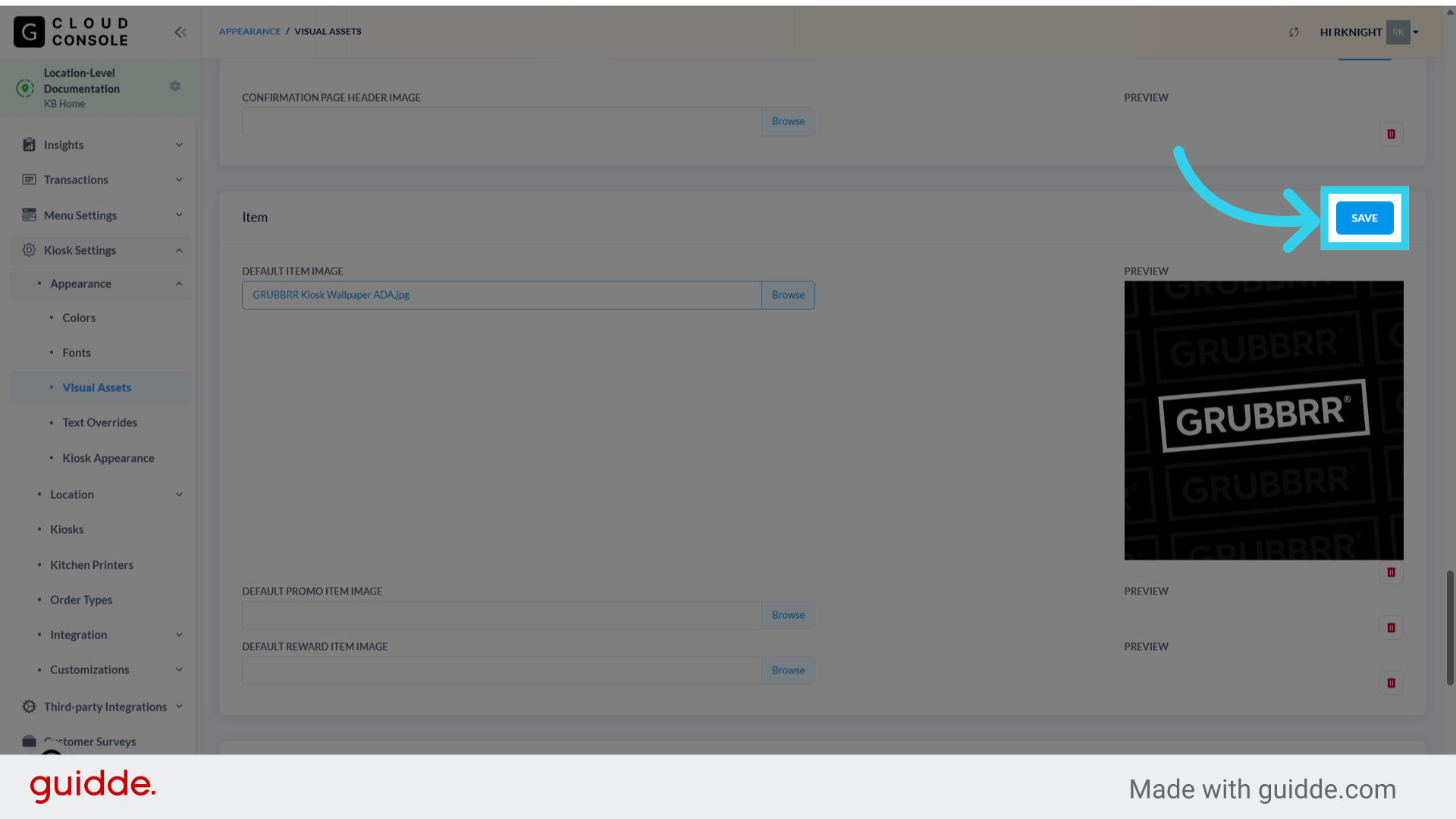
4. Click "Save" to apply your changes
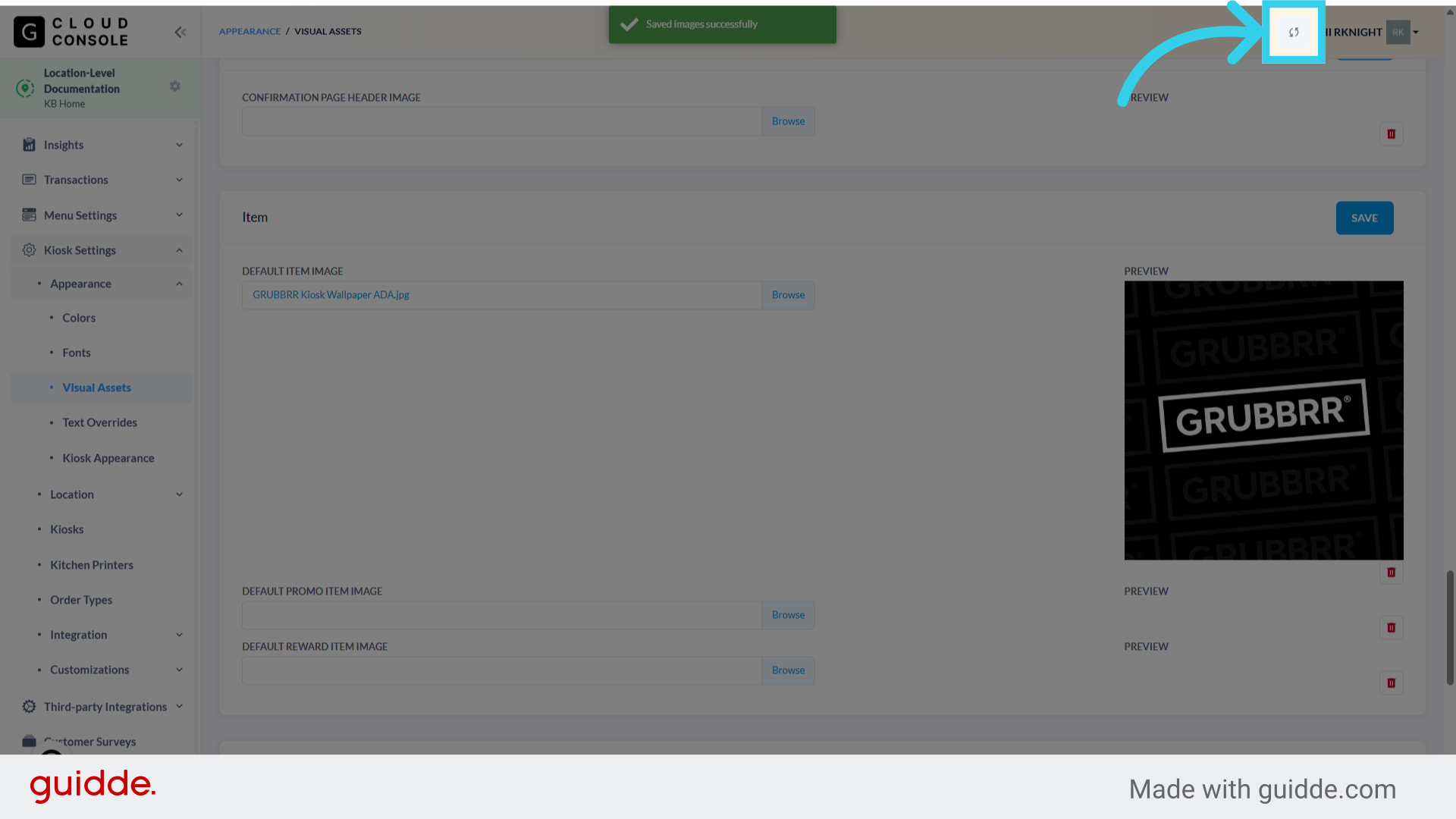
5. Remember to sync the changes to your Kiosk when you're done!