How to Quickly Edit Display Names for your Menu in the GRUBBRR Console
Last updated: August 8, 2026
I have to update display names across my entire menu- what's the most efficient way to do this?
If you need to update display names for menu items in bulk, you can do so through the Category, Item, Modifier, etc. tabs of the GRUBBRR Menu Manager. This makes it easy to apply changes across your entire menu, without needing to constantly move in and out of item detail pages in the Console. You can use this quick edit mode by following the steps below.
This feature functions with ECM and location-level controls; in this guide, we'll use location-level controls.
Go to console.grubbrr.com
1. Click "Menu Settings"
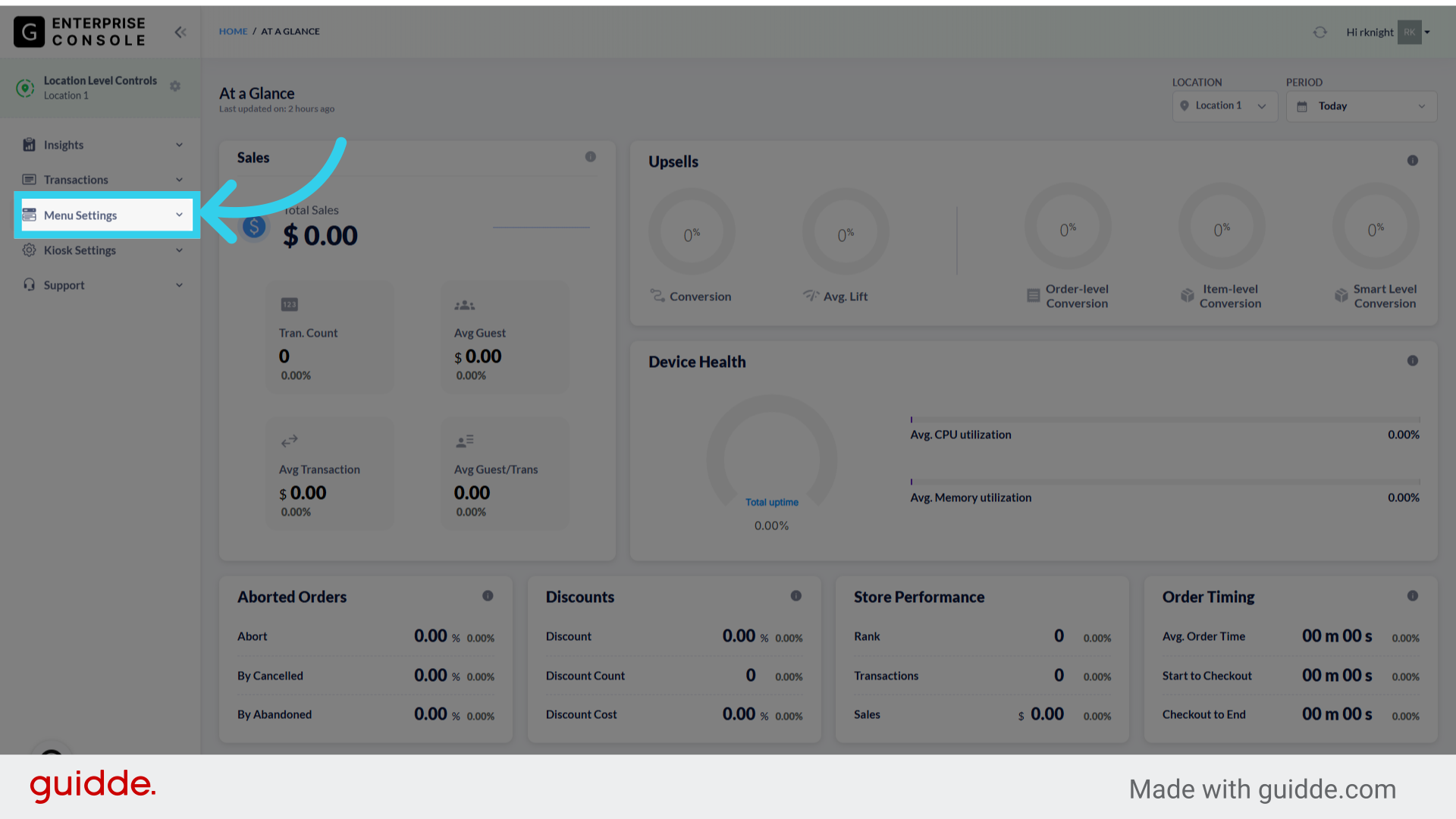
2. Click "Menu"

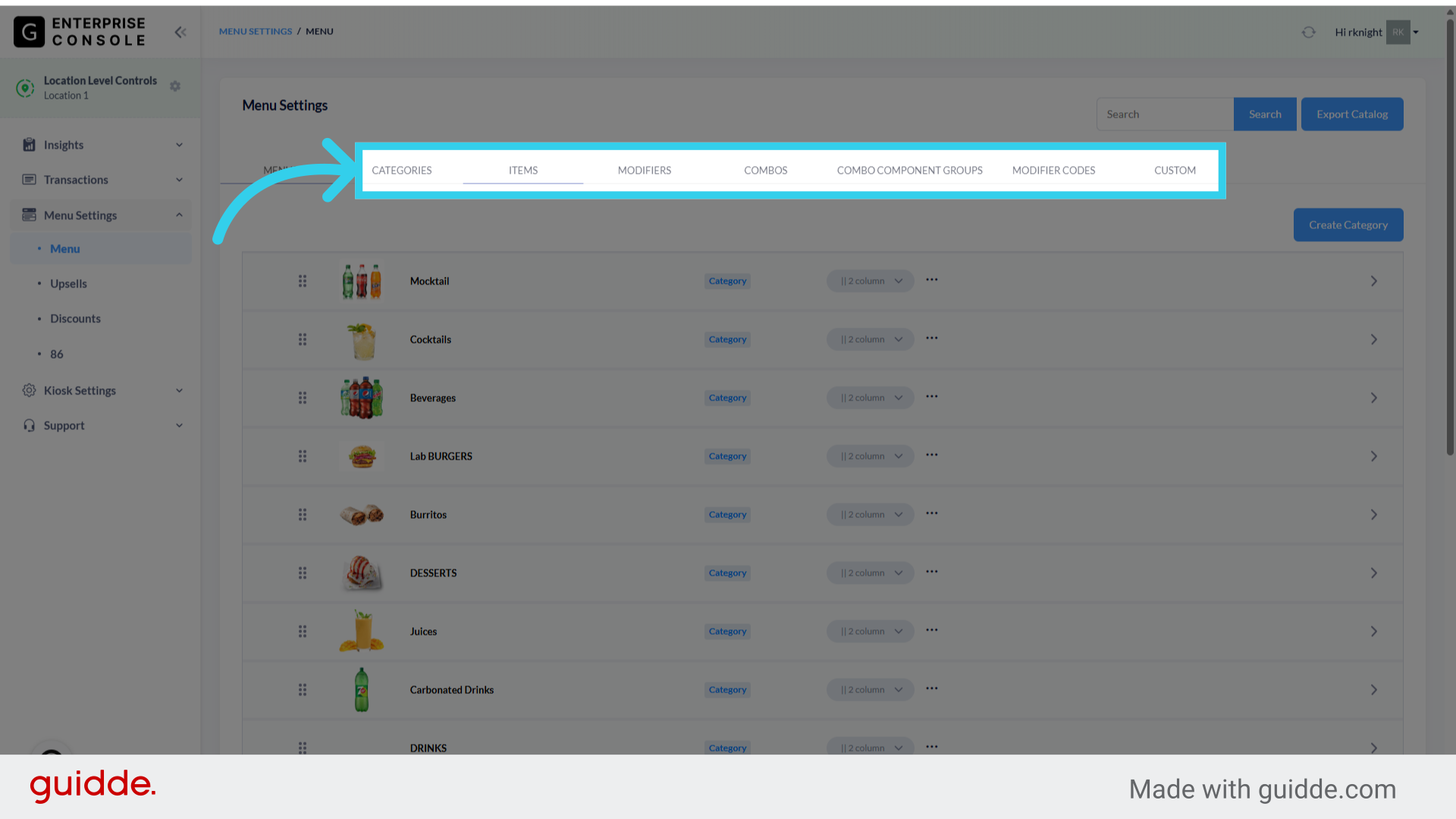
3. We can't update display names from the All-in-One Manager; instead, select the appropriate tab here
4. Find the item you want to update, then click on the Display Name column

5. Click "edit"

6. Enter the new display name in the field here
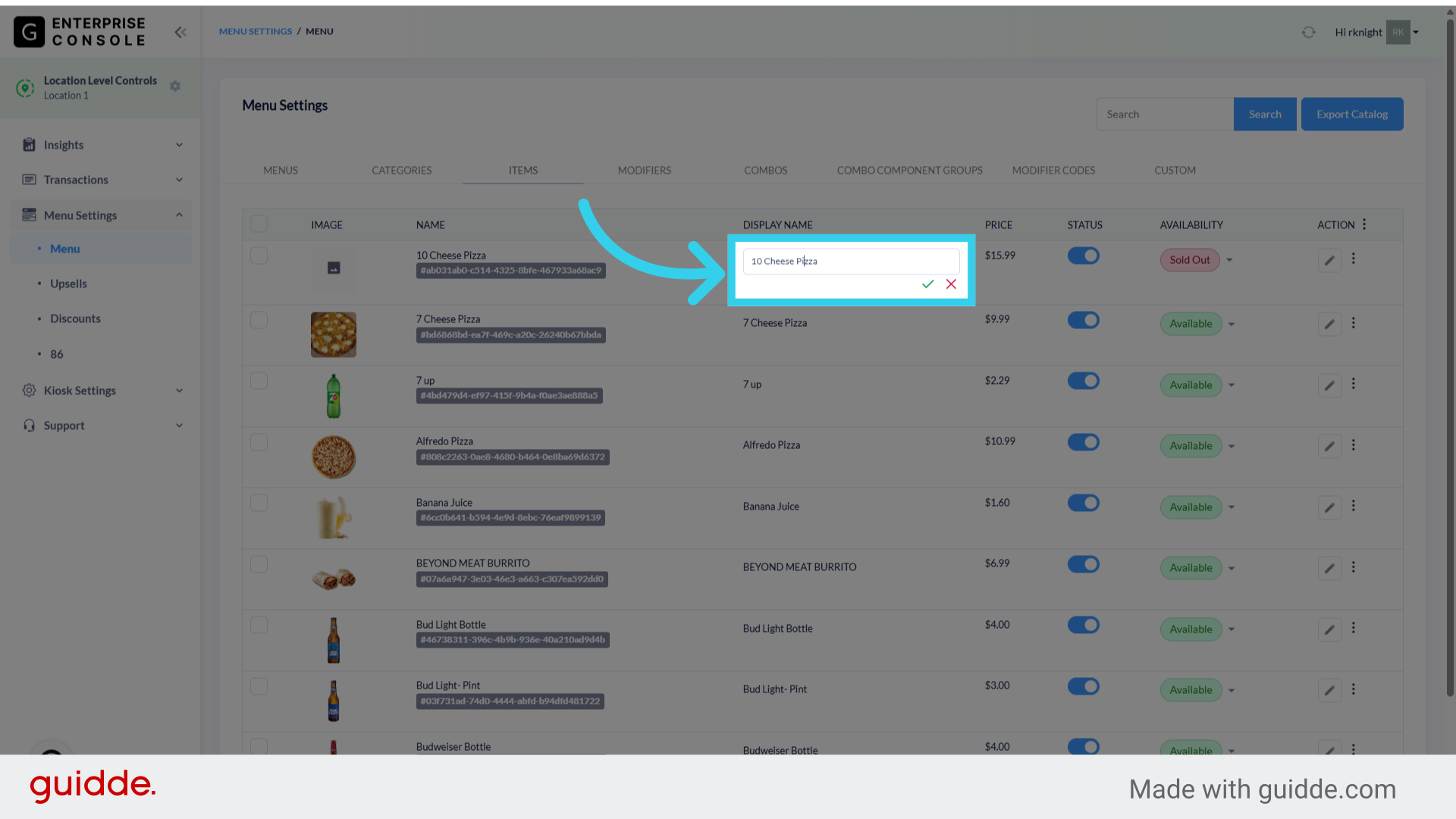
7. Click here to save your changes

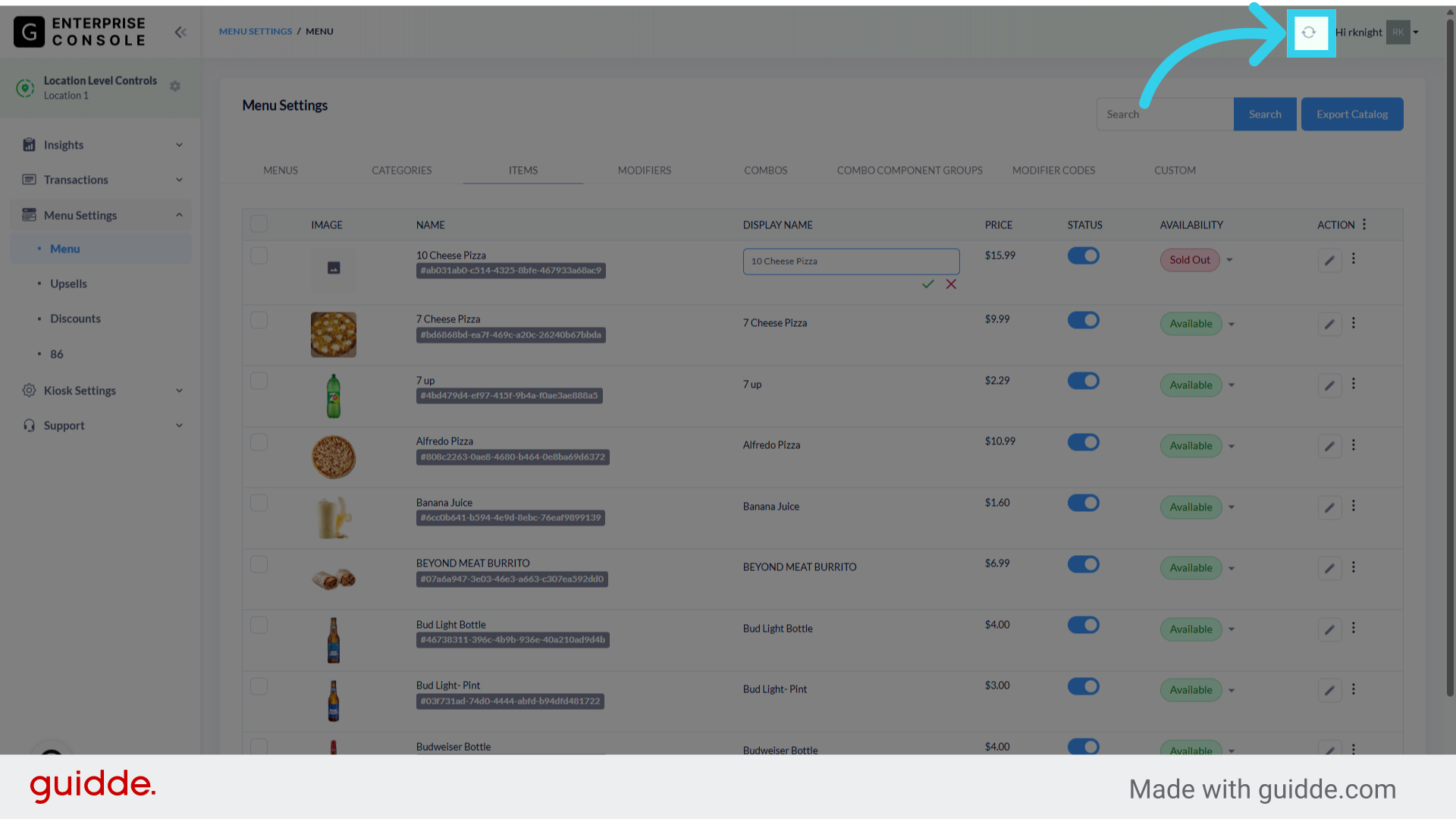
8. Remember to sync your changes to the Kiosk