How to use the "Order Promise Time" Feature in the GRUBBRR Console
Last updated: September 2, 2026
Promise Times are a kind of order throttling available to POS providers with an "auto-fire" logic for customer orders. Promised times are configured in the GRUBBRR Console; the POS will then send orders to the KDS based on built-in prep time rules. At this time, Toast is the only POS integration that supports Order Promise Times from the Kiosk.
Example: Client A has an item with a Promise Time of 20 minutes, and a Prep Time of 15 minutes. After the Kiosk submits the order, the POS will wait 5 minutes to send that order to the kitchen.
To configure order promise times for your Kiosks, sign into https://console.grubbrr.com and navigate to the location you want to update.
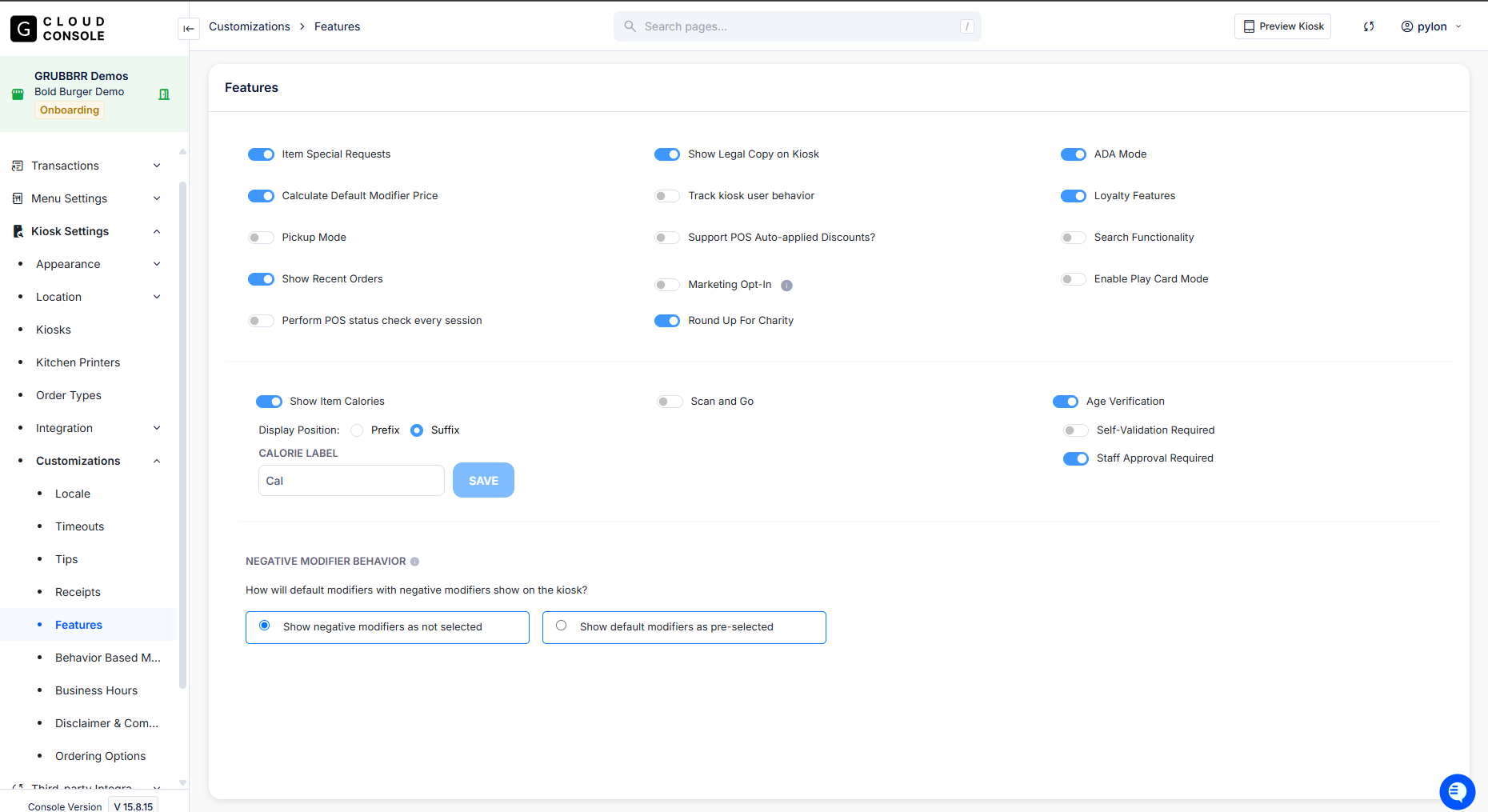
Click "Kiosk Settings" in the Console sidebar
Click "Customizations"
Click "Features"
Toggle "Order Promise Time" On
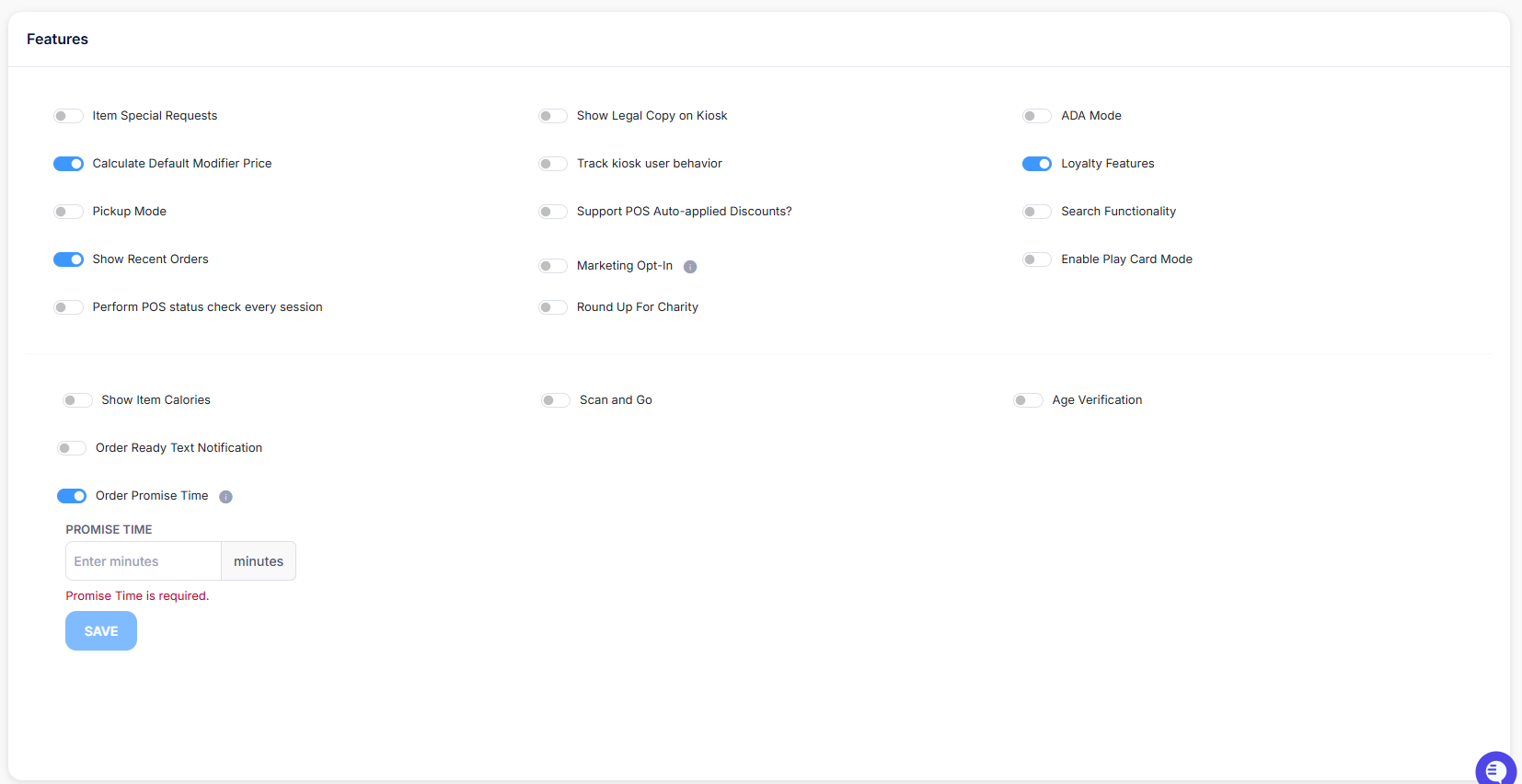
Enter the amount of time, in minutes, it will take for customers to receive their Kiosk orders.