How to Quickly Activate/Deactivate Modifiers in the GRUBBRR Console
Last updated: August 21, 2026
Not all modifiers from a POS are intended for a Kiosk menu. This may be because they are internal descriptors that the average user wouldn't understand, or they may make your Kiosk menu more complicated than you would like. Whatever the reason, you can easily activate or deactivate individual modifiers or entire modifier groups directly through the GRUBBRR menu manager by following the steps below.
This can be configured through ECM or location-level controls; in this guide, we'll show the location-level process.
Go to console.grubbrr.com
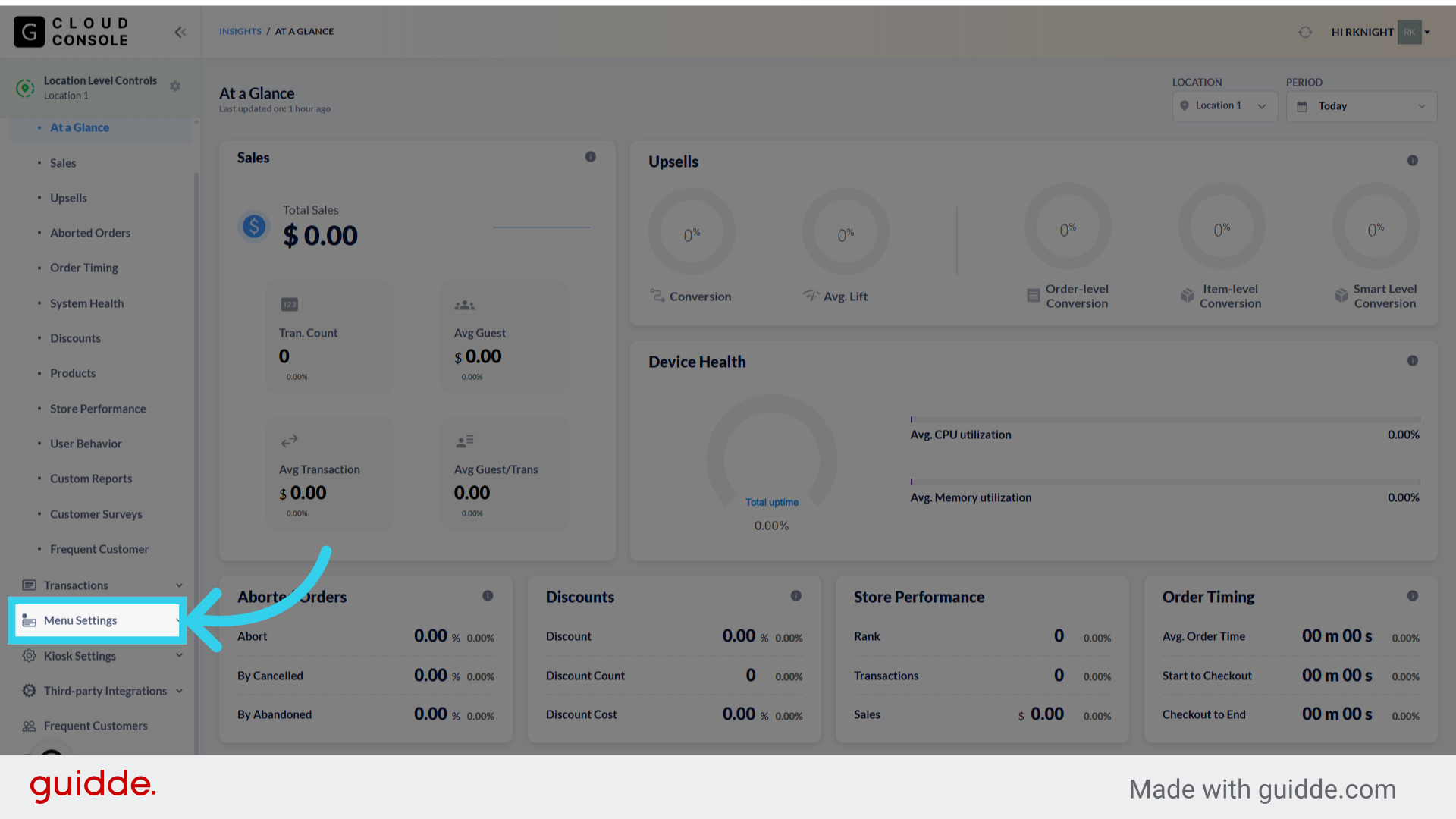
1. Click "Menu Settings"
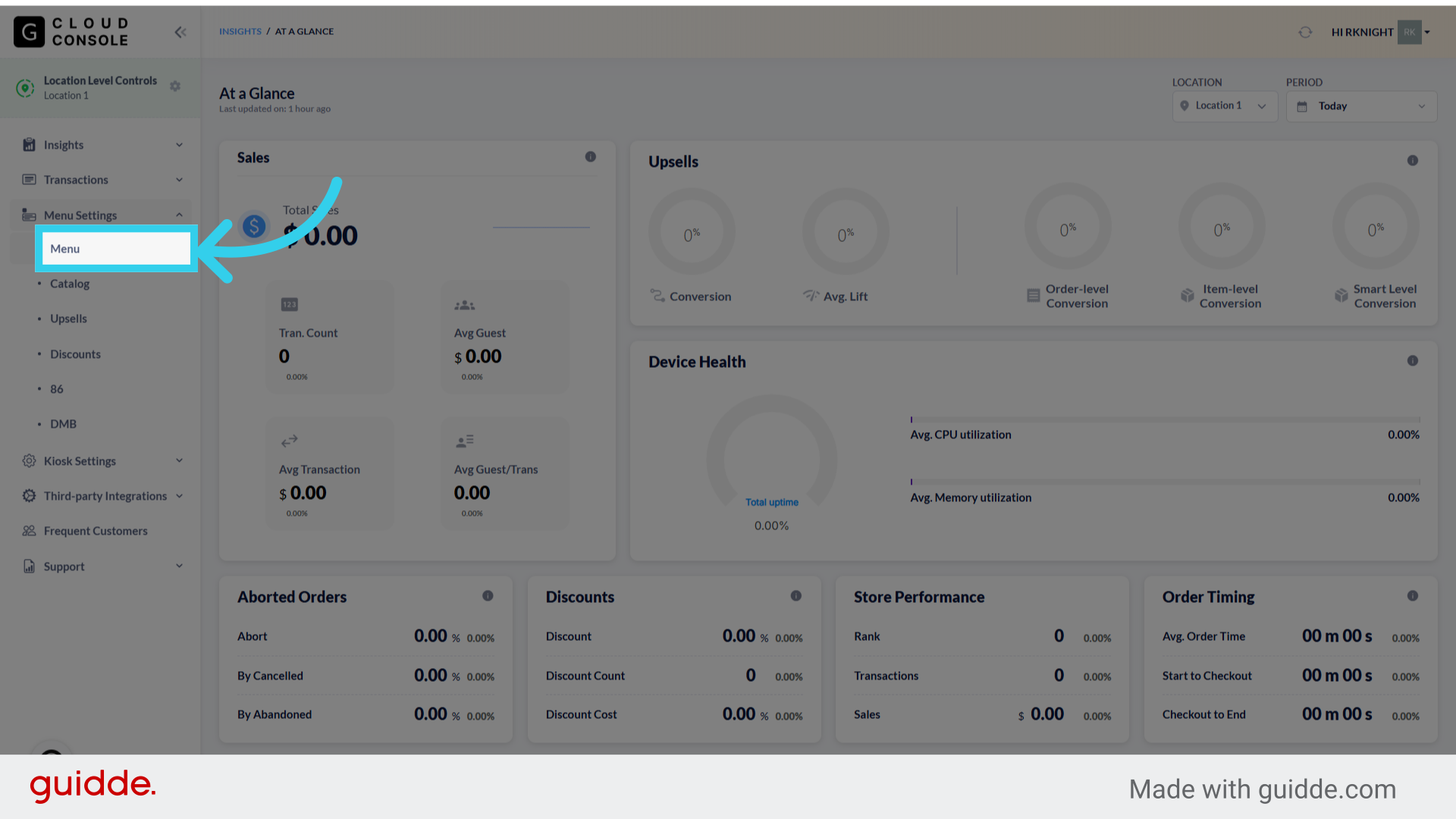
2. Click "Menu"
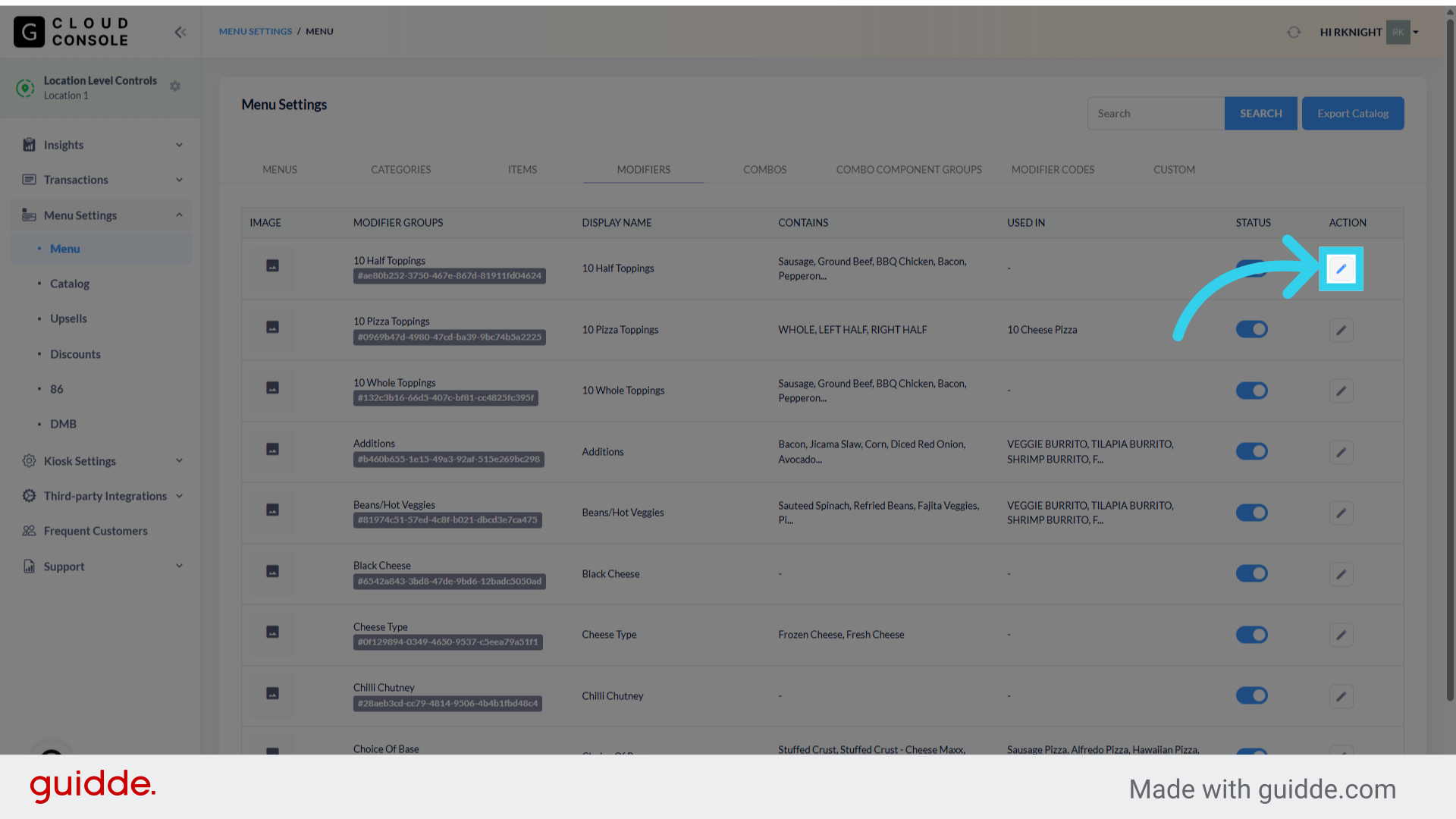
3. Click "Modifiers"

4. Select the Modifier Group you want to update and click "Edit"
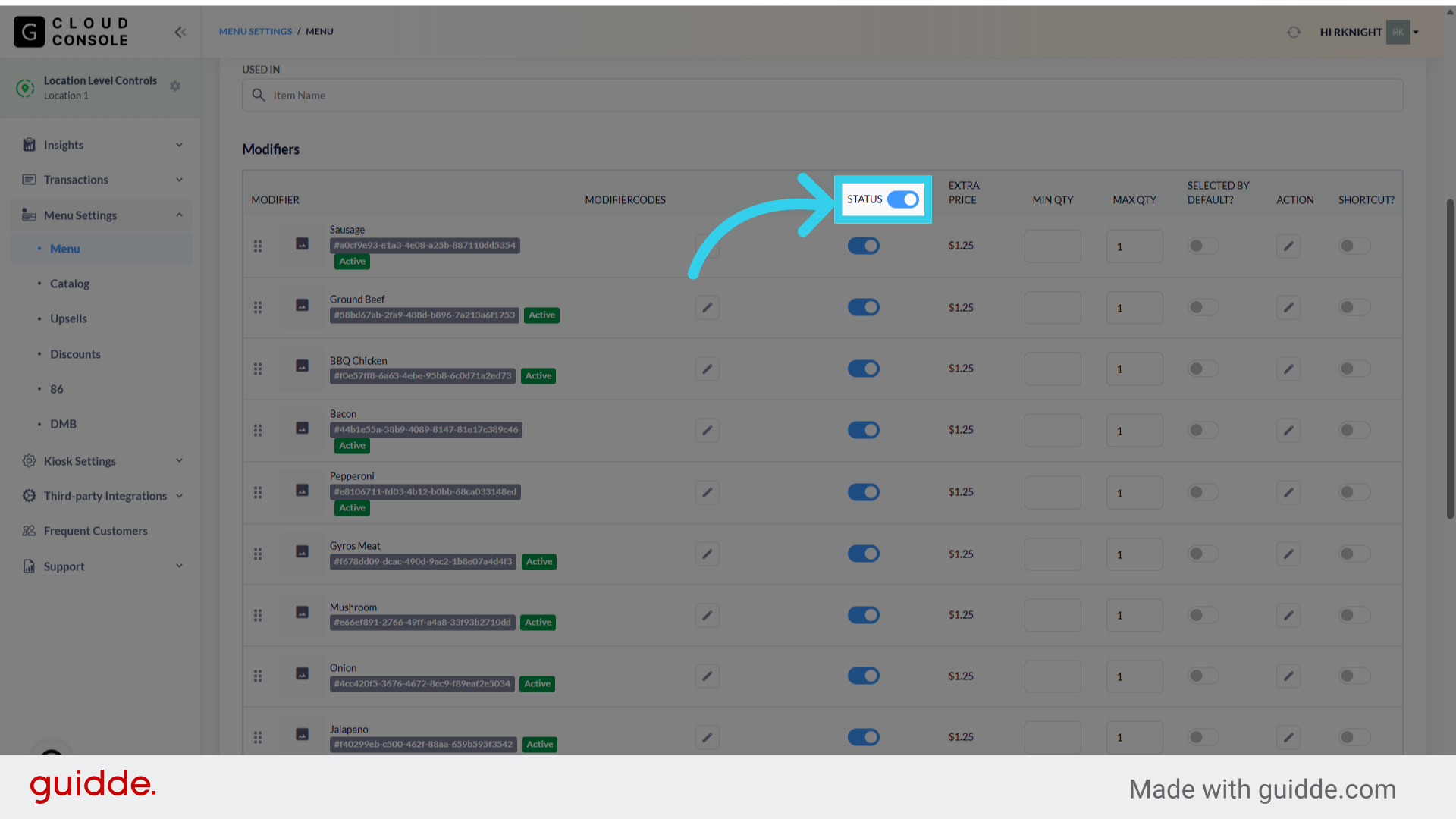
5. The "Status" column allows us to quickly activate/deactivate the entire modifier group

6. When the toggle is blue, all of the modifiers are active

7. When the toggle is grey, all modifiers are inactive

8. We can toggle individual modifiers on and off within this column

9. Or we can toggle the entire group on and off at once