How to Configure Kiosk timeouts in the GRUBBRR Console
Last updated: August 8, 2026
Can I control how long my Kiosk waits for user inputs before canceling an order?
If desired, we can configure a client's Kiosk timeout settings through the GRUBBRR Console. There are two phases to a an order timeout on the Kiosk- first, a timeout "warning," which pops up a notification asking if the user is still there, and then an actual cancellation of the order. These can be configured at the location level by following the steps below.
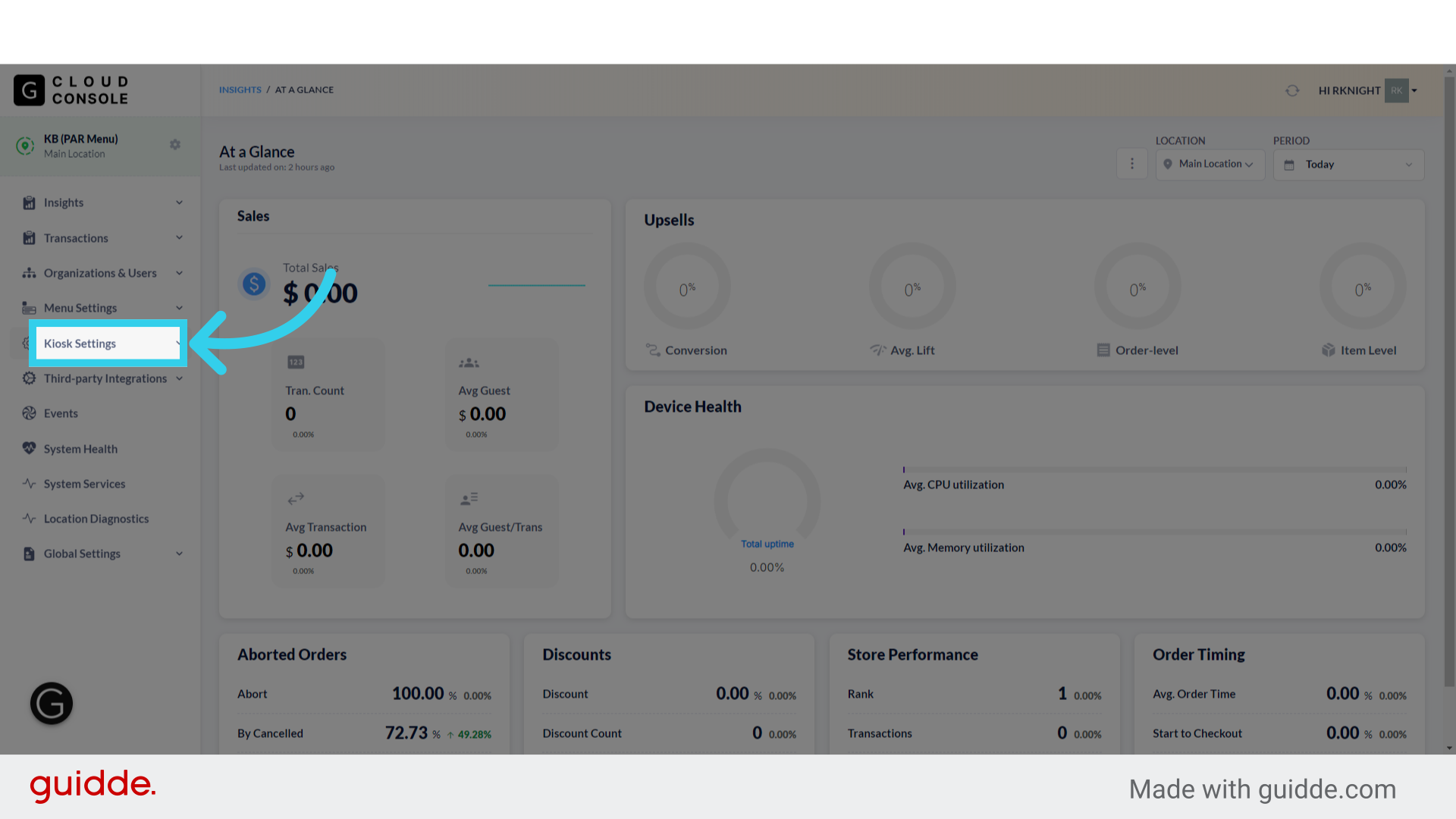
1. Click "Kiosk Settings"
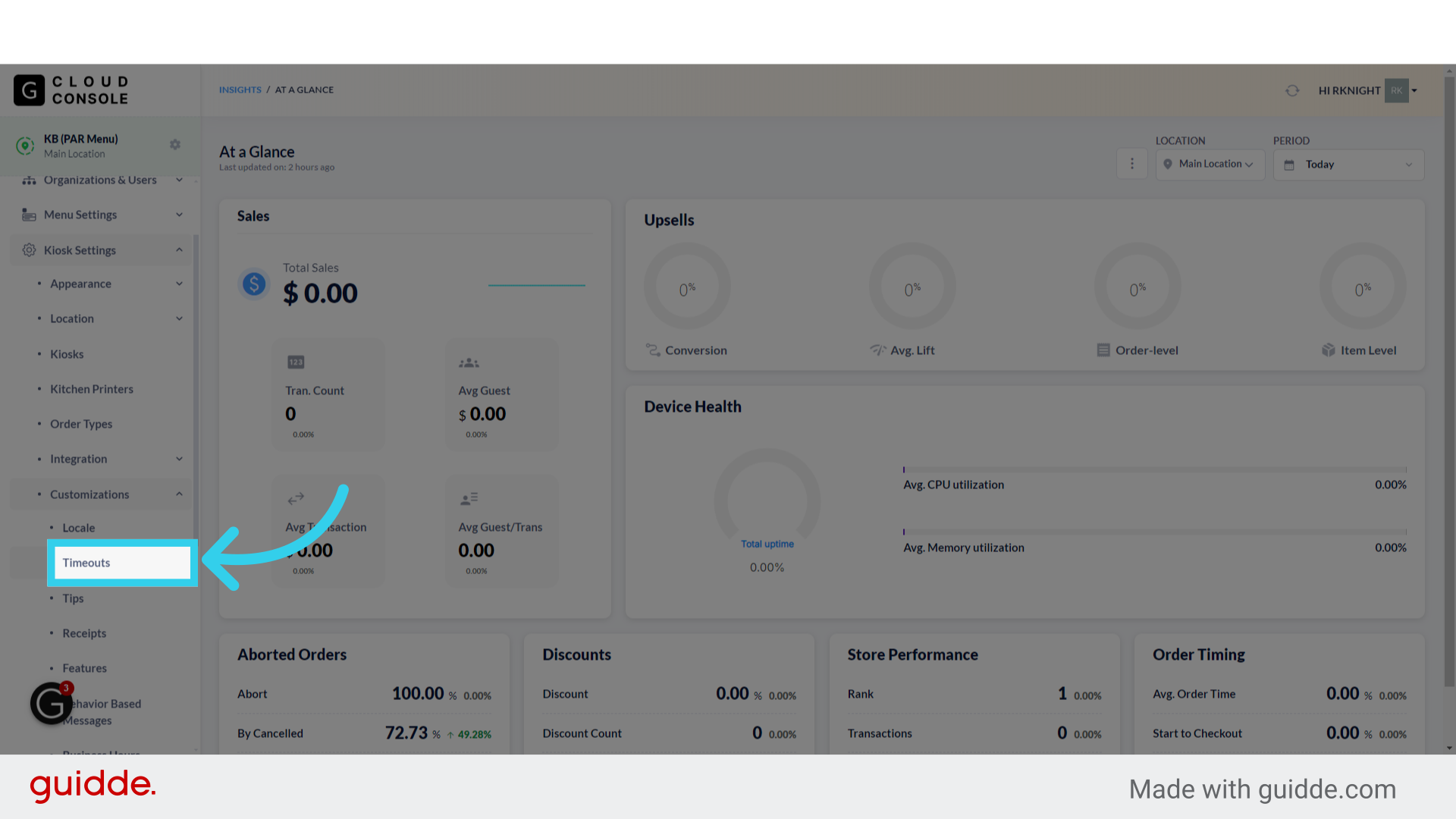
2. Click "Customizations"

3. Click "Timeouts"
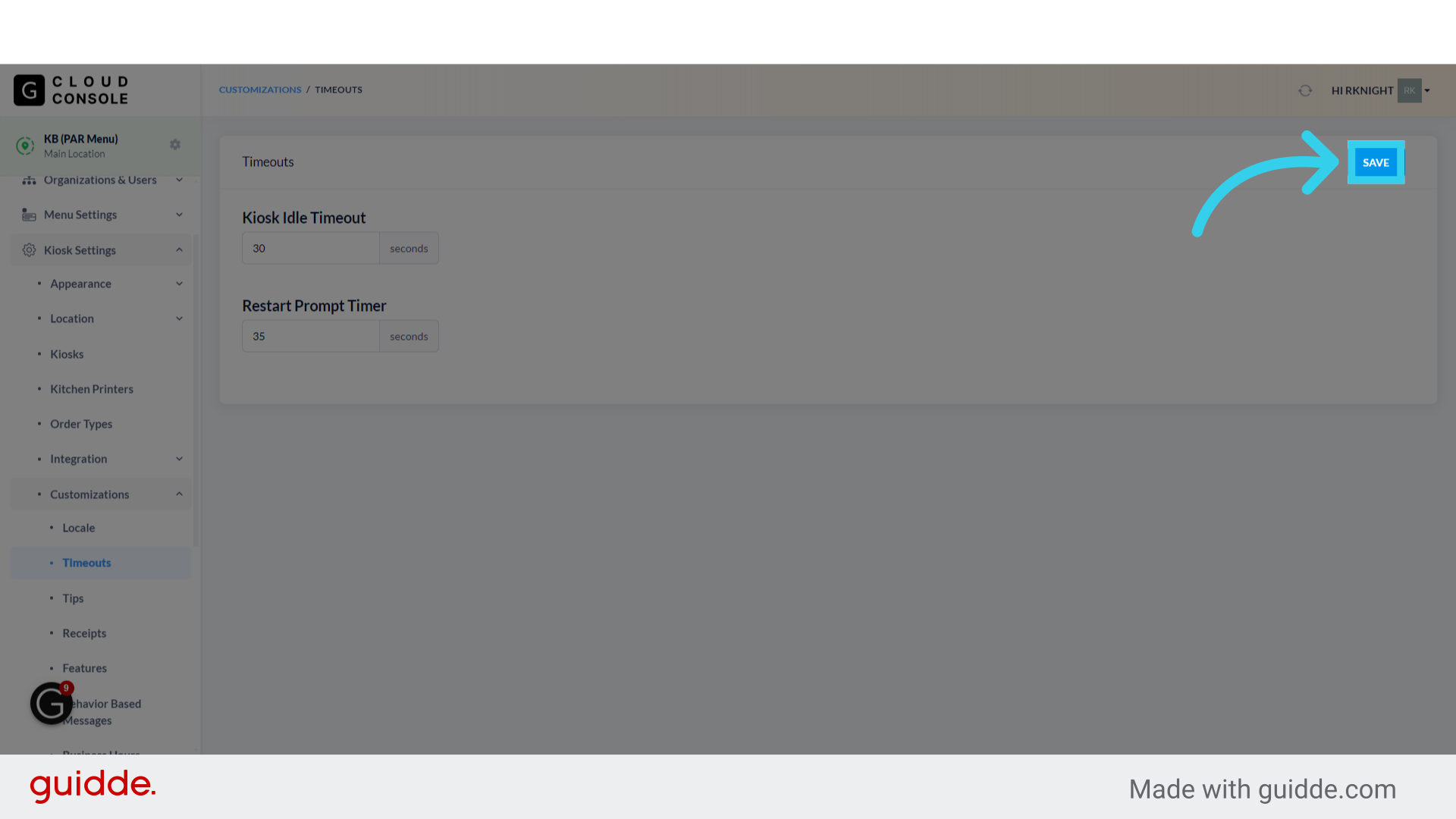
4. "Kiosk Idle Timeout" controls how long the system waits before displaying the order timeout pop-up

5. The "Restart Prompt Timer" setting controls how long the timeout pop-up remains on screen before the order is canceled

6. Click "Save" to apply your changes