How to change the text on Order-Level Upsell Prompts for Android Kiosks in the GRUBBRR Portal
Last updated: August 8, 2026
Can I change the text on the Order-Level Upsell pop-up on my Kiosk?
GRUBBRR's Order-Level Upsells feature is a valuable tool, offering your guests an additional, high-interest item at the end of the ordering process. If you're an Android Kiosk user on GRUBBRR version 11.1 or later, you can actually configure the text we display in the order-level upsell popup to better suit your brand's unique identity. To do so:
1. Sign in to the Portal at the Location Level

2. Click "Configure"

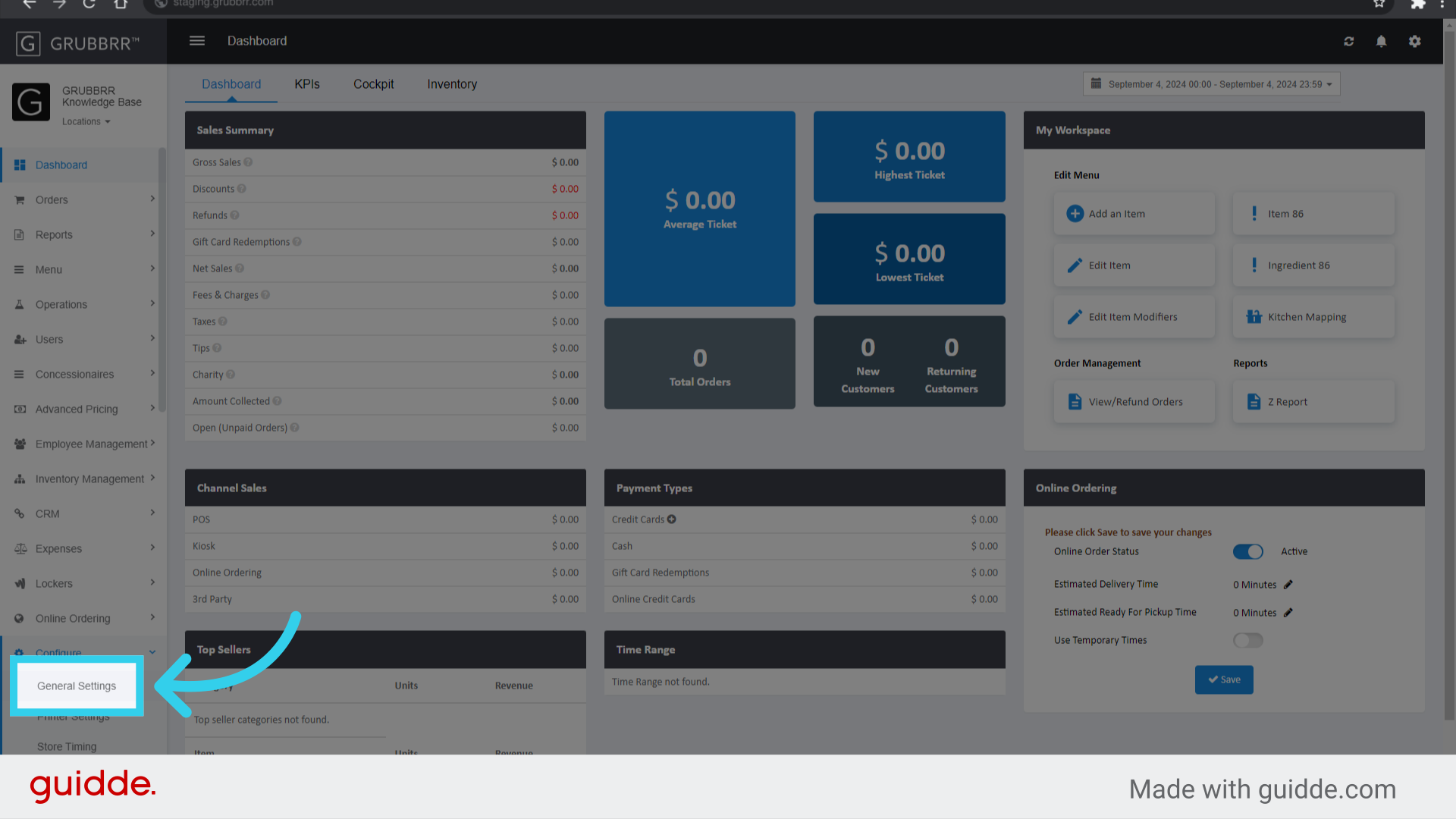
3. Click "General Settings"
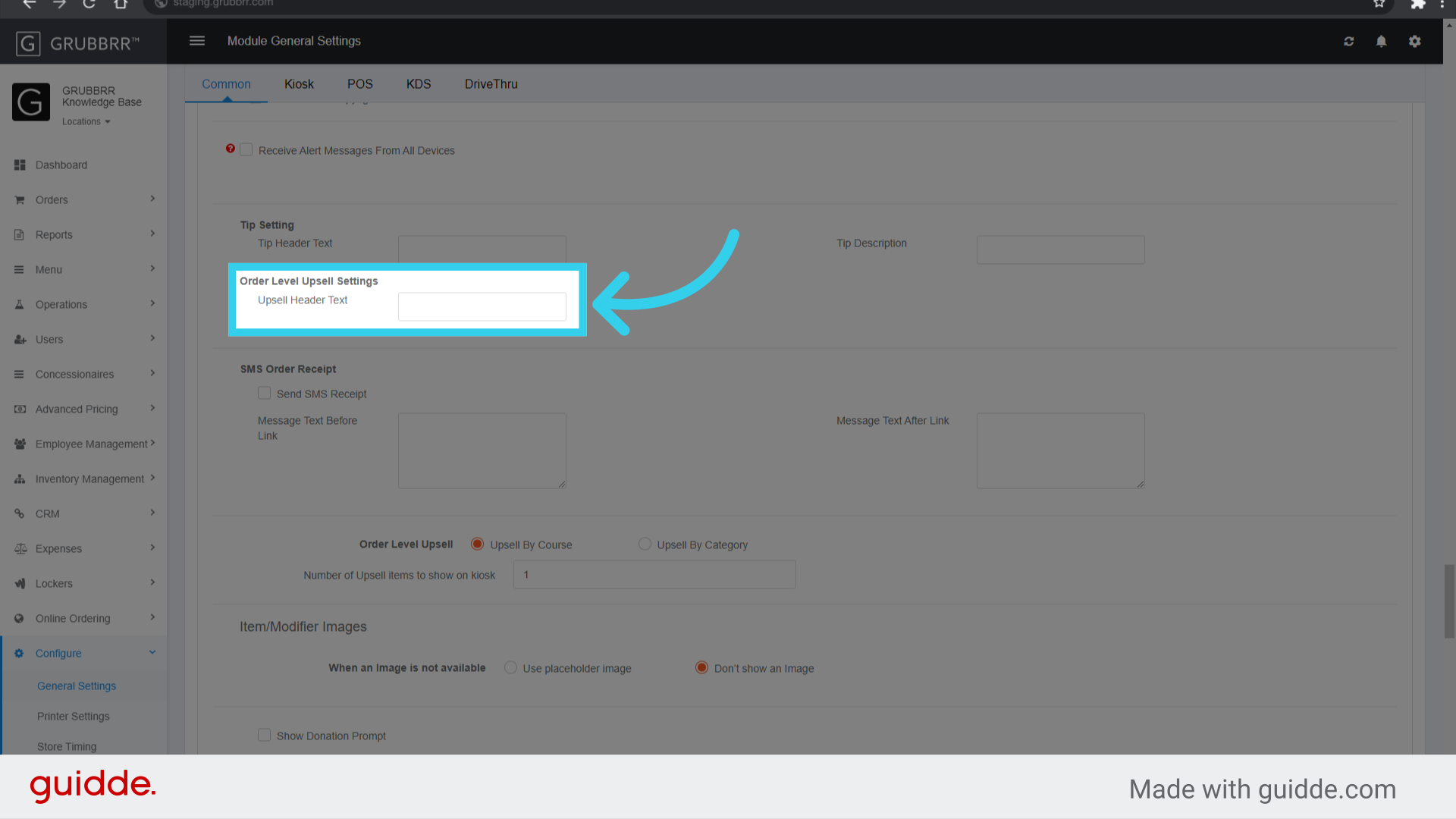
4. Scroll or search for "Order Level Upsell Settings" on the "Common" tab
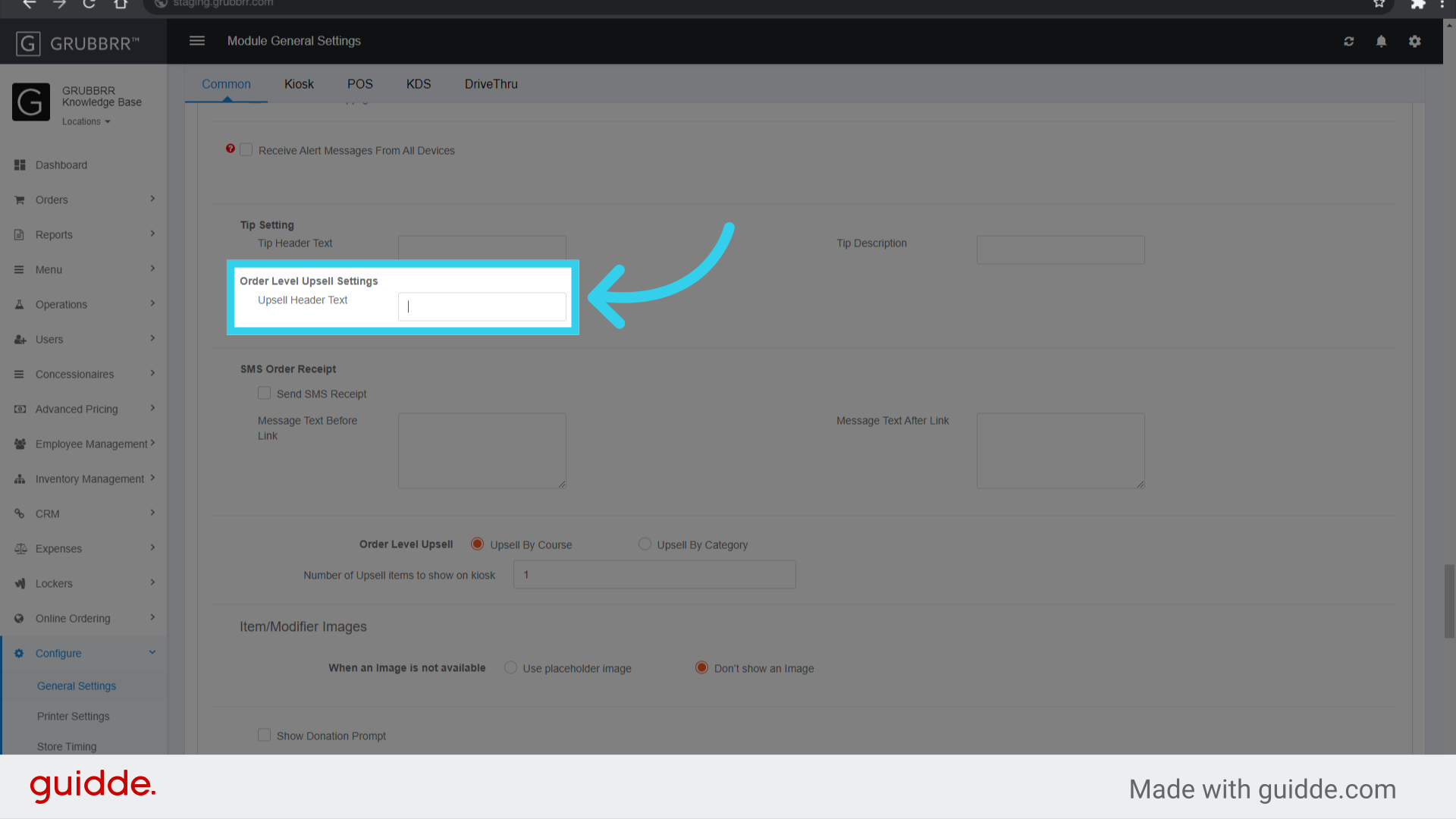
5. Enter your desired message
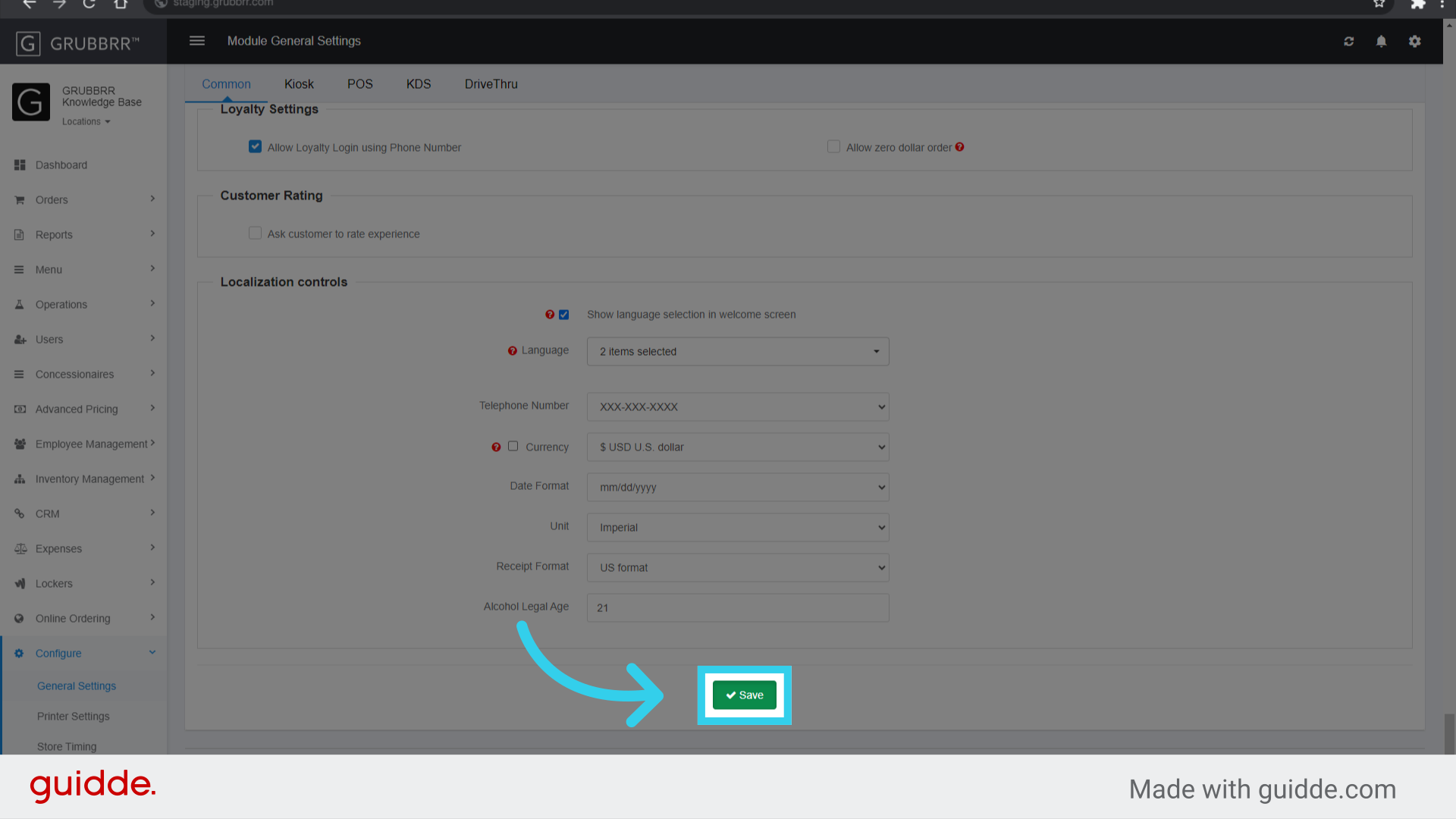
6. Click "Save"
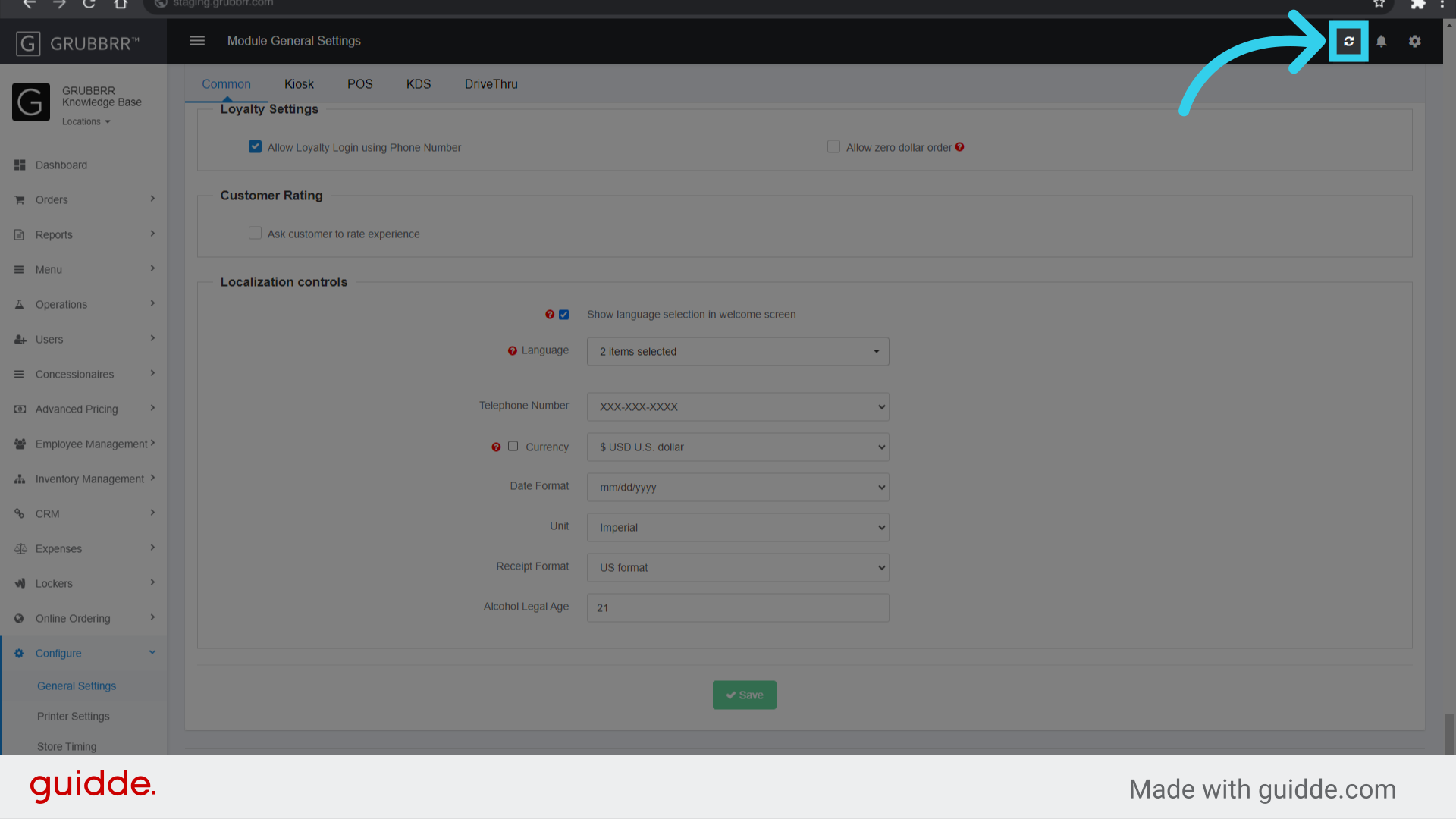
7. Click "Sync" to push your changes to the Kiosk